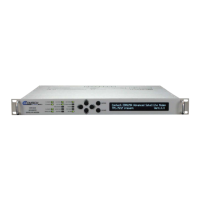
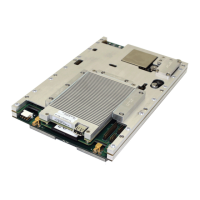
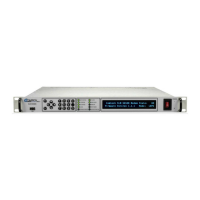
CDM-570A/570AL Satellite Modem with Optional Packet Processor
Revision 5
Ethernet-based Remote Product Management 7–21 MN-CDM570A
Features – Optional
• Chapter 5. FAST ACTIVATION PROCEDURE
•
Sect. 7.3 Admin | FAST Page
When an optional FAST feature is not available, its associated drop-down list
appears dimmed and is non-selectable.
Use the drop-down lists to set operation as Enabled or Disabled:
• L3/L4/L5 Rx Header Compression
• Vipersat Auto Switching
• VMS v3.x.x VIPERSAT Management System User Guide (CEFD P/N
MN/22156)
• Vipersat CDM-570/570L Satellite Network Modem User Guide (CEFD P/N
Click [Submit] to save.
Features – CDM-570A
Payload Comp Type – At present, ALDC is the only payload compression type available.
Number of System Flows – Use the drop-down list to select 20,000 or 64,000.
Click [Submit] to save.
Make sure to also click [Save PaP Parameters] on the ‘Admin | PaP Save’ page
before proceeding further.
7.4.3.2.5 Admin | Firmware
Chapter 4. UPDATING FIRMWARE
Click the Modem or Packet Processor tab to continue.
7.4.3.2.5.1 Admin | Firmware | Modem
This page displays read-only information sections about the base modem’s Boot (Bootrom) and
two operational firmware images.


 To Next Page