CDM-570A/570AL Satellite Modem with Optional Packet Processor
Revision 5
ODU (Transceiver, BUC, LNB) Operation 10–26 MN-CDM570A
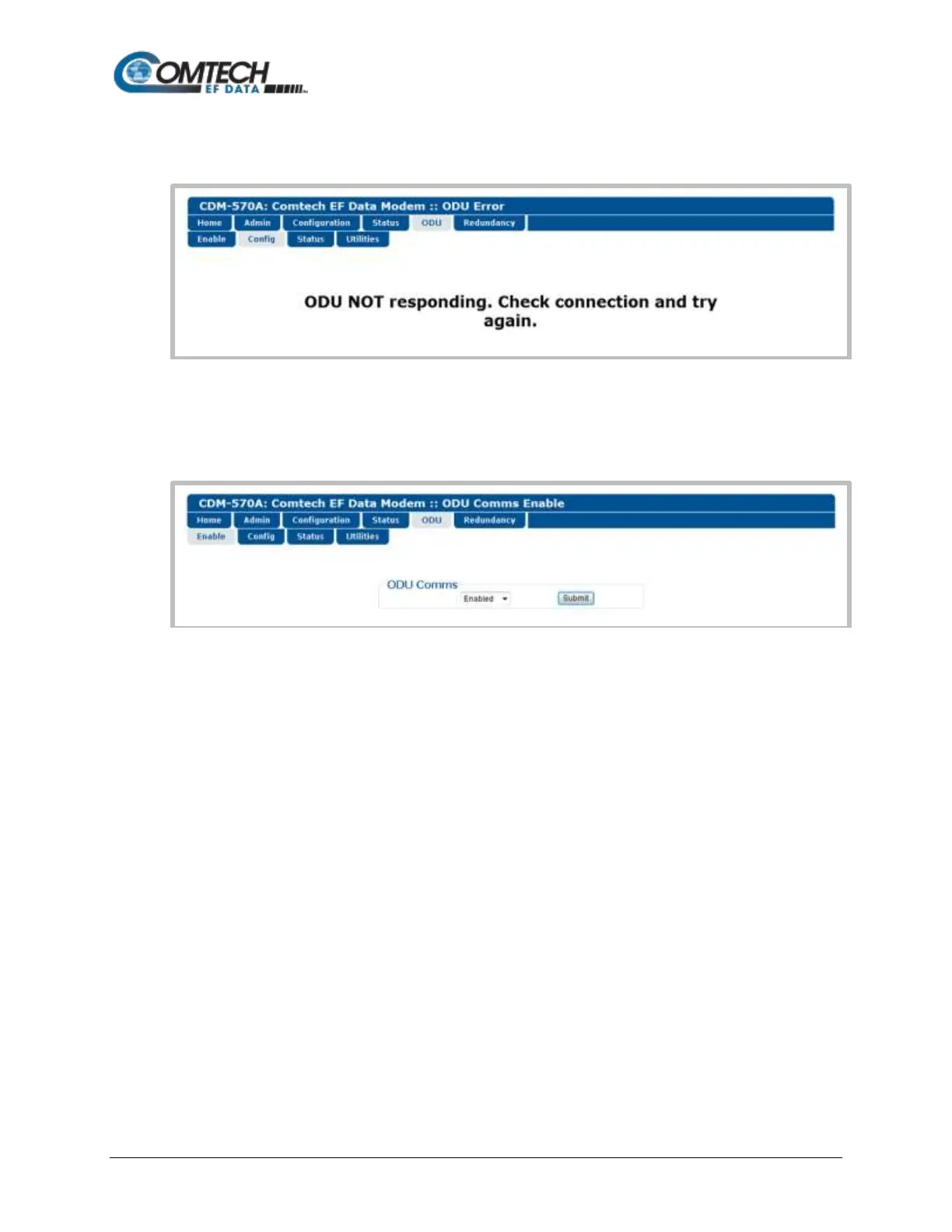
As this page indicates, you must first enable ODU Comms via the ‘ODU | Enable’ page. For
situations where other communications issues arise, e.g., a problem exists with communication
between the installed ODU and the CDM-570A, the HTTP Interface displays this error page:
Refer to the pertinent ODU Installation and Operation Manual to troubleshoot the issue, or
contact Comtech EF Data Product Support for further assistance.
10.2.2.1.1 ODU | Enable
Figure 10-6. ODU | Config Page (CSAT-5060)
ODU Comms
Use the drop-down list to select ODU communications as Disabled or Enabled, and then click
[Submit].
Once ODU Comms have been properly enabled, from anywhere in the interview you may click the
‘ODU’ tab, and then click the Config, Status, or Utilities tab to continue.



 To Next Page