CDM-570A/570AL Satellite Modem with Optional Packet Processor
Revision 5
1:1 IP Redundancy N–2 MN-CDM570A
N.2 Serial/Telnet CLI Operation Quick Reference
Chapter 9. OPTIONAL PACKET PROCESSOR – SERIAL/TELNET CLI OPERATION
You must use the Serial/Telnet Command Line Interface (CLI) to execute most of the procedures
specified in this chapter. These configuration steps are required to set up a CDM-570A-IP 1:1
Redundant IP System, using either a CRS-180 70/140 MHz (for the CDM-570A) or CRS-170A
L-Band (for the CDM/R-570AL) 1:1 Redundancy Switch:
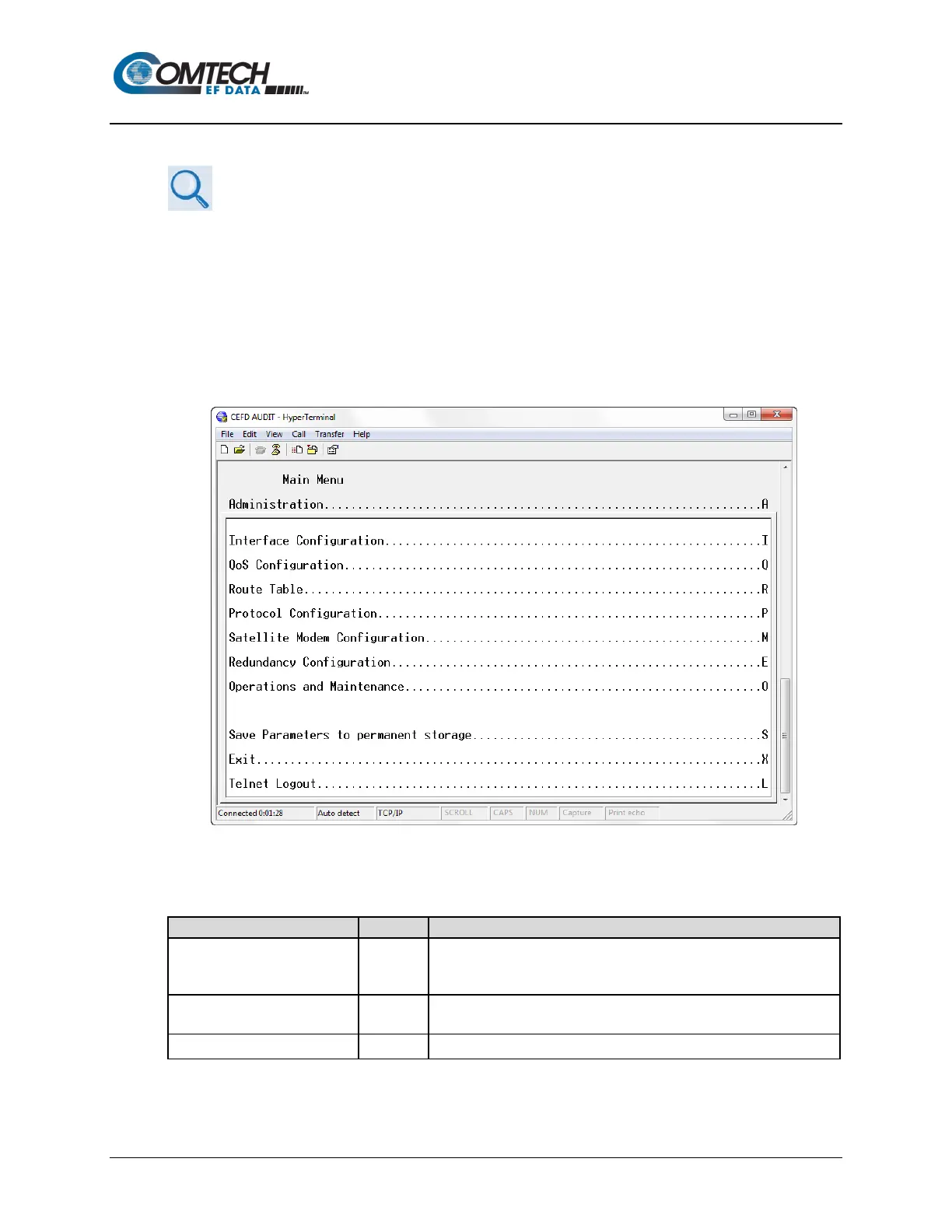
TheSerial/Telnet CLI operates under a hierarchy of Configuration and Information functions. You
may access any nested configuration or information page (e.g., Administration, Route Table, etc.)
from this top-level menu by typing an available “Hot Key”, commonly provided at the right side of the
screen.
Figure N-1. Serial/Telnet CLI Main Menu
• Common Interface Options/Fields – The bottom of each primary and nested page
provides three menu functions are that are typical throughout the CLI:
Save Parameters to permanent
storage
S
Saves the current configuration of the Packet Processor to permanent
storage. This configuration is restored on each successive power
Exit X
Exits the current menu and returns to the parent menu. You may
alternately press the Esc key to perform the same action.
Exits the CLI and closes the terminal emulator application.



 To Next Page