CDM-570A/570AL Satellite Modem with Optional Packet Processor
Revision 5
Advanced Quality of Service (QoS) Option L–6 MN-CDM570A
Minimum Bandwidth – Minimum specification that allows a committed information rate (CIR) to
be applied to user-defined classes of traffic; otherwise, the default of no minimum bandwidth can
be selected.
Maximum Bandwidth – This can be assigned to a flow to restrict the Maximum Bandwidth that
any particular flow will utilize; otherwise, the default of no bandwidth restriction can be selected.
WRED – The Min/Max QoS mode allows selection of Weighted Random Early Detection
(WRED).
When WRED is enabled for a specific queue, QoS randomly drops packets after reaching 50% of
the QoS queue.
Filtering – Any specific flow can be designated as filtered (see Max/Pri QoS Mode).
When the FILTER option is enabled for a rule, QoS provides the ability to filter the packet
completely.
QoS Rule Hierarchy – The QoS Rule Hierarchy is the same as Maximum Bandwidth/Priority
QoS.
QoS Statistics – QoS Statistics are displayed as Maximum Bandwidth/Priority QoS.
L.1.2.1 Min/Max QoS Mode Example
Do these steps:
1. Select Min/Max QoS mode.
2. Set Modem Tx bandwidth to 20 Mbps.
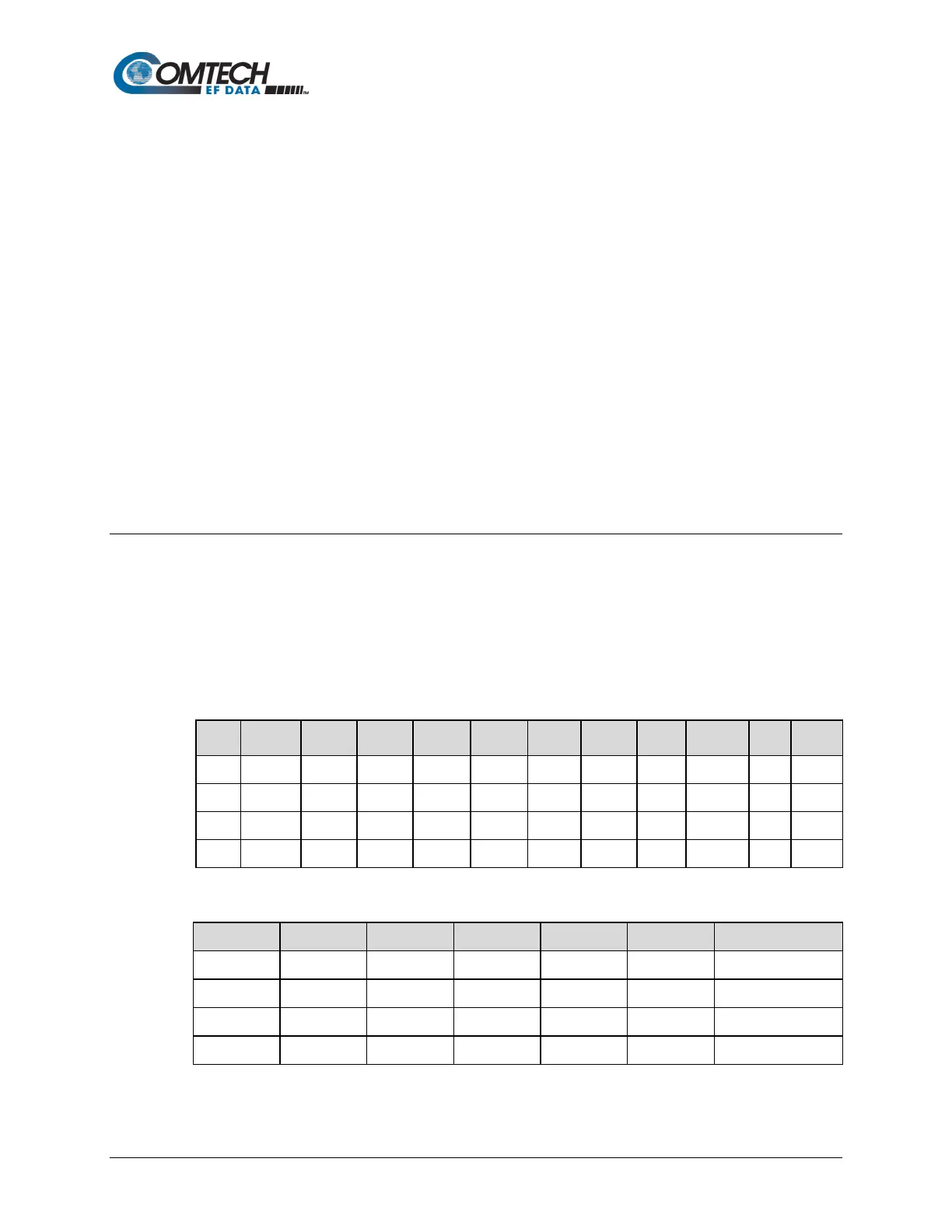
3. Configure the Min/Max QoS rules as follows:
Index Protocol
Filter WRED
1 UDP ***/* ***/* 0 65535 0 65535 2500 4000 N N
2 TCP ***/* ***/* 0 65535 0 65535 2500 99999 N N
3 HTTP ***/* ***/* 0 65535 0 65535 0 99999 N N
4 Def ****/* ***/* 0 65535 0 65535 0 9999 N N
The input data streams are as follows:
Stream Protocol Src IP Dest IP Src Port Dest Port Steam Data Rate
1 UDP ***/* ***/* *** *** 10000 Kbps
2 TCP ***/* ***/* *** *** 5000 Kbps
3 HTTP ***/* ***/* *** *** 7000 Kbps
4 def ***/* ****/* *** *** 10000 Kbps



 To Next Page