CDM-570A/570AL Satellite Modem with Optional Packet Processor
Revision 5
Ethernet-based Remote Product Management 7–48 MN-CDM570A
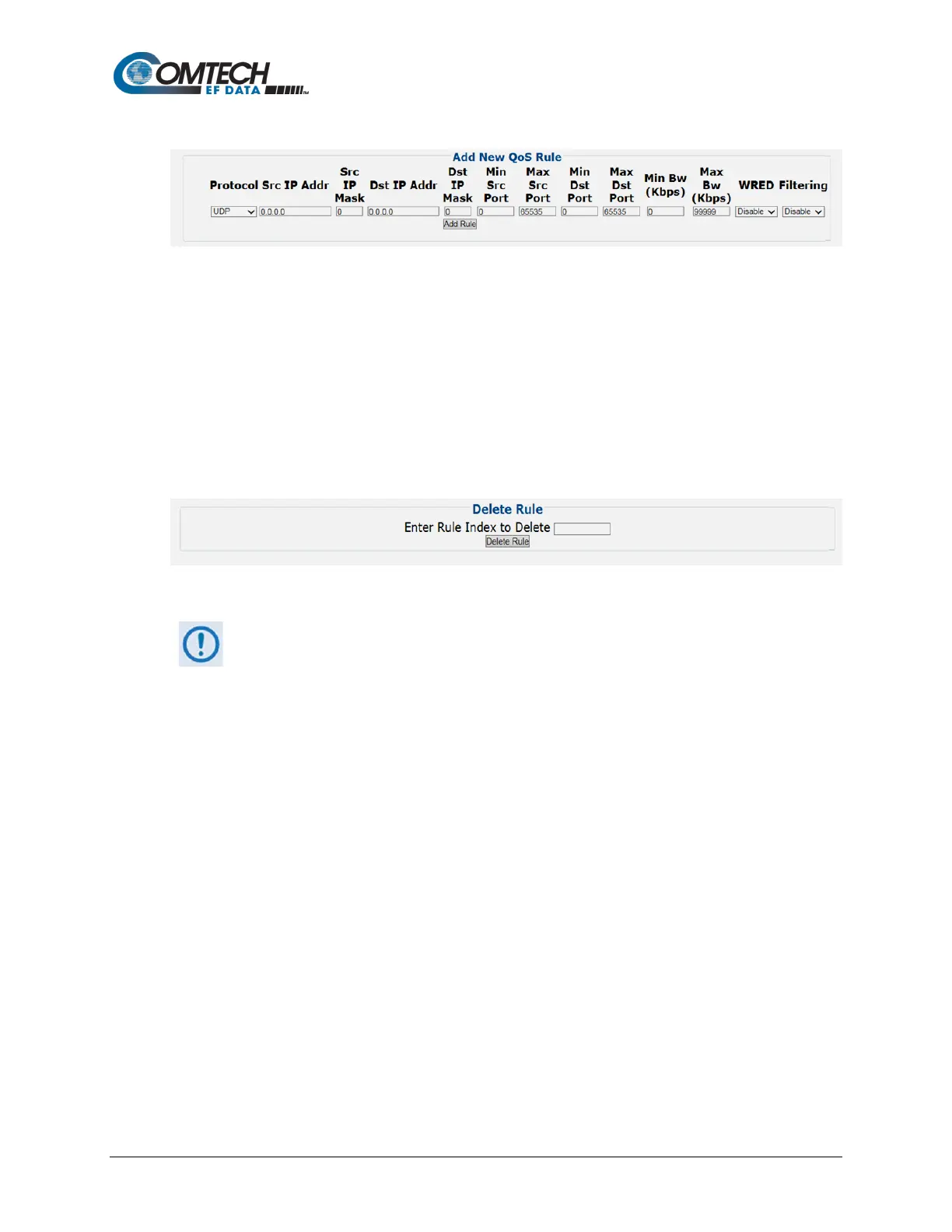
Add New Min/Max QoS Rule
This section allows you to directly add a new Min/Max QoS Rule:
• Protocol / Priority / WRED / Filtering – Use the drop-down list to select the desired
operational state.
• Src IP Mask / Dst IP Addr and Mask / Min and Max Src Port / Min and Max Dst Port /
Max BW (Kbps) – Entire the desired parameter as needed.
Click [Add Rule] to save. When you add a new rule to the QoS Max/Priority Rules Table, the
modem automatically assigns an internal table index number.
QoS Min/Max Delete Rule
Enter Rule Index to Delete, and then click [Delete Rule] to execute removal of the specified rule
from the QoS Min/Max Rules Table.
The information that follows is applicable only when QoS Mode = DiffServ
Mode



 To Next Page