Front Panel Operation Revision 4
CDM-760 Advanced High-Speed Trunking Modem MN-CDM760
6–57
J4 | MGMT M&C 10/100 port
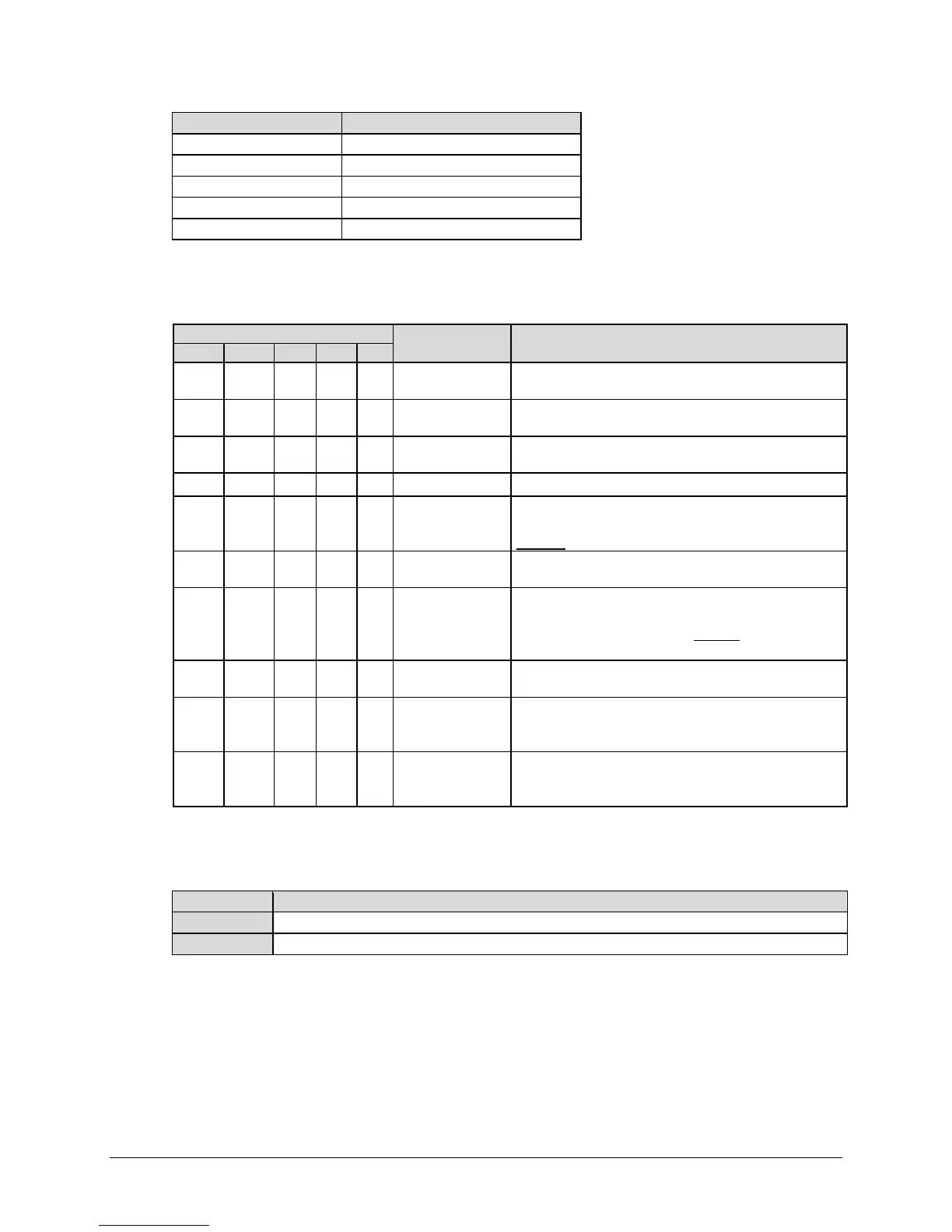
Next, on the bottom line – Use the arrow keys to browse the available IPstats (operational
statistics) for the selected port:
Port Selection (top line)
(bottom line)
Description
X X X
Packets from LAN
Number of acceptable Ethernet Packets received on
selected port from the LAN
X X X
Packets to LAN
Number of Ethernet Packets sent to LAN from selected
port
X X X
Bytes from LAN
Number of acceptable Bytes received on selected port
from LAN
X X X
Bytes to LAN Number of Bytes sent to LAN from selected Port
X
Bytes to WAN
Total number of Bytes sent to WAN from GigE 1, GigE 2,
M&C, and Opt. This is post compression (if enabled) and
includes encapsulation and compression overhead.
X
Packets from WAN
Total number of Ethernet Packets received on WAN
destined for GigE 1, GigE 2, M&C, and Opt
X
Bytes from WAN
Total number of Bytes received on WAN destined for
GBEI1, GBEI2, Optical, and M&C. This is prior to
decompression (if enabled) and includes
encapsulation
and compression overhead.
X
Packets to WAN
Total number of Ethernet Packets sent to WAN from
GBEI1, GBEI2, Optical, and M&C
X
Packets to M&C
Total number of Ethernet Packets sent to M&C from WAN
and from GBEI1, GBEI2, and Optical (does not count
packets from the J4 | MGMT port)
X
Packets from M&C
Total number of Ethernet Packets sent from M&C to WAN
and to GBEI1, GBEI2, and Optical (does not count packets
to the J4 | MGMT port)
Typical for each parameter, the tally of Bytes or Packets sent/received is displayed in scientific
notation in two columns:
The total number of Bytes or Packets sent/received since the statistics log was last cleared.
The total number of Bytes or Packets sent/received in the last 10 seconds.
You may use the arrow keys on the bottom line to select the value displayed in the Total or
Last10S column, and press ENTER to view that item’s nested screen. Press ENTER or CLEAR to
return to the previous menu.



 To Next Page