Ethernet Interface Operation Revision 4
CDM-760 Advanced High-Speed Trunking Modem MN-CDM760
7–50
7.4.4.4.2 Status | Logs Pages
Click the Logs primary page tab, and then select the Modem Log or PP Log tab to continue.
7.4.4.4.2.1 Status | Logs | Modem Log
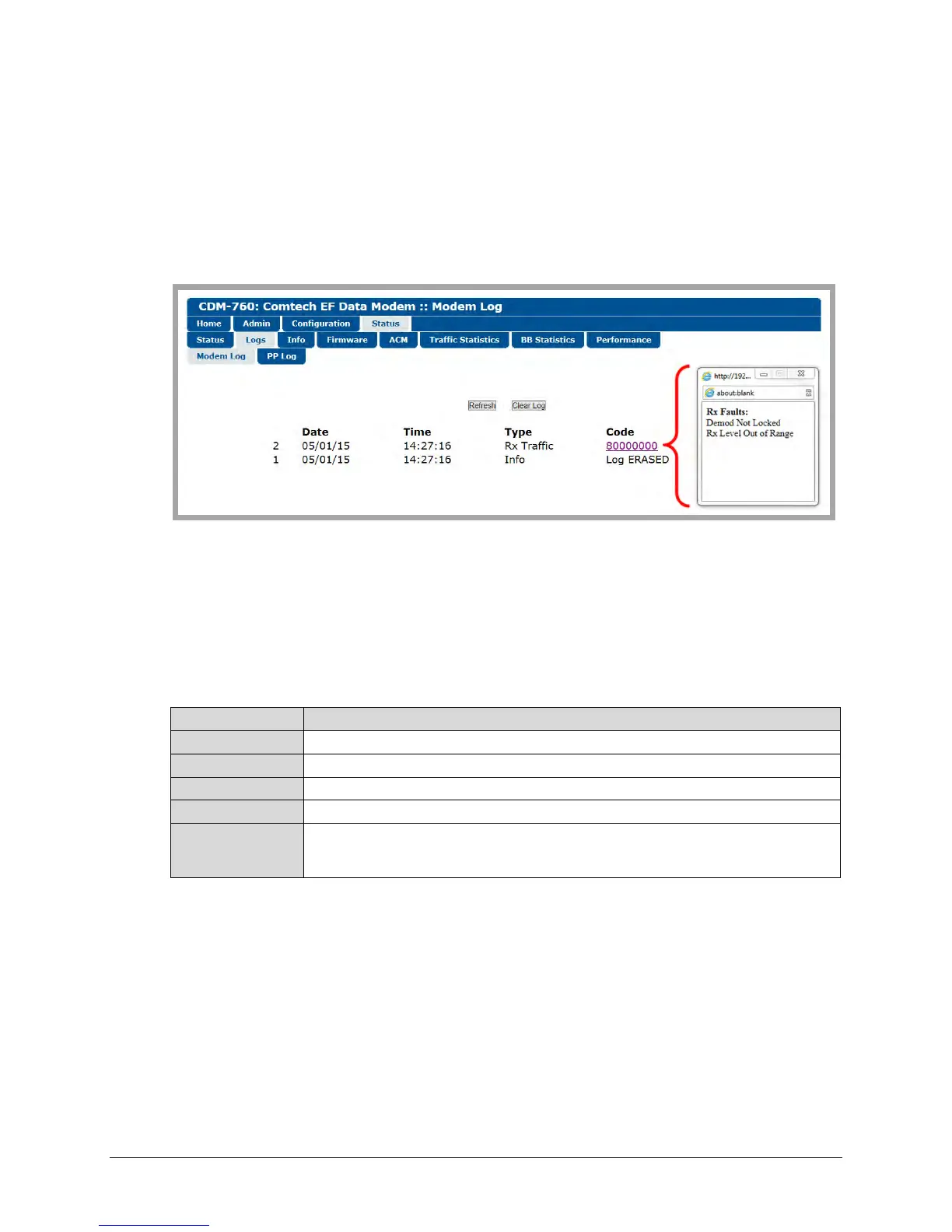
Use this page to view logged modem faults and alarms.
Figure 7-29. Status | Logs | Modem Log Page
• Click [Refresh] to update the page with the latest logged faults and alarms.
• Click [Clear Log] to clear the log buffer. The table then displays a single event, labeled Log
ERASED.
This page provides a scrollable table of stored events. This table displays up to 256 events as
follows:
(Index Number) The event is numbered and sorted by occurrence from last to first.
Date The event date displays here in DD/MM/YY format.
Time The event time displays here in HH:MM:SS format.
Type The event type displays here as Unit, Rx Traffic, Tx Traffic, or Info.
Code
This column provides a brief description for the event. When you click an available
hyperlink, a popup window opens to provide detailed event information, as per the Figure
7-29 example.



 To Next Page