Ethernet Interface Operation Revision 4
CDM-760 Advanced High-Speed Trunking Modem MN-CDM760
7–18
put into Demo Mode. If all options running are activated (purchased) FAST Options, the modem
will not change its configuration.
7.4.4.3 Configuration Pages
Use these pages to configure all unit parameters. Click the Configuration navigation tab, and
then select the Modem, Interface, ARP, Routing, WAN, Utilities, Mask, Test, LNB, CID, or MEO
tab to continue.
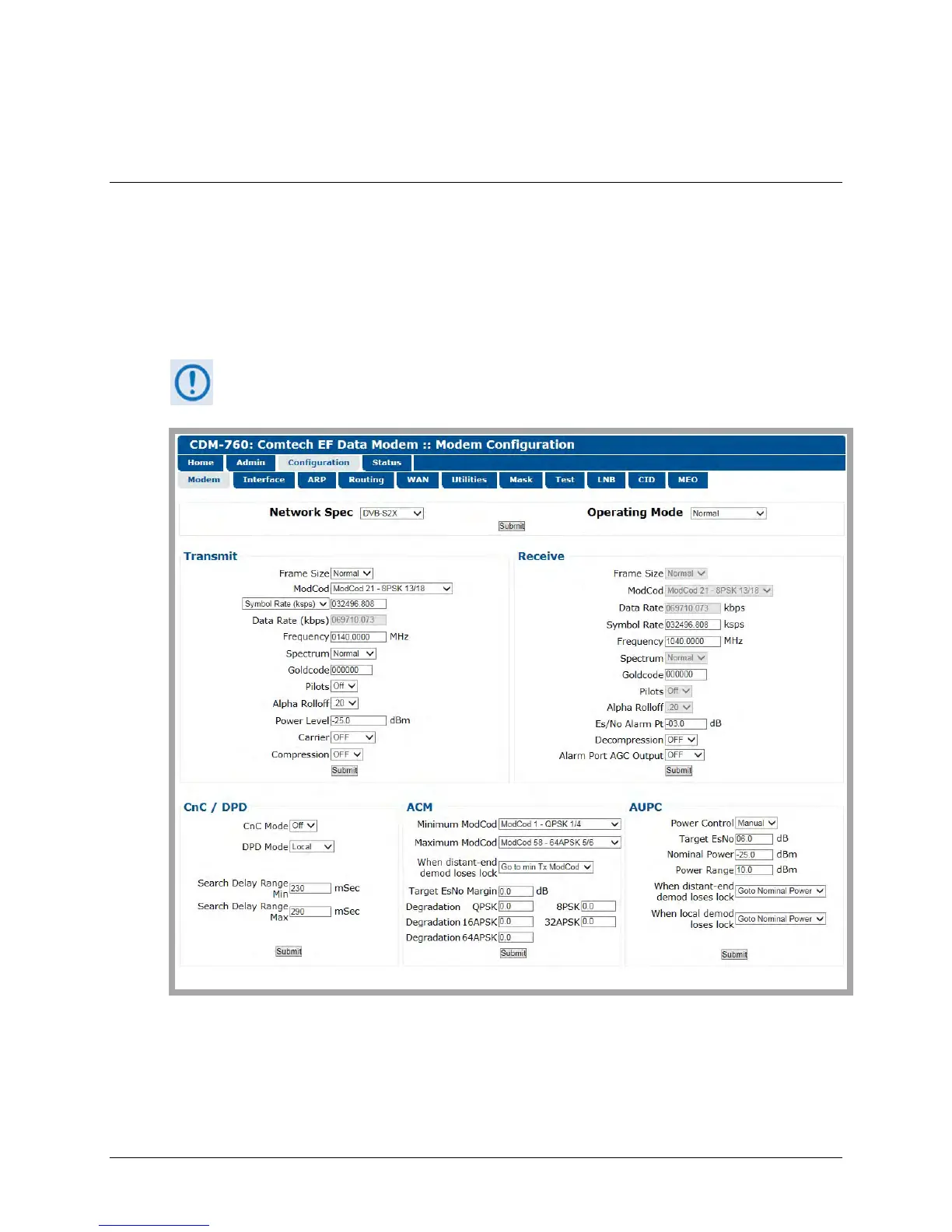
7.4.4.3.1 Configuration | Modem
The Tx/Rx Interface Types and Framing Modes have higher priority than other
parameters. You must configure these settings before setting other parameters.
Figure 7-11. Configuration | Modem Page
Configure your settings as needed. Click [Submit] to save.



 To Next Page