Appendix G Revision 4
CDM-760 Advanced High-Speed Trunking Modem MN-CDM760
G–23
G.5.3.1 Access the CDM-760 HTTP Interface
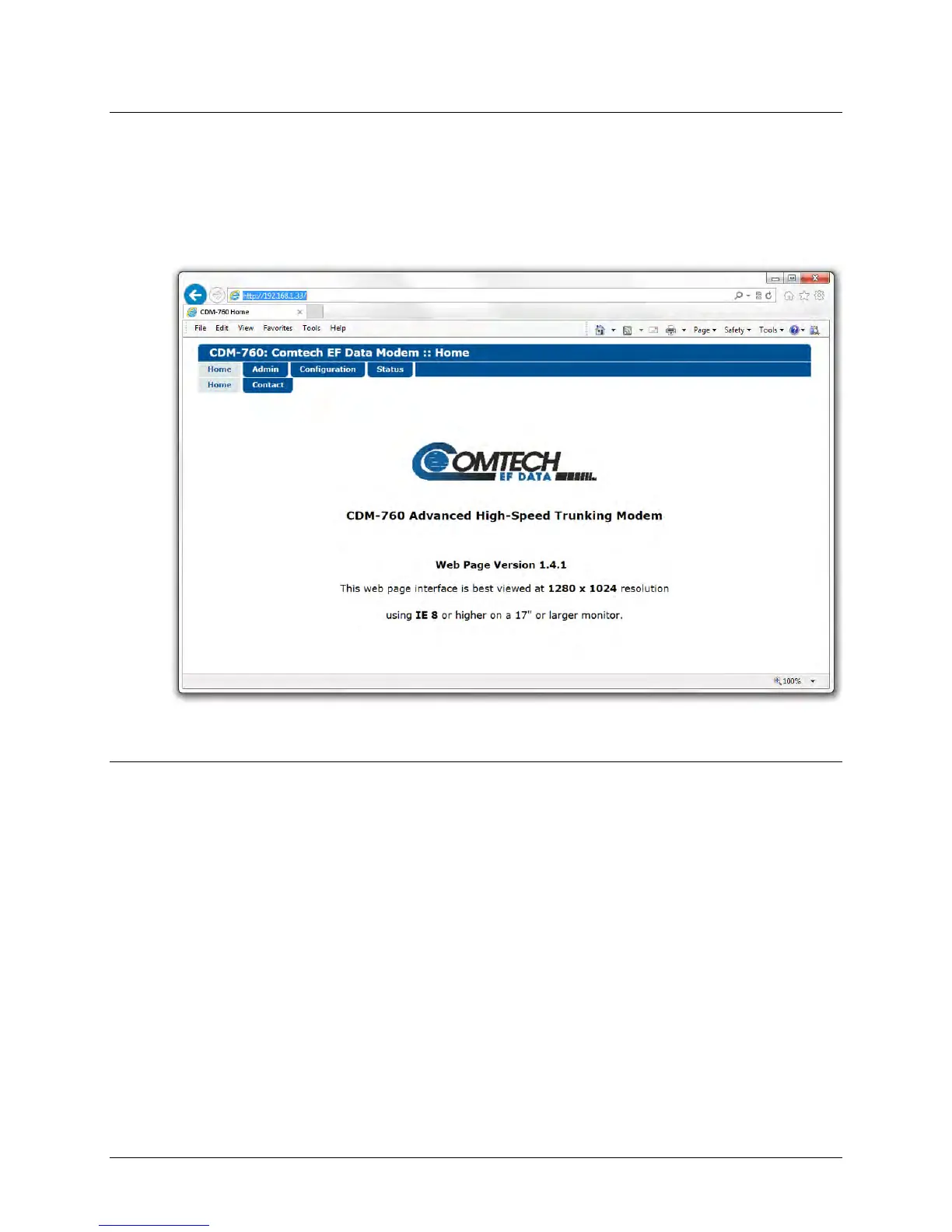
Type the CDM-760’s Management IP Address into the Address area of the user-supplied web
browser. Once you enter a valid User Name and Password, the HTTP Interface Home page
displays (Figure G-10). Note that the (Firmware) Version shown in this example is subject to
change.
Figure G-10. CDM-760 HTTP Interface Home Page
G.5.3.2 HTTP Interface – ACM Pages
The sections that follow provide summaries of the interface pages that provide you with
monitoring and control of ACM operations (Chapter 7 information reference is shown in
parentheses):
• Configuration | Modem (see Sect. 7.4.4.3.1)
• Configuration | Test (see Sect 7.4.4.3.8)
• Status | Status (see Sect. 7.4.4.4.1)
• Status | ACM (see Sect. 7.4.4.4.5)
• Status | Performance | IQMon (Sect. 7.4.4.4.8.1)
• Status | Performance | TxGraph (Sect. 7.4.4.4.8.2)
• Status | Performance | RxGraph (Sect. 7.4.4.4.8.23)



 To Next Page