Updating Firmware Revision 4
CDM-760 Advanced High-Speed Trunking Modem MN-CDM760
4–4
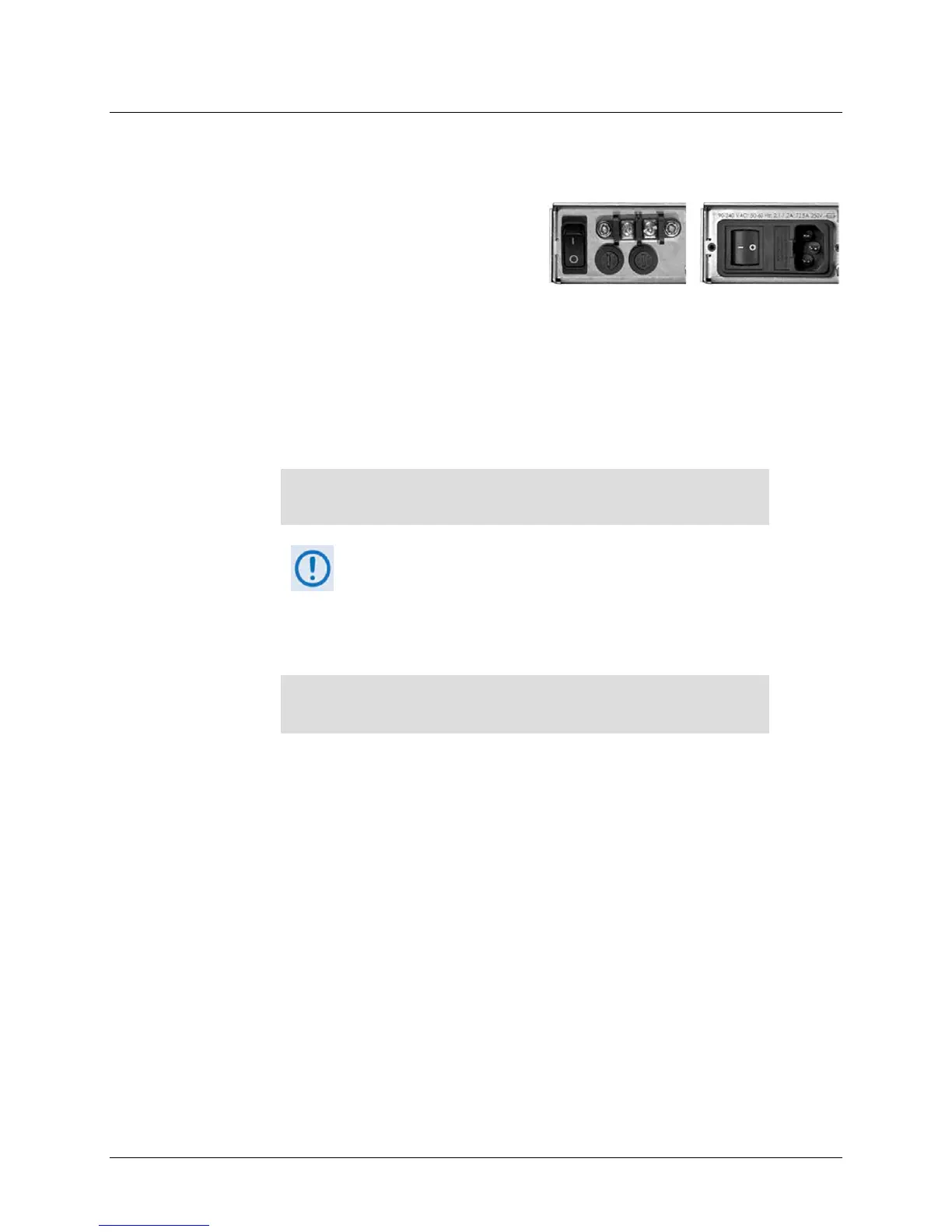
(Left) Optional CDM-760 48V DC Unit
(Right) Standard CDM-760 115V/230V AC Unit
4.2.1.3 Get the CDM-760 Management IP Address and Firmware
Information
Do these steps:
1. On the CDM-760 – Turn on the power.
2. Use any of the following methods to obtain the CDM-760 Ethernet Management IP Address
and firmware information:
a. Use the CDM-760 Front Panel menus:
o Ethernet Management IP Address – Use the SELECT: Configuration → IP →
Addresses screen, as shown in this example:
IP:192.168.001.011/24 MAC:0006B00286F5
Gateway:192.001.001.100 ()
You are not able to use the HTTP Interface to change the Modem
IP Address.
o Firmware Information – Use the SELECT: Utility Firmware Info
Image#1 or Image#2 screens, as shown in this example:
Image #1 Bulk 12/19/13
FW-0020627A 1.2.1 ()
b. Use the CDM-760 Serial Remote Control Interface (via the User PC / terminal
emulator program):
o Ethernet Management IP Address – Use the <0/IPA? query.
o Firmware Information – Execute one of the following queries:
Condensed – <0/SWR? (displays firmware versions)
Detailed – <0/FRW?1 (for Image 1) or <0/FRW?2 (for Image 2) (displays
complete firmware load information)
c. Use the HTTP Interface (via the User PC Web Browser; accessible once the CDM-760
Ethernet Management IP Address is known):
o Firmware Information – Use the Status | Firmware page, as shown in this
example:



 To Next Page