Appendix F Revision 4
CDM-760 Advanced High-Speed Trunking Modem MN-CDM760
F–13
F.2.3.1 Conditional Access to High-Speed Packet Processor Pages
Carefully review the information in this section.
A large number of pages in the HTTP Interface address operation of the CDM-760 once it is
equipped with the optional High-Speed Packet Processor card. These pages are accessible only
when this card is installed and enabled
.
The HTTP Interface menu tree diagram (Figure F-4) indicates with an asterisk (*) those primary
and nested Packet Processor pages having such conditional access and operation. Modem
operations not specific to Packet Processor operation appear dimmed in this diagram.
See Chapter 7. ETHERNET INTERFACE OPERATION for in-depth information about the
function and operation of the CDM-760 HTTP Interface as used for Packet Processor
Access to these pages is further restricted to “Admin” (Administrative) users only. If a user with
“Read/Write” or “Read-only” user access privileges attempts to select any Packet Processor-
specific page, the error message “You do not have security privilege to access this area”
displays in the browser window. Access to that page is prohibited.
This menu tree depicts the CDM-760 HTTP Interface as it appears with all FAST Features activated,
and the optional High-Speed Packet Processor installed and active
.
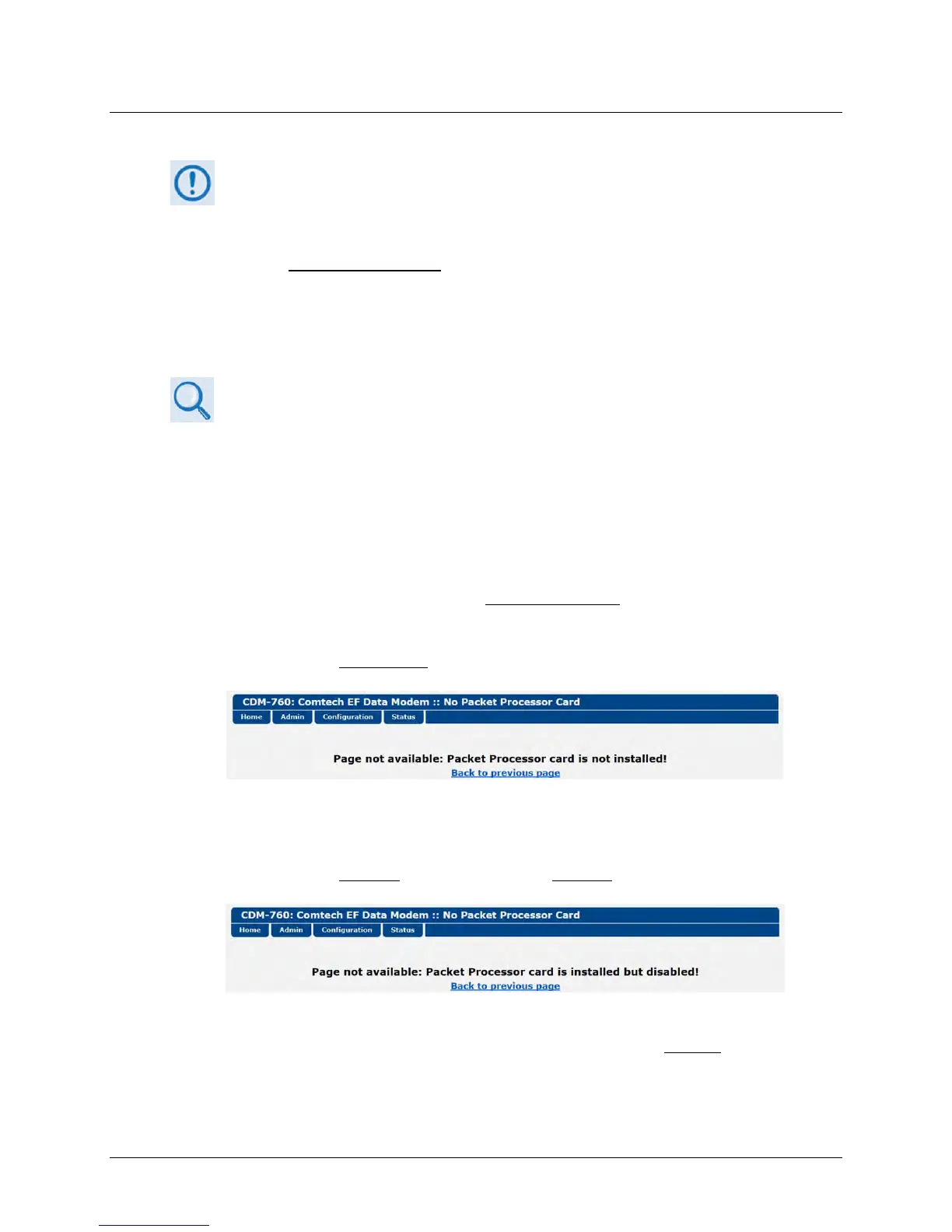
If the Administrator logs in and attempts to access any Packet Processor-specific page when the
Packet Processor card is not installed
, the following message displays:
Click [Back to previous page] to resume use of the interface.
If the Administrator logs in and attempts to access any Packet Processor-specific page when the
Packet Processor card is installed
but card operation is disabled, the following message displays:
Click [Back to previous page] to continue any other available operations, or go to the CDM-760
Front Panel CONFIG > INTF screen to set PacketProcessor operation as Enabled
(the modem will
automatically reboot).



 To Next Page