Ethernet Interface Operation Revision 4
CDM-760 Advanced High-Speed Trunking Modem MN-CDM760
7–8
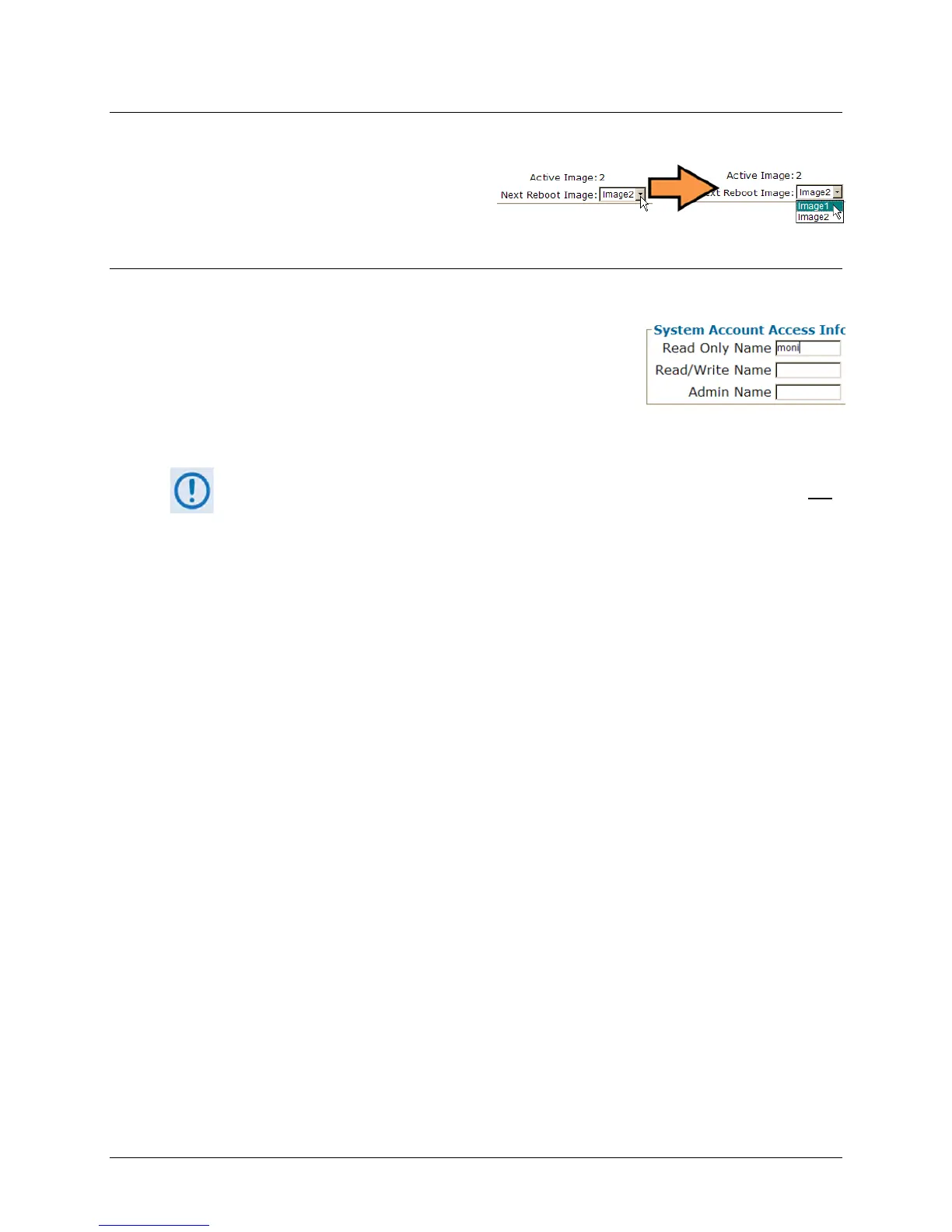
7.4.2.4 Drop-down Lists
A drop-down list lets you choose from a list
of selections. Left-click the drop-down
button to open the list. Then, left-click on an
item to select that choice.
7.4.2.5 Text or Data Entry
Text boxes let you type data into a field. An action button may be
associated with a single text box, or a group of text boxes.
For any text box, left-click anywhere inside the box, type the
desired information into that field, and be sure to press [ENTER]
when done. Click the related action button to save the data.
If you edit a field, make sure to click the action button before you leave the page. If
you go to another page without first clicking the action button, your changes are not
saved.



 To Next Page