Rear Panel Connections Revision 4
CDM-760 Advanced High-Speed Trunking Modem MN-CDM760
3–11
3.2.3.3 Optional PIIC Data Interface Slots
Appendix C. PIIC OPTIONS
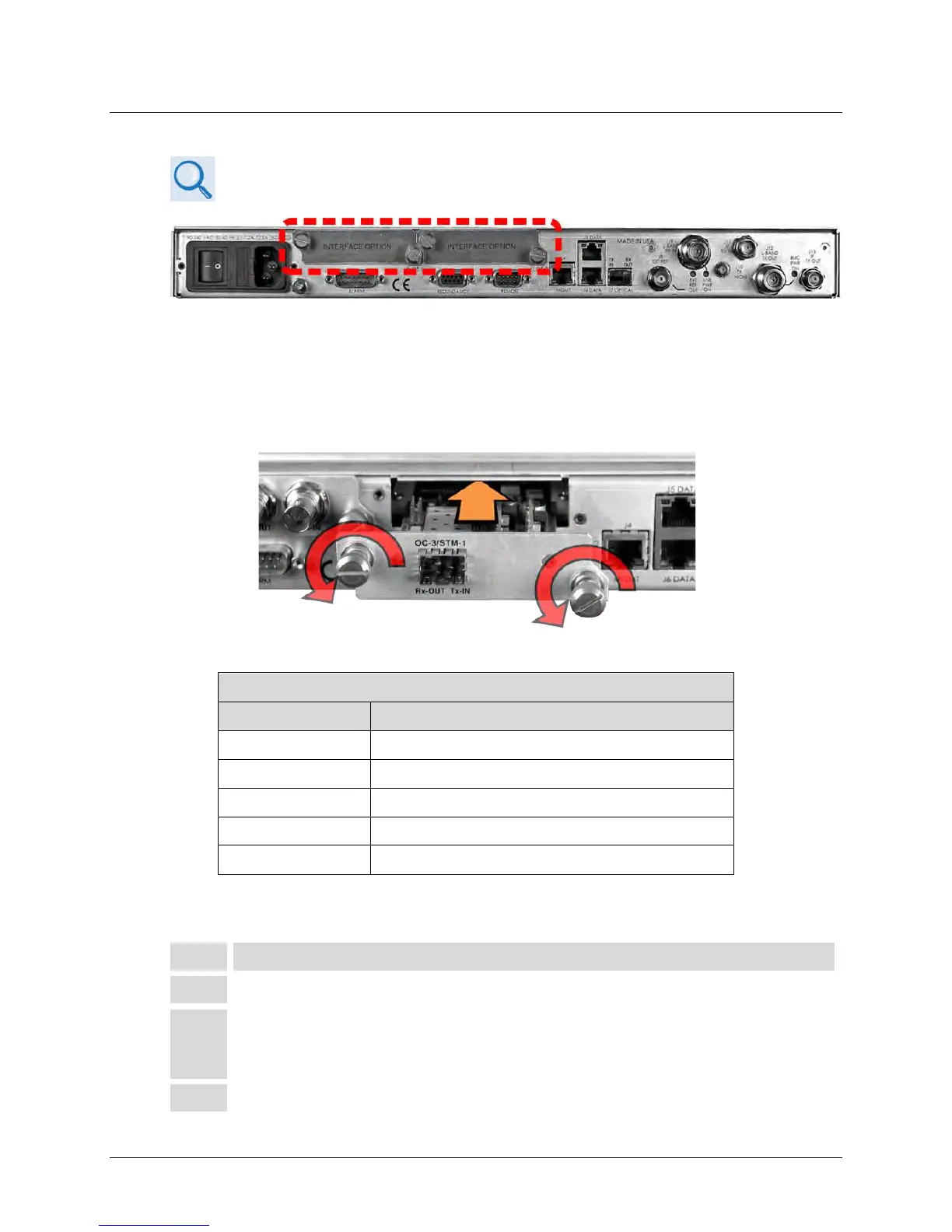
Figure 3-5. PIIC Data Interface Slots
The CDM-760 rear panel features two slots that accommodate optional PIIC (Plug-in Interface
Card) traffic data modules (Figure 3-5).
3.2.3.3.1 Install an Optional PIIC Data Module
Figure 3-6 Install a PIIC Data Module
Available Optional PIIC Traffic Data Modules
CEFD Kit / Assembly Description
PL-0000795 G.703 ‘BNC’ E3/T3/STS-1 PIIC Module
KT-0000255 SFP STM-1 Copper ‘BNC’ PIIC Module
KT-0000256 SFP OC-3 Single Mode PIIC Module
KT-0000257 SFP OC-3 Multi Mode PIIC Module
PL-0022015 DVB ASI Asynchronous Serial Interface PIIC Module
For traffic data types not listed, contact Comtech EF Data Product Support about additional PIIC
module availability.
1 Remove either PIIC slot blank panel by loosening the captive thumbscrews.
2 Install either PIIC module into position using the chassis’ internal card guides.
Slide the module straight back into the chassis until it is firmly plugged into its
mating receptacle.
Tighten the captive thumbscrews of the module.



 To Next Page