EasyManua.ls Logo

Fujitsu M10-4 - Page 153

Fujitsu M10-4
342 pages
Print Icon
To Next Page IconTo Next Page
To Previous Page IconTo Previous Page
Loading...
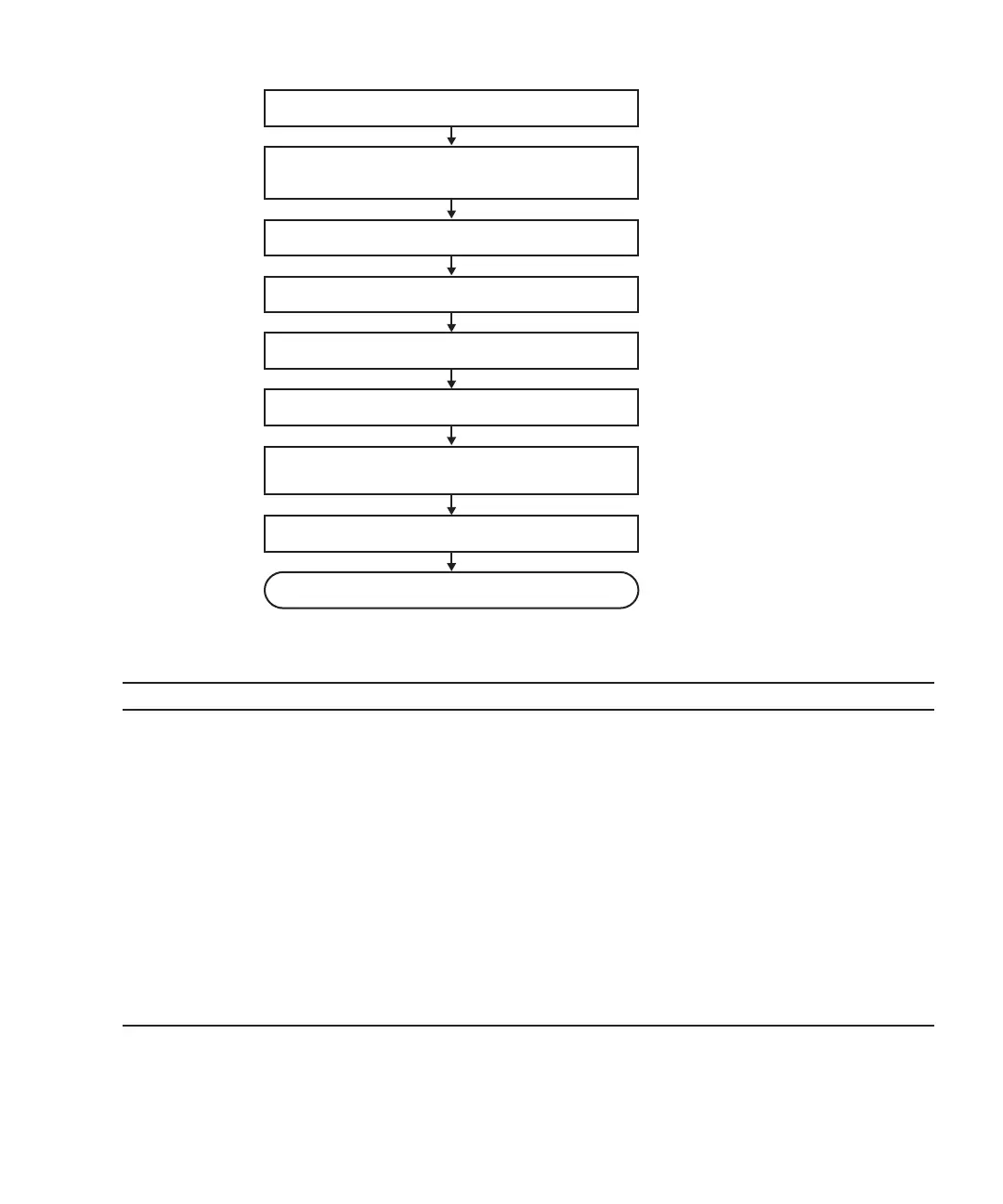
5. Fix cable support
6. Incorporate PCIe card
7. Confirm that there is no problem with
installed FRU
8. Close rack door
Installation complete
4. Install PCIe card
3. Lower cable support
2. Check operating condition of system and
I/O device usage status
1. Open rack door
Table
7-15
  
Active/hot
addition
work
procedure
(for
a
PCIe
card)
Item
Work
procedure Reference
1 Opening
the
rack
door
2 Checking
the
operating
condition
of
the
system
and
the
I/O
device
usage
status
"5.3
Checking
the
Operating
Condition
and
Resource
Usage
Status"
3 Lowering
the
cable
support "5.9.2
Lowering
the
cable
support"
4 Installing
a
PCIe
card "Chapter
8
Maintaining
the
PCI
Express
Cards"
5 Fixing
the
cable
support "6.1.2
Fixing
the
cable
support"
6 Incorporating
the
PCIe
card "6.5.2
Incorporating
an
I/O
device"
-
"Incorporation
of
a
PCI
Express
card"
7Confirming
that
there
is
no
problem
with
the
installed
FRU
"4.2.2
Identifying
a
failure"
-
"Checking
the
FRU
status"
8Closing
the
rack
door
Figure
7-14
  
Active/hot
addition
flow
(for
a
PCIe
card)
Chapter
7
 
Maintenance
Flow 139

Table of Contents

Related product manuals