EasyManua.ls Logo

Fujitsu M10-4 - Page 154

Fujitsu M10-4
342 pages
Print Icon
To Next Page IconTo Next Page
To Previous Page IconTo Previous Page
Loading...
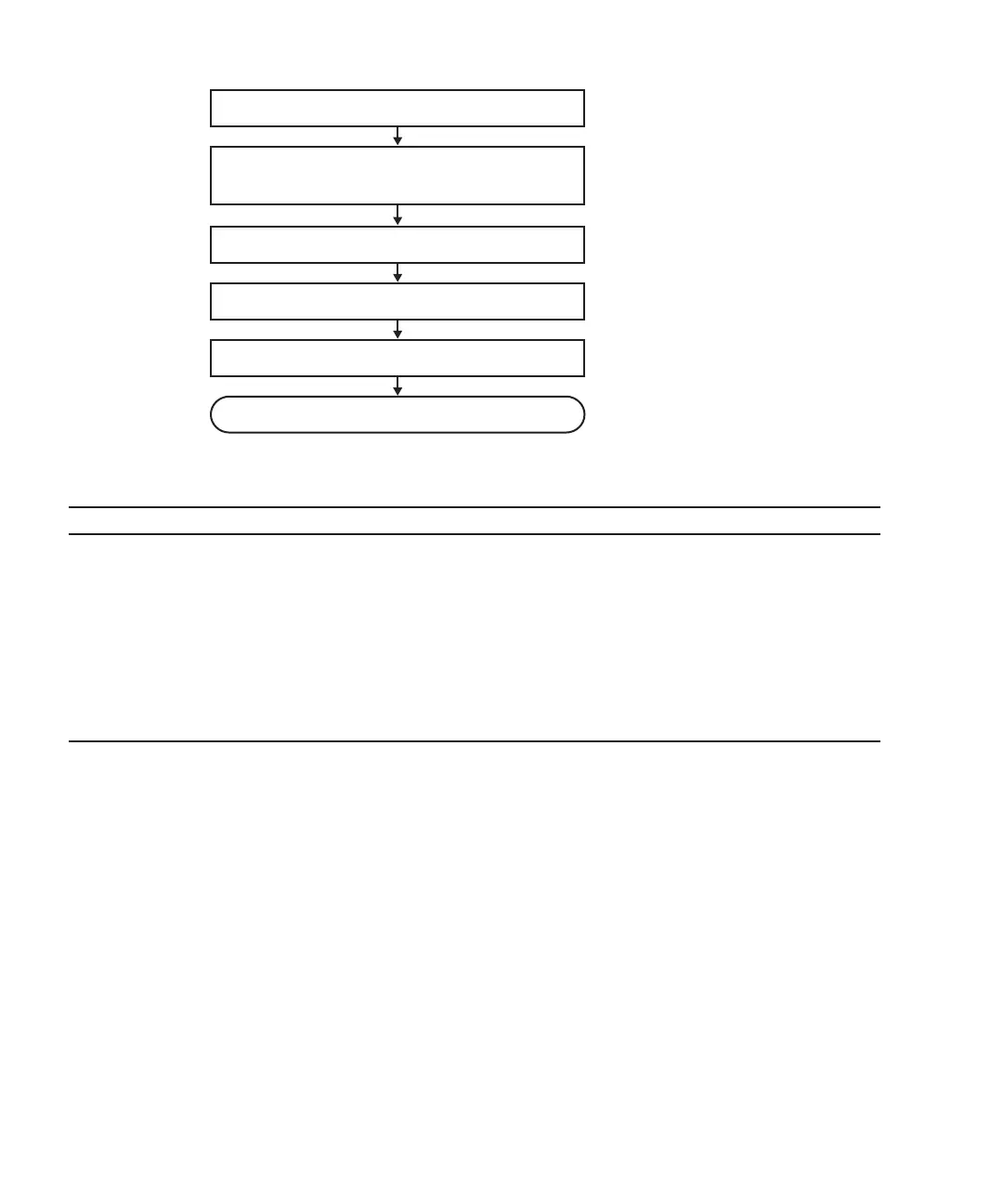
5. Close rack door
Installation complete
4. Check mounting of internal disk
3. Install internal disk
2. Check operating condition of system and
I/O device usage status
1. Open rack door
Table
7-16
  
Active/hot
addition
work
procedure
(for
an
internal
disk)
Item
Work
procedure Reference
1 Opening
the
rack
door
2 Checking
the
operating
condition
of
the
system
and
the
I/O
device
usage
status
"5.3
Checking
the
Operating
Condition
and
Resource
Usage
Status"
3 Installing
an
internal
disk "Chapter
10
Maintaining
the
Internal
Disks"
4 Checking
the
mounting
of
the
internal
disk
"6.5.2
Incorporating
an
I/O
device"
-
"Incorporation
of
an
internal
disk"
5 Closing
the
rack
door
Figure
7-15
  
Active/hot
addition
flow
(for
an
internal
disk)
Fujitsu
M10-4/Fujitsu
M10-4S/SPARC
M10-4/SPARC
M10-4S
Service
Manual
November
2014140

Table of Contents

Related product manuals