EasyManua.ls Logo

Fujitsu M10-4 - Page 240

Fujitsu M10-4
342 pages
Print Icon
To Next Page IconTo Next Page
To Previous Page IconTo Previous Page
Loading...
D E
C
B
FG
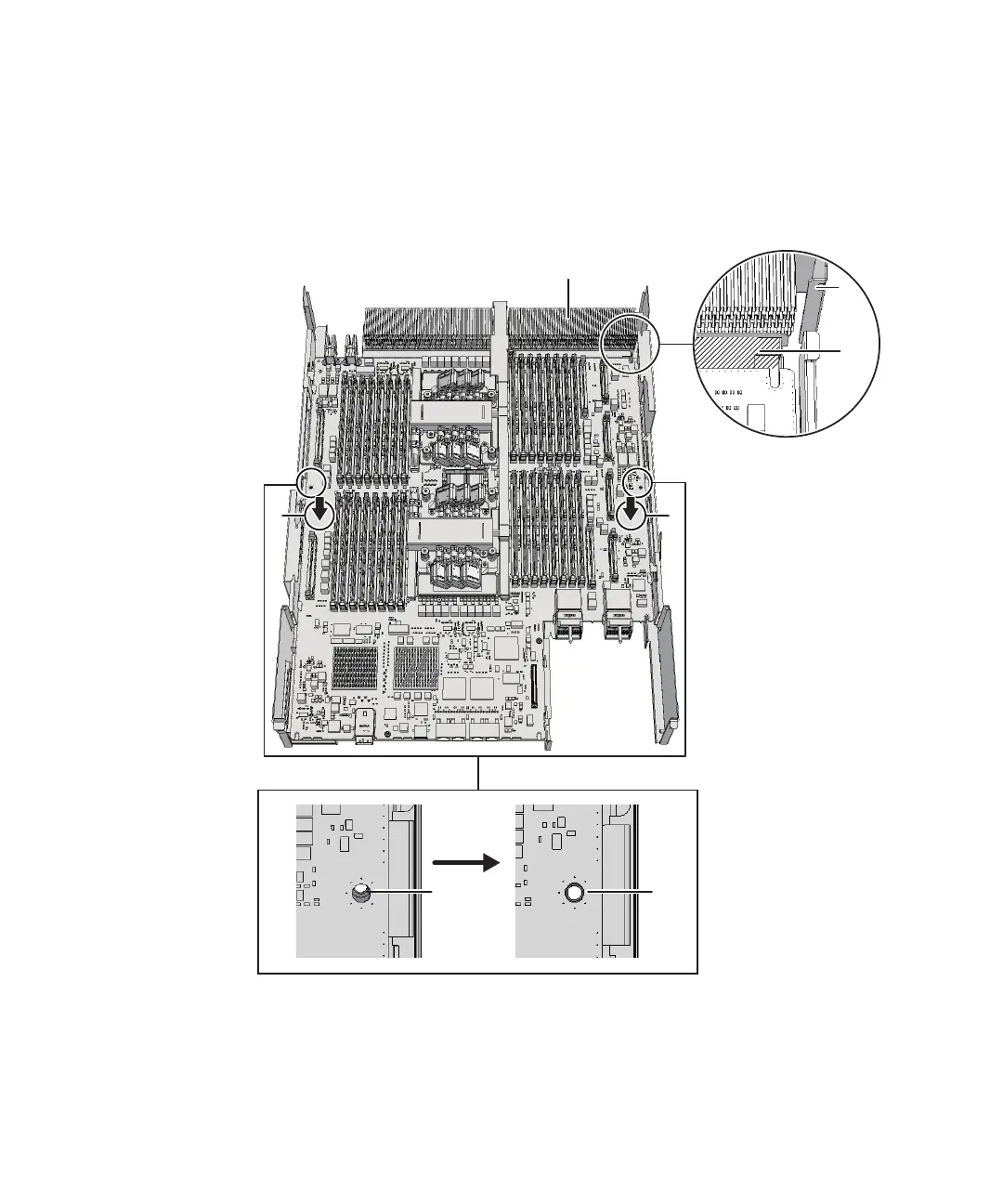
A
by
adjusting
the
position
of
the
board
so
that
the
outer
circumference
of
the
threaded
hole
of
the
frame
can
be
seen
(E
in
the
figure).
c.
Attach
the
connector
by
pressing
down
the
connector
units
(F
and
G
in
the
figure)
located
at
the
center
of
the
right
and
left
sides
of
the
board
at
the
same
time.
Figure
9-47
  
Installing
the
CPU
memory
unit
board
(for
the
SPARC
M10-4/M10-4S
with
a
FRAME-A
CPU
memory
unit)
-
For
the
SPARC
M10-4/M10-4S
with
a
FRAME-B
CPU
memory
unit
Install
the
CPU
memory
unit
board,
with
the
left
and
right
guides
(A
and
B
in
the
figure)
and
the
left
guide
on
the
board
(C
in
the
figure)
as
guides.
a.
Insert
the
board
carefully
into
the
frame,
keeping
it
horizontal.
b.
Attach
the
connector
by
pressing
down
the
connector
units
(D
and
E
in
the
Fujitsu
M10-4/Fujitsu
M10-4S/SPARC
M10-4/SPARC
M10-4S
Service
Manual
November
2014226

Table of Contents

Related product manuals