EasyManua.ls Logo

Fujitsu M10-4 - Page 36

Fujitsu M10-4
342 pages
Print Icon
To Next Page IconTo Next Page
To Previous Page IconTo Previous Page
Loading...
Location
number Component
3Power
switch
Table
2-5
  
How
to
operate
the
BB-ID
switch
Operation Description
Pressing
the
+
side. The
BB-ID
number
increases
by
1.
Pressing
the
-
side The
BB-ID
number
decreases
by
1.
Table
2-6
  
Functions
of
the
mode
switch
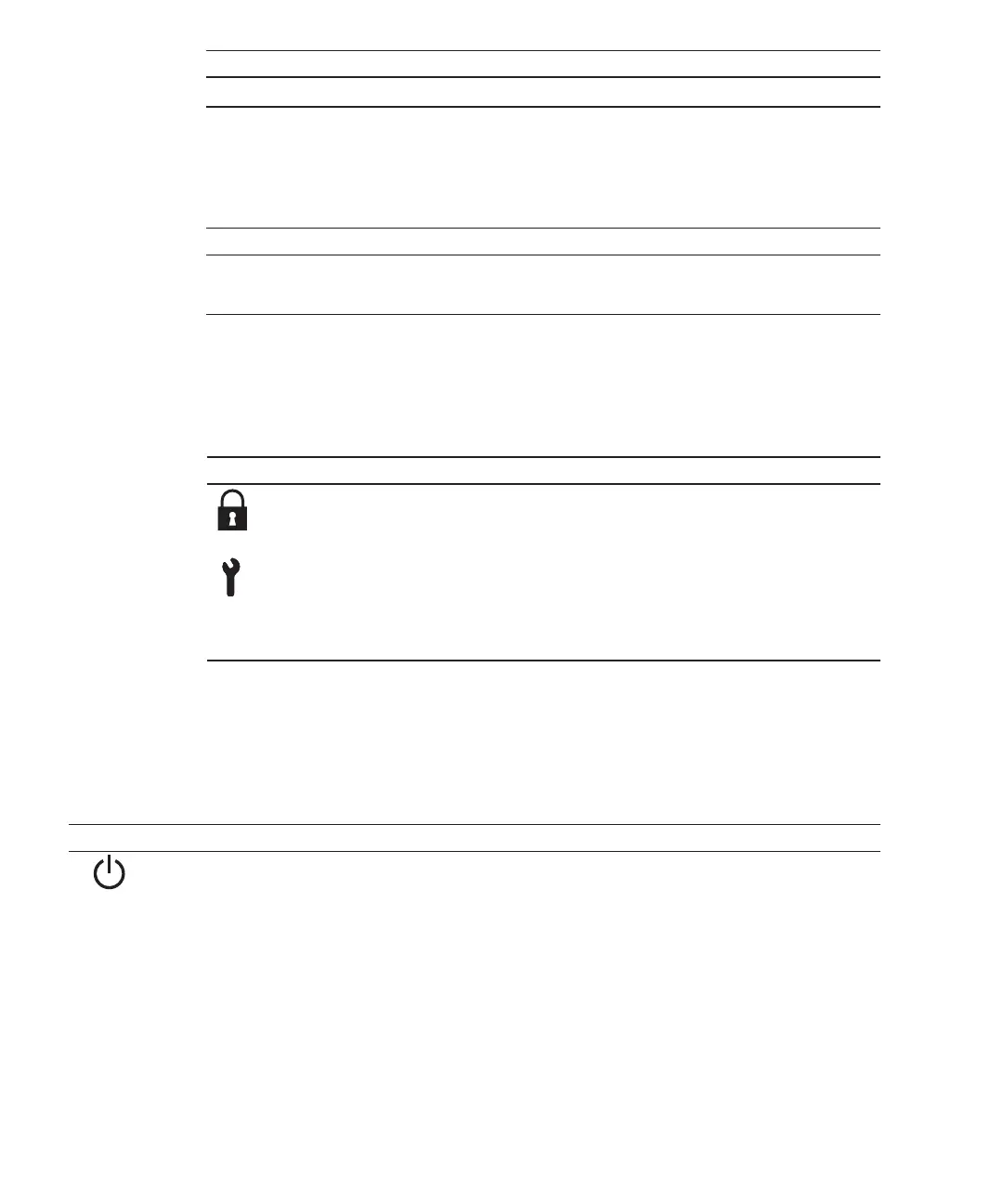
Icon Name Description
Locked
mode This
mode
is
used
for
normal
operation.
-
The
power
switch
can
be
used
to
start
the
system
but
not
to
stop
it.
Service
mode This
mode
is
used
for
maintenance.
-
The
power
switch
cannot
be
used
to
start
the
system
but
can
be
used
to
stop
it.
-
Place
the
system
in
Service
mode
to
perform
maintenance
work
with
the
system
stopped.
Table
2-7
  
Functions
of
the
power
switch
Icon Operation Description
Brief
press
(For
1
second
or
more
and
less
than
4
seconds)
If
the
system
has
been
started
in
Service
mode
(*1):
Operation
is
ignored.
If
the
system
is
stopped
in
Service
mode:
Operation
is
ignored.
If
the
system
has
been
started
in
Locked
mode
(*1):
Operation
is
ignored.
Use
the
BB-ID
switch
to
set
the
BB-ID
number
of
the
SPARC
M10-4S.
Set
#0
to
#15
for
the
SPARC
M10-4S.
Table
2-5
describes
how
to
operate
the
BB-ID
switch.
Use
the
mode
switch
to
set
the
operation
mode
for
the
system.
The
Locked
and
Service
operation
modes
can
be
switched
by
sliding
the
mode
switch.
Table
2-6
describes
the
difference
between
the
modes.
Use
the
power
switch
to
start
or
stop
the
system.
The
system
starts/stops
differently
depending
on
how
the
power
switch
is
pressed.
Table
2-7
describes
how
system
starts/stops
vary
depending
on
how
the
power
switch
is
pressed.
Fujitsu
M10-4/Fujitsu
M10-4S/SPARC
M10-4/SPARC
M10-4S
Service
Manual
November
201422

Table of Contents

Related product manuals