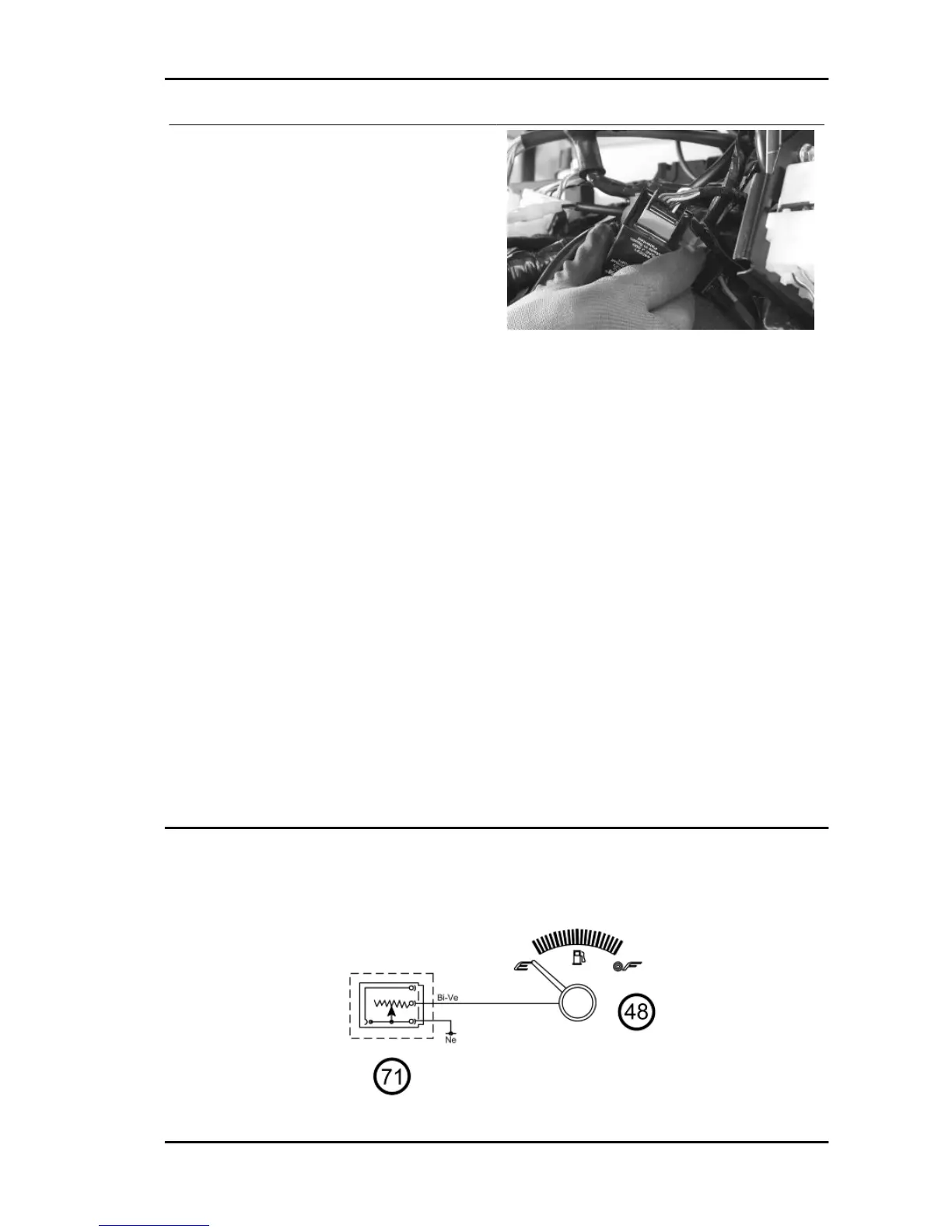
If turn indicators do not work:
1) Check the working order of bulbs.
2) Check the working order of fuse No. 4.
3) Check if there is voltage between pin 6 (Orange-
Blue) and 9 (Black) of the turn indicator control
device connector. If there is no voltage, check the
continuity of the cable harness.
4) Check contacts «G» and «H» of the key switch.
5) Check the working order of fuse No. 10.
6) With the key switch set to «ON», check if there
is voltage between pin 8 (Yellow-Black) and 9
(Black) of the turn indicator control device connec-
tor. If there is no voltage, check the continuity of
the cable harness.
7) Check the turn indicator switch contacts.
8) With the turn indicator switch pressed, check if
there is voltage between pins 2 and 9 (switch to
the left) and pins 3 and 9 (switch to the right) of the
turn indicator control device.
9) If there is no voltage, check the continuity of the
cable harness between the fuse box and the turn
indicator switch. Also check continuity between
the latter and the turn indicator control device.
10) Check the continuity of the cable harness be-
tween the bulbs and the turn indicator control de-
vice.
level indicators
FUEL GAUGE
GP 800 i.e. Electrical system
ELE SYS - 41



 To Next Page