5-59
Hardkey and Softkey Reference
Frequency
Frequency
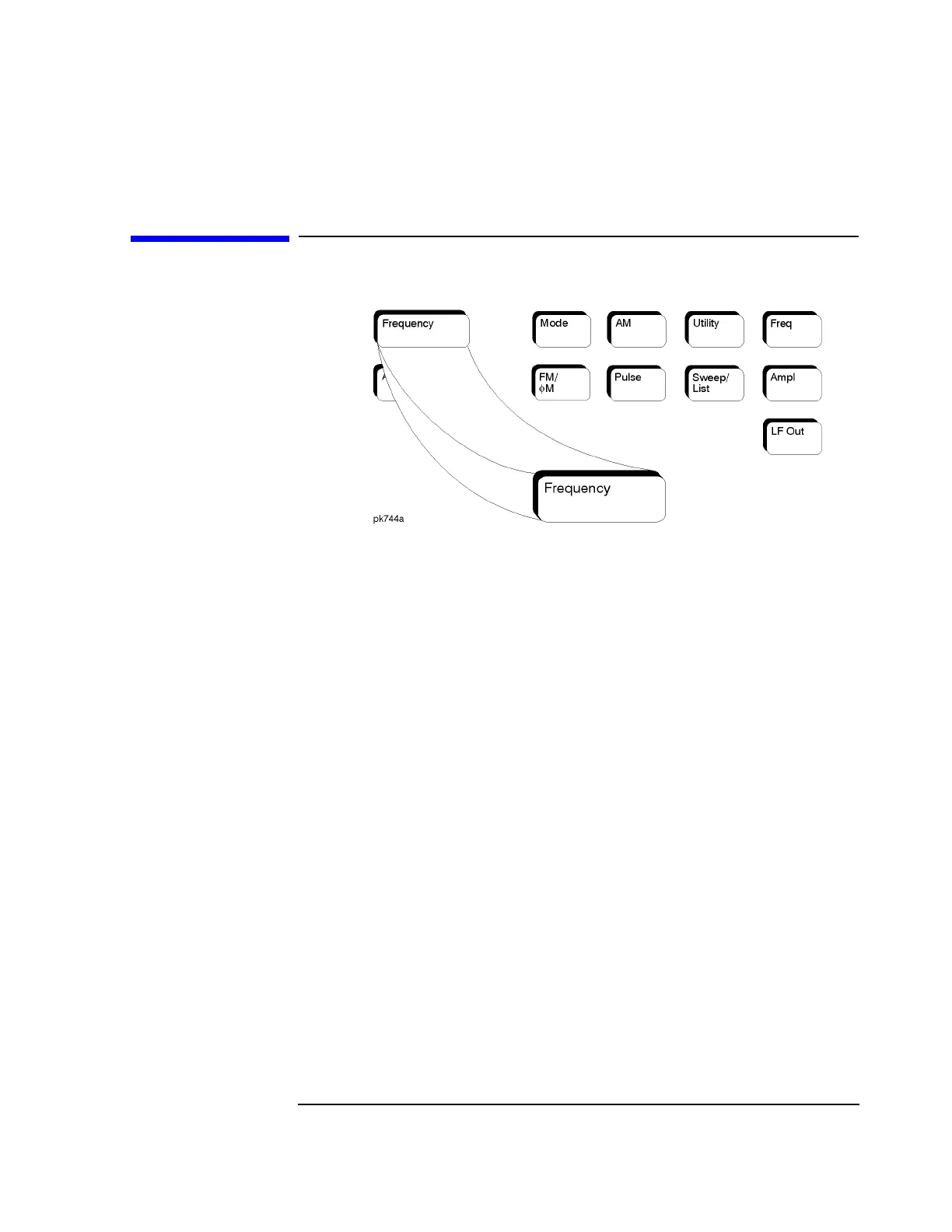
Press this front panel hardkey to change the RF output frequency. Frequency
becomes the active function and the current value is also shown in the active entry
area of the display. To enter a new value for frequency, rotate the front panel knob
until the desired value is displayed, use the up and down arrow keys, or enter the
value using the numeric keypad and press the
GHz, MHz, kHz, or Hz terminator
softkey. The output frequency range allowed depends on your instrument model.
Refer to Chapter 9, “Specifications.”
The current RF output frequency is always shown in the frequency area of the
display (unless you have altered the display by turning on frequency reference
mode or entering an offset or a multiplier). The frequency area of the display is
blanked whenever a frequency sweep is selected.
Status after Normal Preset: Maximum specified output frequency
SCPI Commands:
[:SOURce]:FREQuency[:CW] <val><unit>
[:SOURce]:FREQuency[:CW]?
[:SOURce]:FREQuency:FIXed <val><unit>
[:SOURce]:FREQuency:FIXed?
[:SOURce]:FREQuency:MODE CW|FIXed
[:SOURce]:FREQuency:MODE?



 To Next Page
 Loading...









