Chapter 4: Getting Started (The Standard Template)
Your First Mix
Eclipse User Guide 2.0 111/ 526
Controlling the Effect
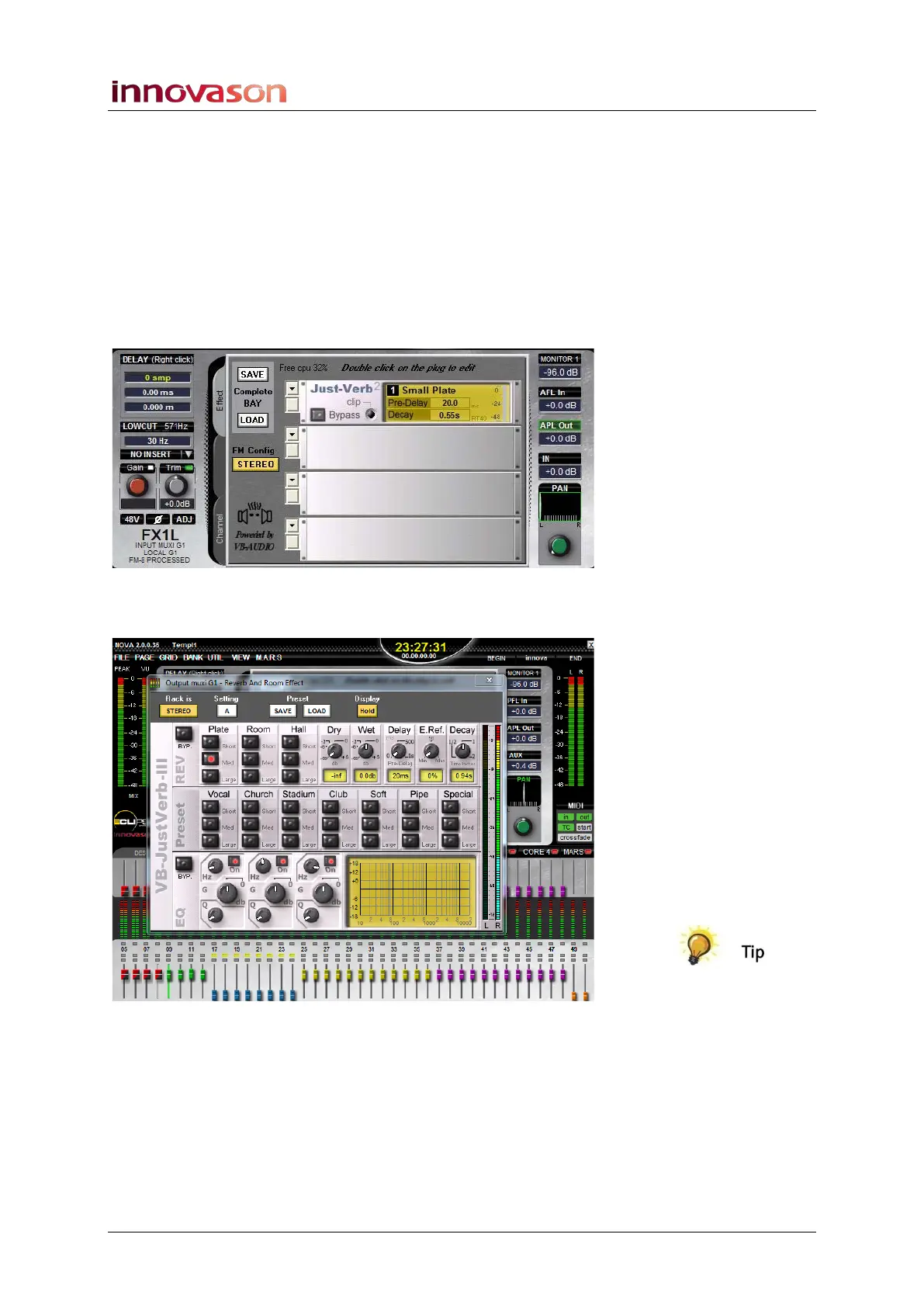
1. To view and control the effects processing, you can
either:
• Press SEL on the FX1 Aux channel and click on the
Output processing tab.
• Or, press SEL on the RFX1 return and click on the
Effects processing tab.
Both access the same effects bay:
2. Double-click on the Just-Verb module to open the
Effects Editor window:
3. If you want the Effects Editor window to open every time
you select the FX send or return channels, then turn on
Display Hold as shown above.



 To Next Page