Chapter 4: Getting Started (The Standard Template)
Your First Mix
112/ 526 2.0 Eclipse User Guide
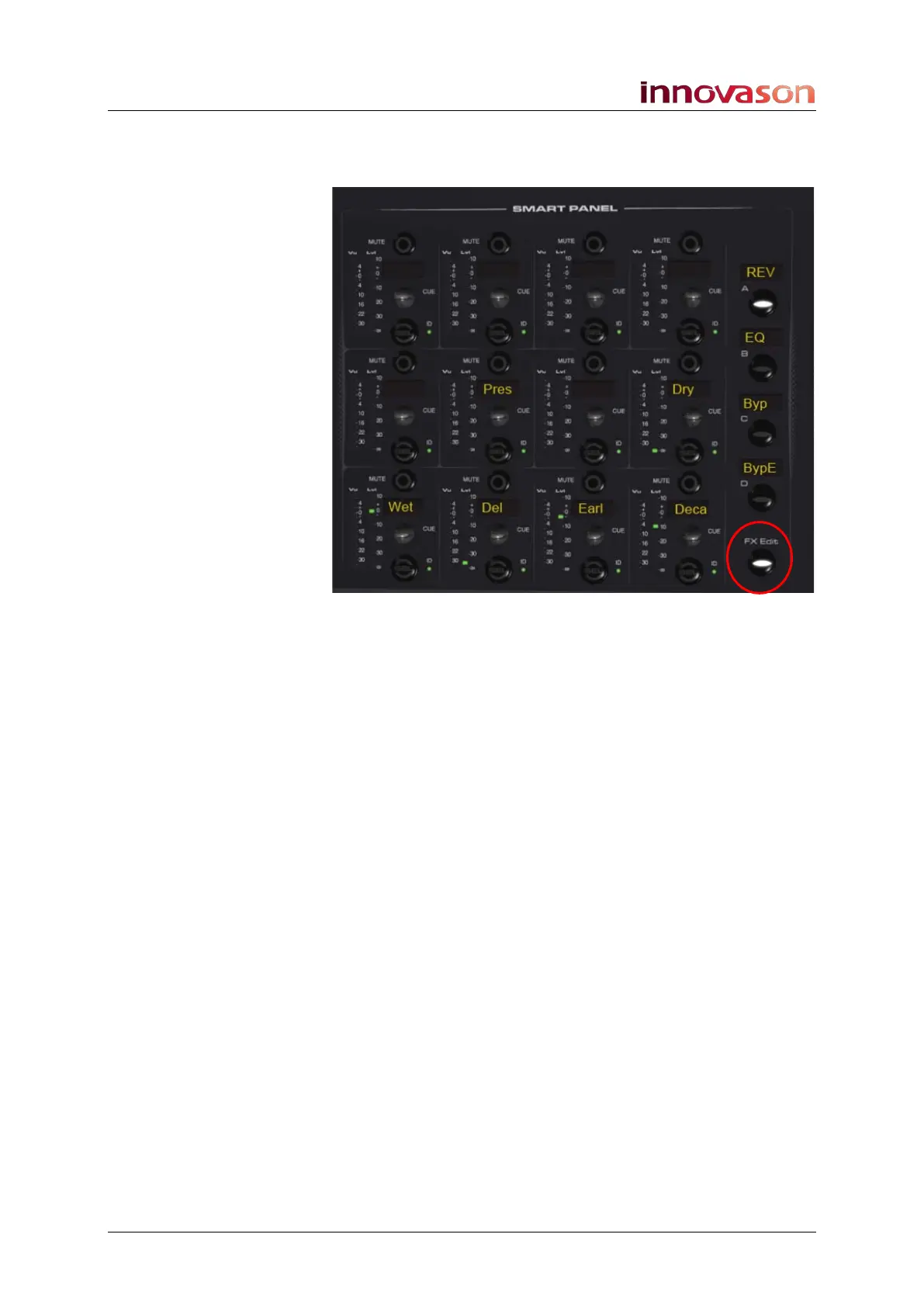
4. You can adjust parameters on-screen, or assign the
controls onto the console’s Smart Panel by pressing the
FX Edit button.
5. Turn the rotary controls to adjust the labelled
parameters.
You can view the parameter values on the Effects Editor
window.
For some plug-ins like the Just-Verb, there may be more than
one page of controls:
6. Press the Smart Panel A, B, C and D buttons to page
through the different sets of effects controls.
7. When are finished, deselect FX Edit and press SEL on
one of your input faders to return your input channels to
their normal operation (main channel level).



 To Next Page