Chapter 5: Console Operation
Fader Strips: Pot Configurations
128/ 526 2.0 Eclipse User Guide
4. Now turn the pot on one of the input faders feeding the
Aux.
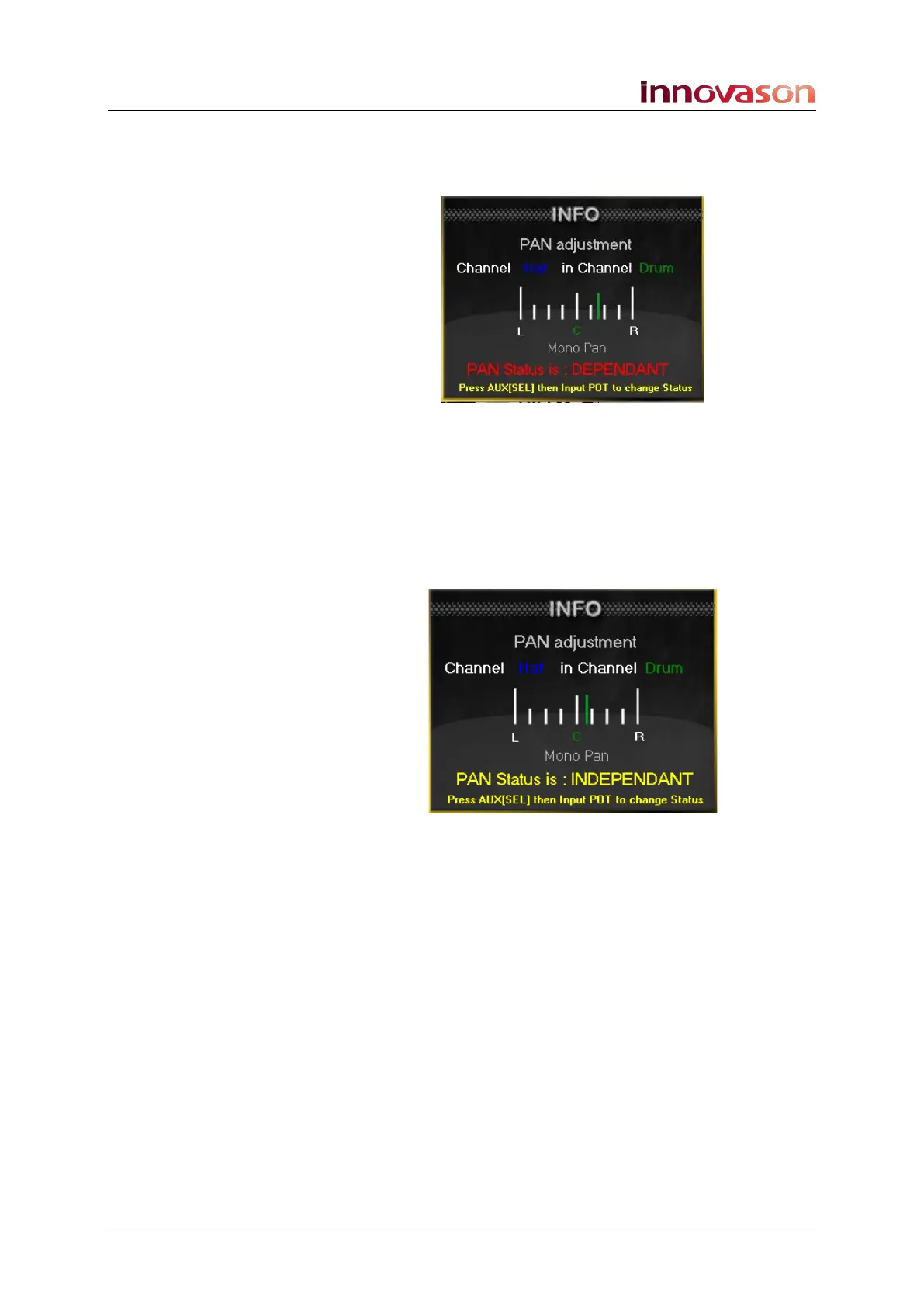
An INFO window appears:
In our example, we are panning from the input labeled Hat to
the Aux channel labeled Drum. The status is that the pan is
dependent – it follows the main channel pan position:
5. To switch the Aux send to independent panning, press
down on the pot.
The INFO window updates to show that panning is now
independent:
6. Turn the control to adjust the independent pan position.
Panning from the input to the selected Aux is adjusted. The
main channel pan and other stereo aux sends are unaffected.
7. Repeat for any other channels which require
independent panning to the selected Aux.
8. Then press SEL on your next stereo Aux channel and
repeat the process to configure another send mix.



 To Next Page