Chapter 5: Console Operation
Input Channels: DYNAMIC
Eclipse User Guide 2.0 139/ 526
Setting a Compressor
1. Turn off the Gate/Comp. button so that the front panel
controls are switched to the compressor.
The Gate/Comp. button should be off. On the Main Mix display
the control layout updates to show the compressor.
2. Turn on the Comp ON button to activate the
compressor.
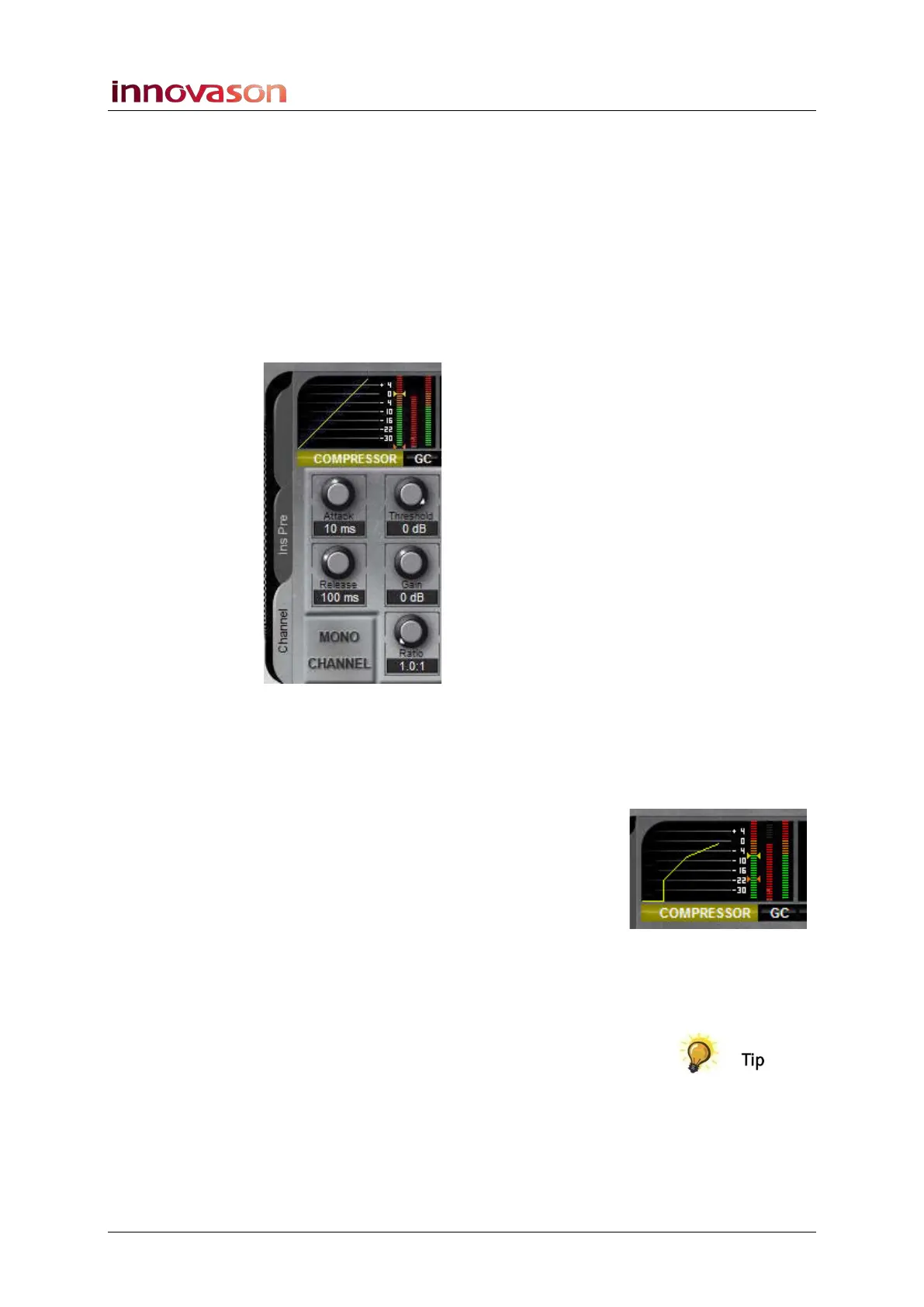
The button lights and on the Main Mix display the on-screen
COMPRESSOR button lights (yellow):
3. You can now use the rotary controls to adjust the
compressor.
Compressor parameters may be set as follows:
• Threshold level – from -90dB to +10dB.
• Ratio – from 1:1 (no compression) to infinity:1 (limiting)
• Attack Time – from 0.5ms to 200ms.
• Release Time – from 50ms to 10s.
• Make up Gain – from -11dB to +20dB.
The action of the compressor is best described by looking at the
dynamics curve on the Main Mix display.
Also, keep an eye on the amount of gain reduction being
applied using the gain Red. meter.
You can reset the Compressor settings to flat using the FLAT
button as described on Page 393.



 To Next Page