Chapter 1: Overview
Control Surface Overview
Eclipse User Guide 2.0 17/ 526
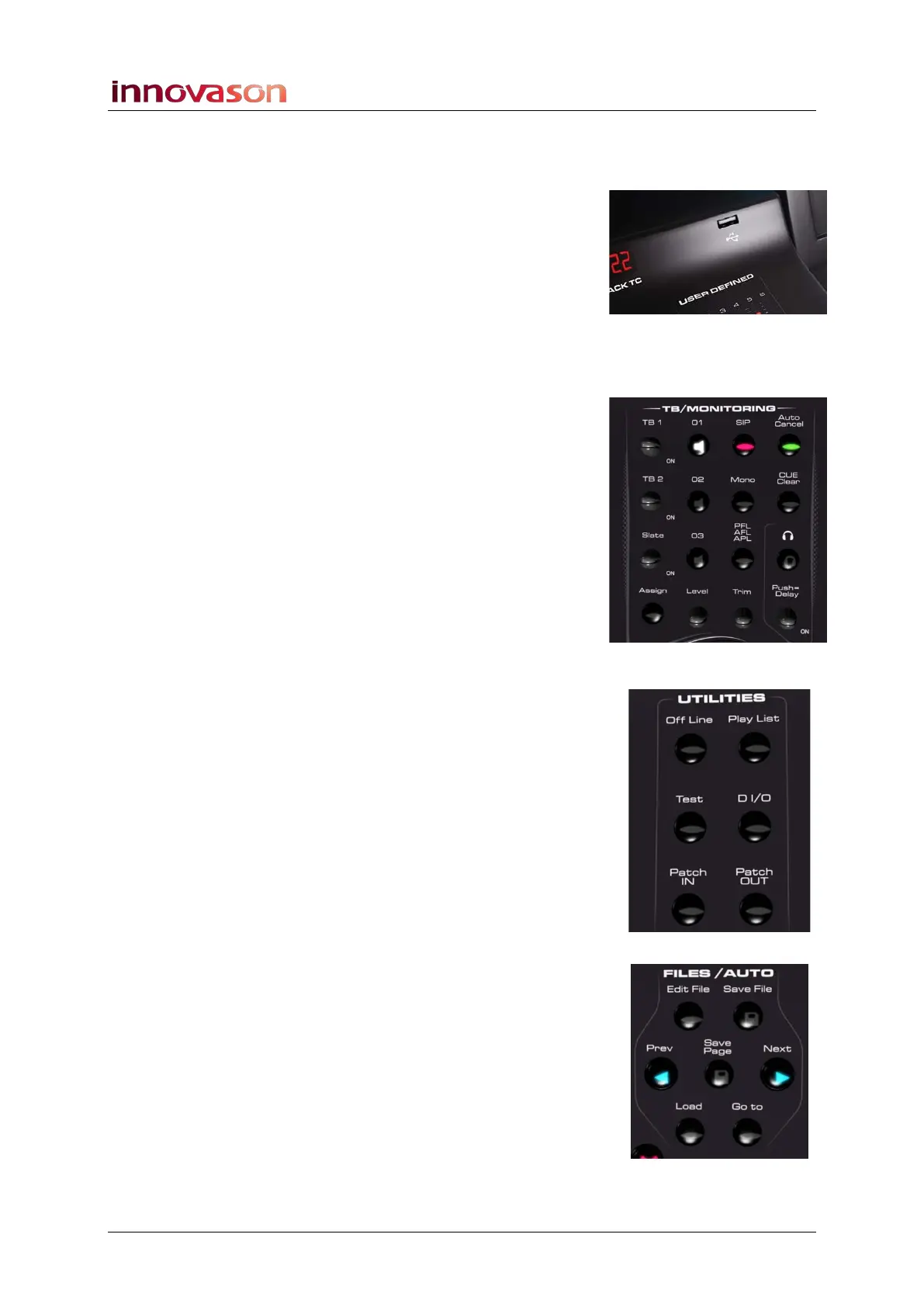
USB Ports and Timecode Display
To the left of the touch-screen are two USB ports for importing
and exporting data. The timecode display can show timecode
from either the M.A.R.S. hard disk recorder or Nova’s external
MIDI input.
Power Status Indicators
To the right of the touch-screen are a row of LEDs indicating
the status of power supplies (A and B) and internal voltages.
TB/Monitoring
Below the Power indicators are the console’s talkback,
monitoring and headphone controls.
Eclipse includes a stereo monitor bus which may be switched to
three different monitor outputs. In addition, a headphone output
is provided at the front of the console (1/4” jack).
The console’s CUE buttons may operate as AFL, PFL or Solo-
in-Place (SIP).
Talkback may be switched to three different outputs. A talkback
microphone input is provided at the front of the console (XLR).
Utilities
A second UTILITIES panel provides access to:
• Off Line Mode – use this mode to load Pages to the
console to check or modify settings without affecting the
current mix.
• Play List – the Play List manages Page automation. For
example, to change the order of Pages for the show, to
set crossfade times between Pages, etc.
• Test – routes the Oscillator test tone to the selected
channel.
• D I/O – displays the PATCH DIRECT grid.
• Patch IN – displays the PATCH IN grid.
• Patch OUT – displays the PATCH OUT grid.
Files/Auto
The FILES/AUTO panel provides buttons for saving settings
(Files) and managing console automation (Pages).



 To Next Page