Chapter 1: Overview
Control Surface Overview
16/ 526 2.0 Eclipse User Guide
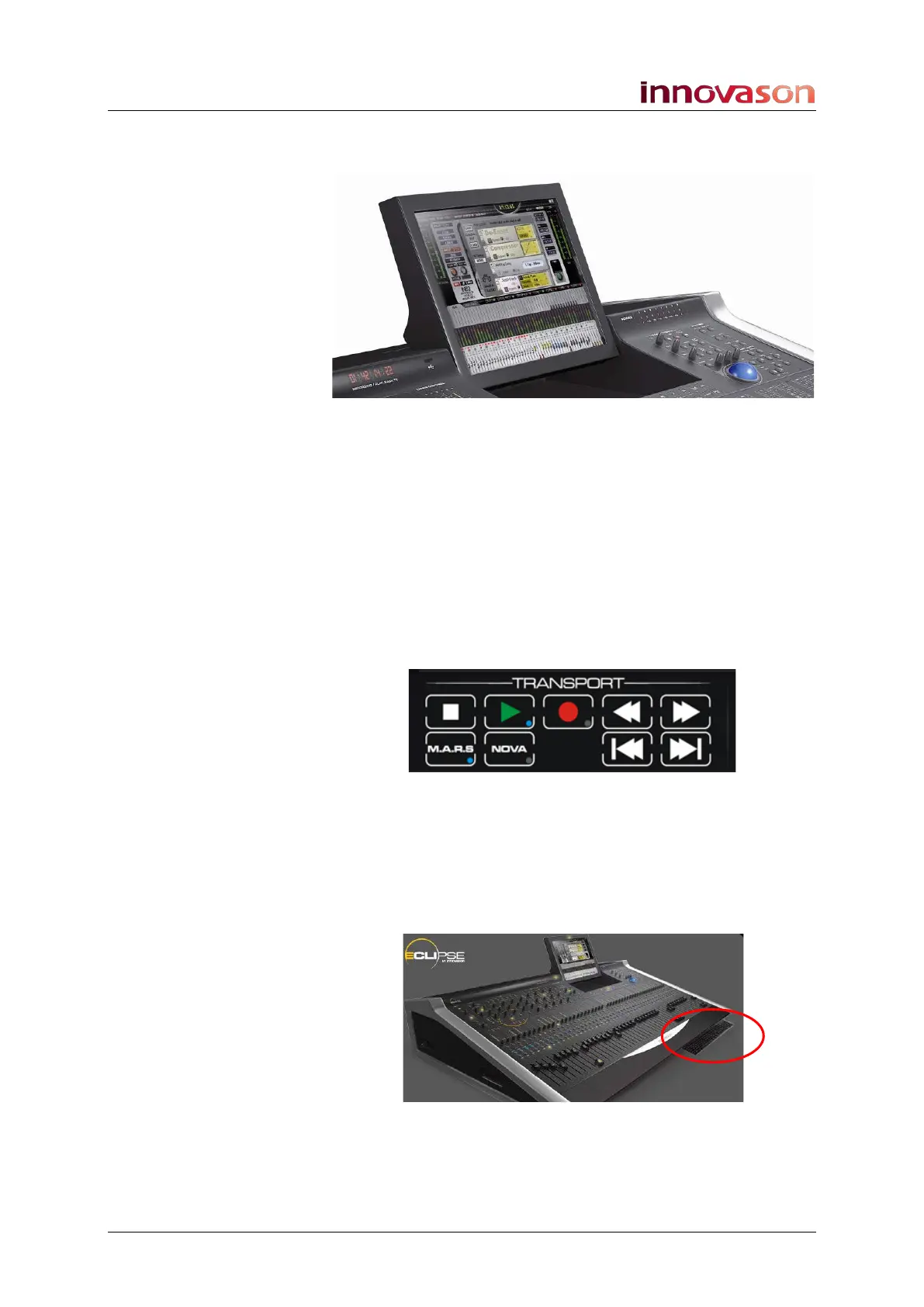
Touch-Screen
The console screen is a touch-screen display which can be
switched between two control computers:
• NOVA – Eclipse’s management software. Nova controls
the console and stores/recalls mix settings.
• M.A.R.S. (Multitrack Audio Recording System) –
Eclipse’s integrated 64-track hard disk recorder.
M.A.R.S. Control Panel
Below the touch-screen, the M.A.R.S. control panel provides
transport and cue control for recording and playback:
Trackball and Keyboard
A trackball is situated to the right of the touch-screen and the
console keyboard, with its own trackball, pulls out from the front
drawer. Many functions can be selected either by touching the
screen, using the trackball, or pressing a keyboard shortcut key.



 To Next Page