Chapter 5: Console Operation
Mix Bus Sends: Matrix Sends
172/ 526 2.0 Eclipse User Guide
Let’s take an example of reverse assign to a Matrix:
1. Press SEL on the Matrix fader or Smart Panel controller
(with a violet ID).
The SEL button and Label on the Matrix should be flashing:
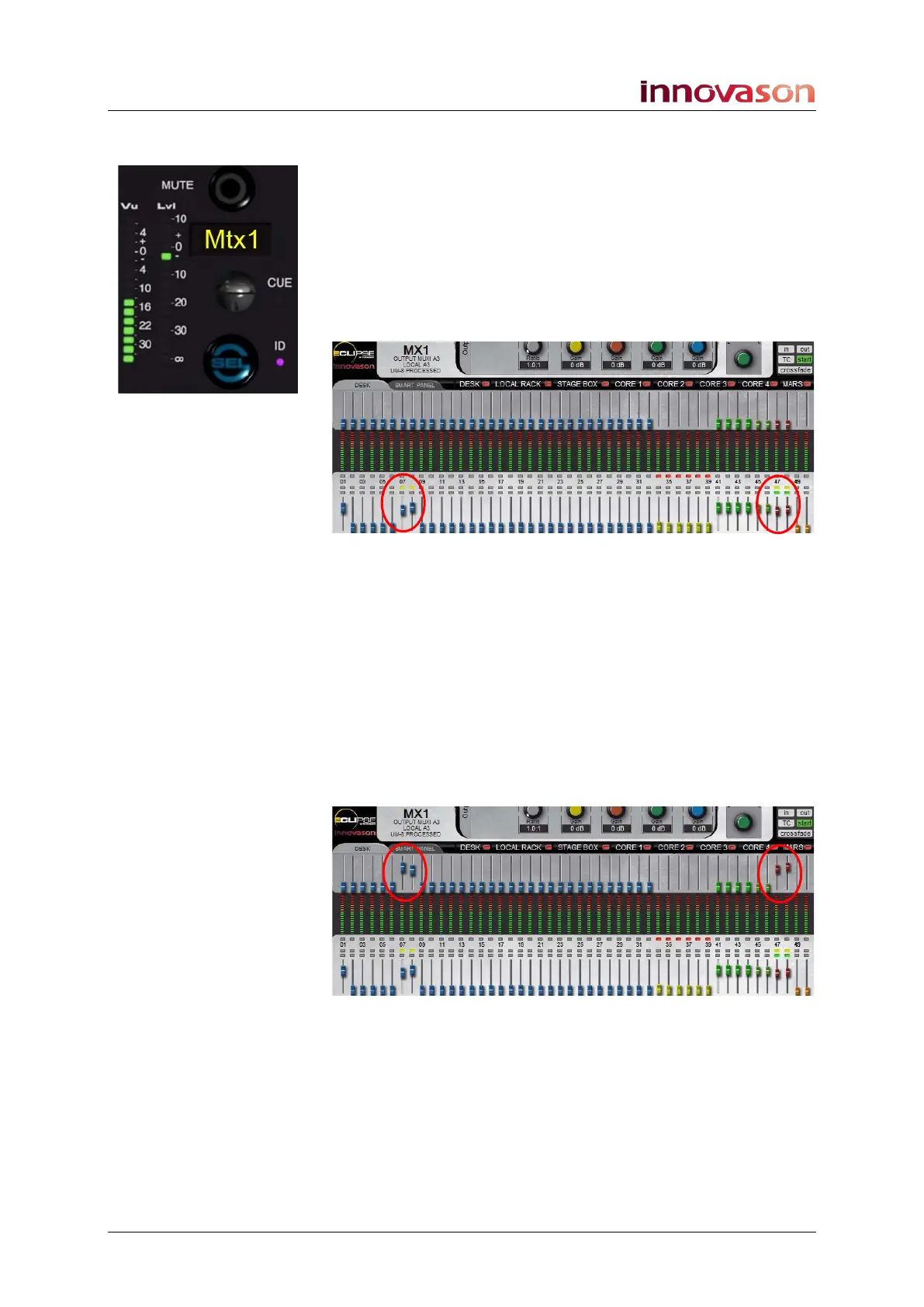
2. Look across the console at the status of the SEL
buttons:
Any steady state SEL buttons indicate bus assignments to the
selected Matrix - in our example, the stereo Master and input
faders 07 and 08 are assigned:
3. Now move your input and Master faders – you are
controlling the main input channel and Master levels.
Note that this is different to routing to an aux!
4. So, to set the send levels to the Matrix, press and hold
its flashing SEL button.
Now the faders on the console update to show the send levels
to the selected Matrix.
5. Keep holding the Matrix SEL button and move the
faders to change the send levels.
You can confirm the operation from the Main Mix display:



 To Next Page