Chapter 5: Console Operation
Assignable Delays
198/ 526 2.0 Eclipse User Guide
To assign a delay to an Output channel (mix bus):
1. Select the output channel (press SEL on the fader or
Smart Panel controller).
2. BEFORE you press the DELAY ON button or right-click
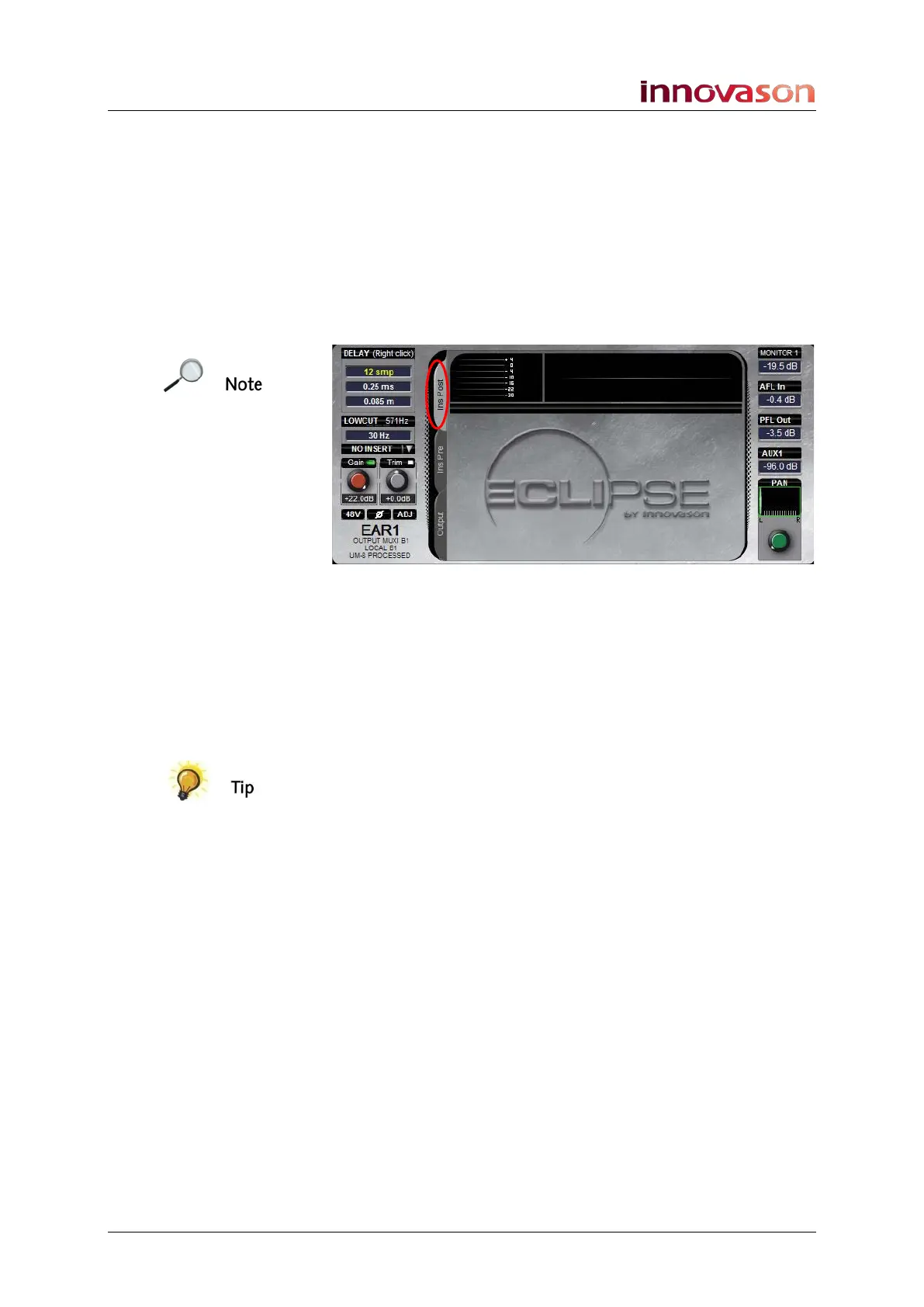
to assign the delay, select whether the delay will be pre
or post-fader:
• Click the Ins Pre tab to assign a pre-fader delay.
• Click the Ins Post tab to assign a post-fader delay.
Note that you must select one of these tabs before you can
assign a delay.
Also note that the inserted delay will affect all the outputs
patched on the bus as it is part of the bus and not individual for
each output.
3. Follow the steps in the previous section to assign the
delay.
You can assign a delay pre-fader AND post-fader if you wish to
increase the overall delay time available for the output channel.
Remember that UM8 outputs include delay within the output
card processing (up to 1365ms).



 To Next Page