Chapter 6: Console Configuration
Ethersound Networks
264/ 526 2.0 Eclipse User Guide
Upstream and Downstream Patching
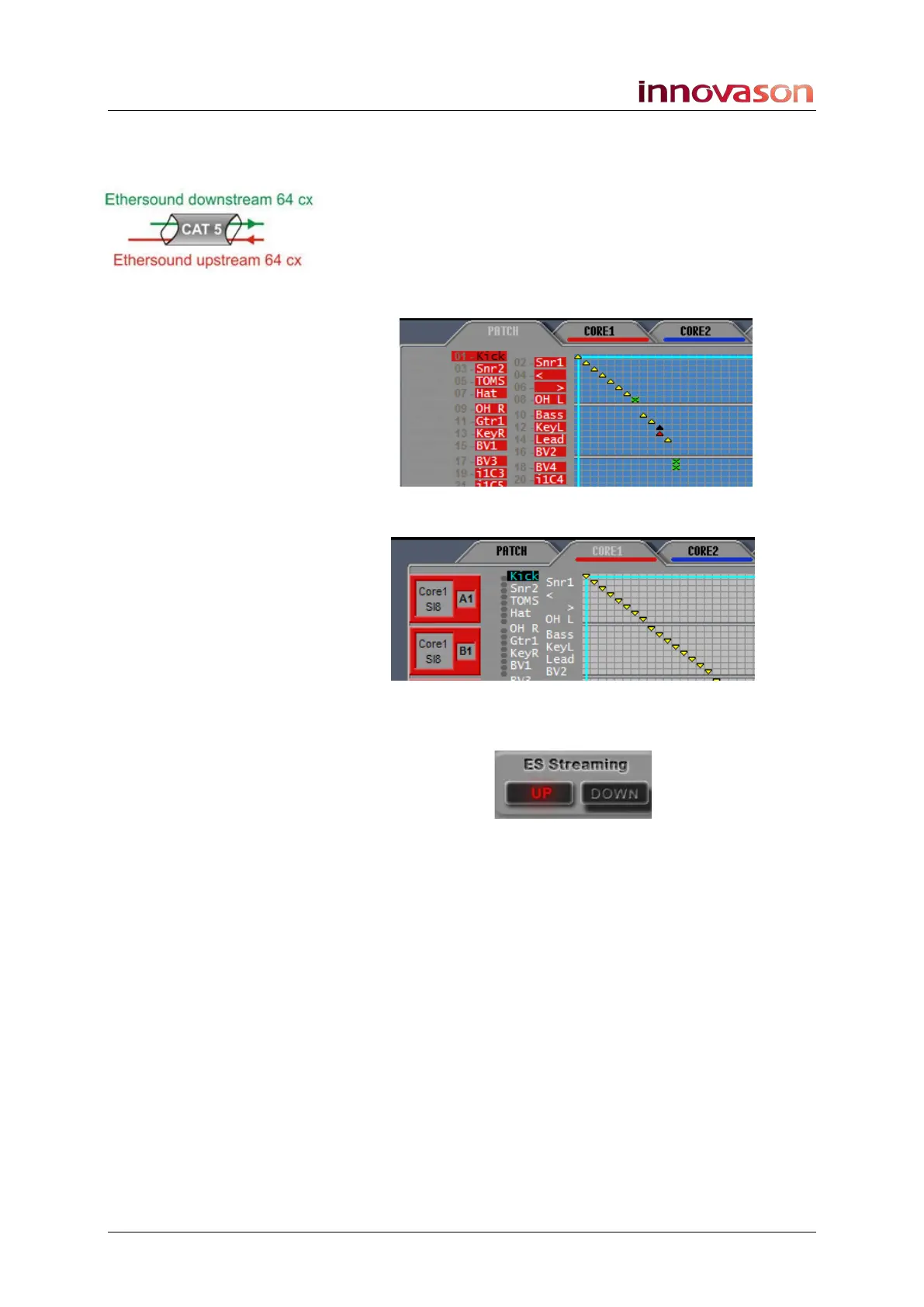
Ethersound carries 64 channels upstream plus 64 channels
downstream.
It is important when you make a patch, that you select the
correct streaming direction for your network configuration; the
streaming direction is displayed within the DIO1 PATCH grids:
• An up triangle indicates an upstream patch:
• A down triangle indicates a downstream patch:
1. Select the streaming direction from the ES Streaming
buttons:
2. Press the [SPACE bar] on the console keyboard, or
right-click, to make the patch.
Alternatively, you patch directly from the console keyboard:
• Press [D] to make a downstream patch.
• Press [U] to make an upstream patch.



 To Next Page