Chapter 6: Console Configuration
Ethersound Networks
278/ 526 2.0 Eclipse User Guide
Controlling Ethersound devices from the Console
1. Press SEL on one of the faders assigned from the
Aqonda.
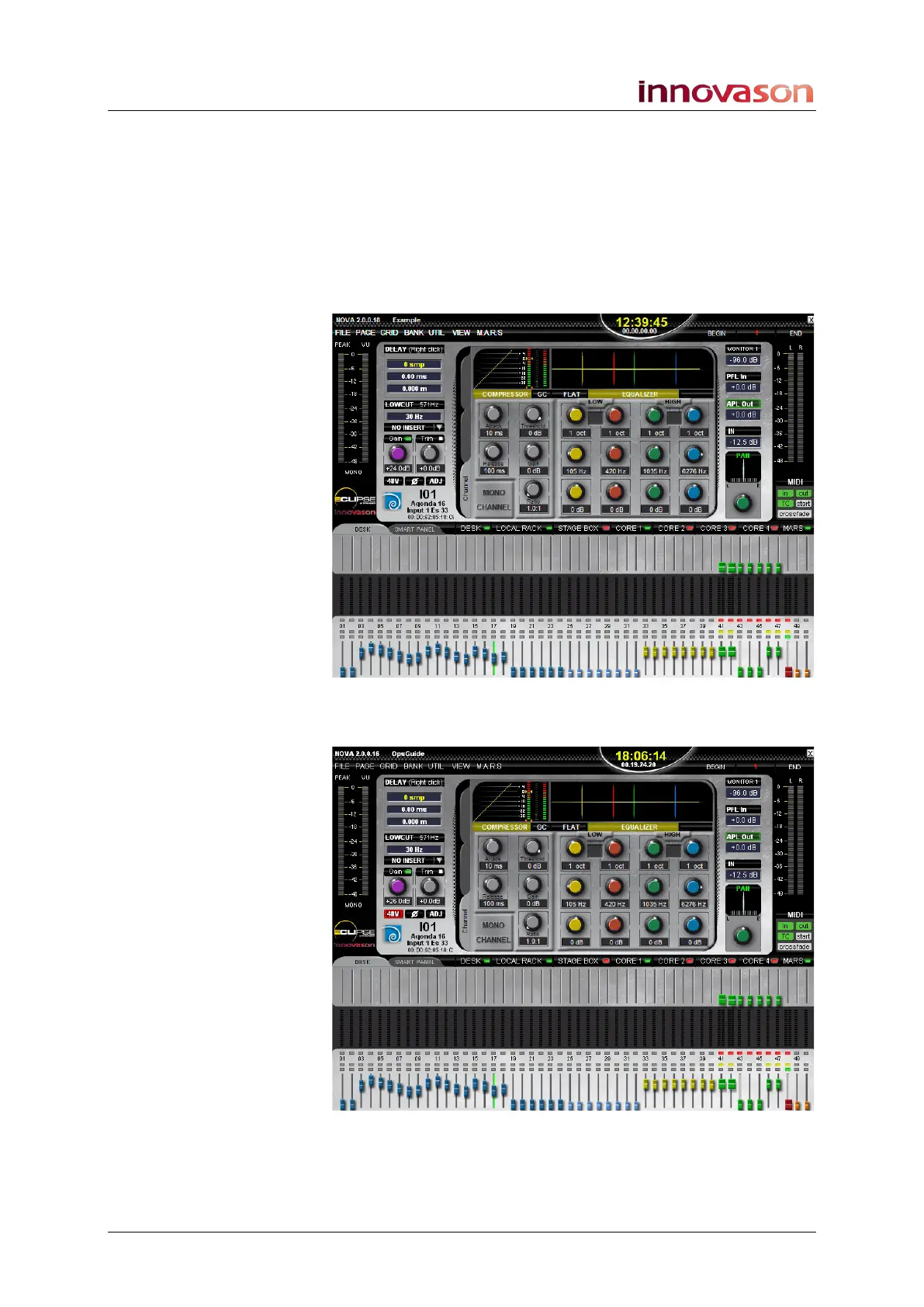
On the Main Mix display, the Aqonda logo appears beside the
channel label. The logo is in colour for an online device.
In addition, the Gain control is coloured purple. This indicates
that it will remotely control gain within the Ethersound device:
2. Now on the Eclipse control surface, press 48V or adjust
the Analog Gain control (from the INPUT panel).
You are now remotely controlling parameters within the device.



 To Next Page