Chapter 6: Console Configuration
Ethersound Networks
Eclipse User Guide 2.0 279/ 526
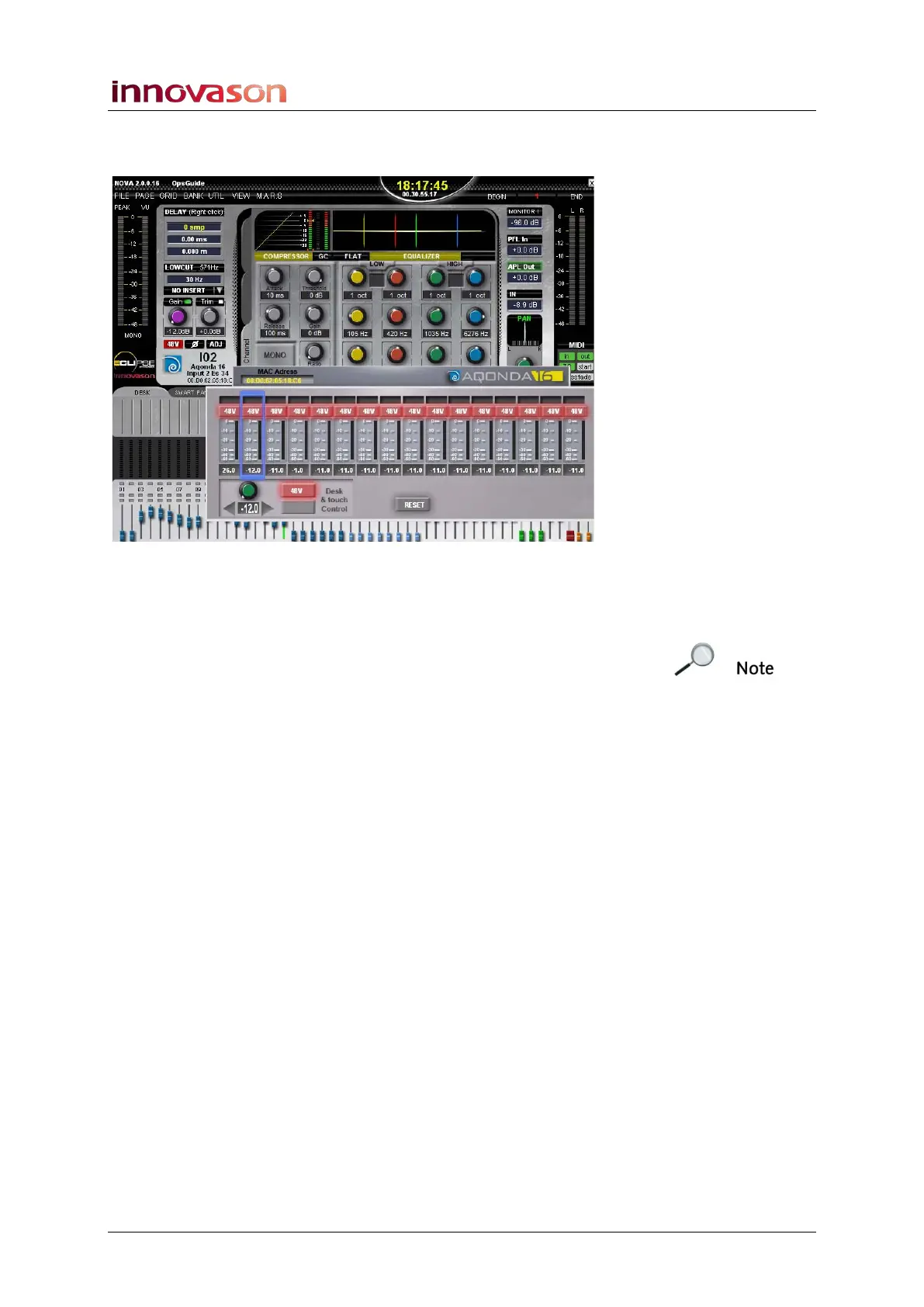
3. For more visual feedback, click on the Aqonda logo.
The full GUI control panel opens as a floating window:
You can position this window anywhere within the Main Mix
display, and use the GUI to control parameters for the selected
channel.
For safety, only the selected channel can be controlled from the
Main Mix display. If you wish to remotely control settings on
other channels, either press SEL on the correct fader or return
to the PATCH IN display and select the DIO1 and ES Devices
tabs.



 To Next Page