Chapter 6: Console Configuration
Ethersound Networks
284/ 526 2.0 Eclipse User Guide
Copying ES Device Parameters
You can copy the complete settings from one ES device to
another of the same type (e.g. Aqonda 16 to Aqonda 16).
This can be useful for quickly configuring settings. Or, if a
device fails and you have a backup unit, you can copy all the
settings from the failed device to the replacement unit:
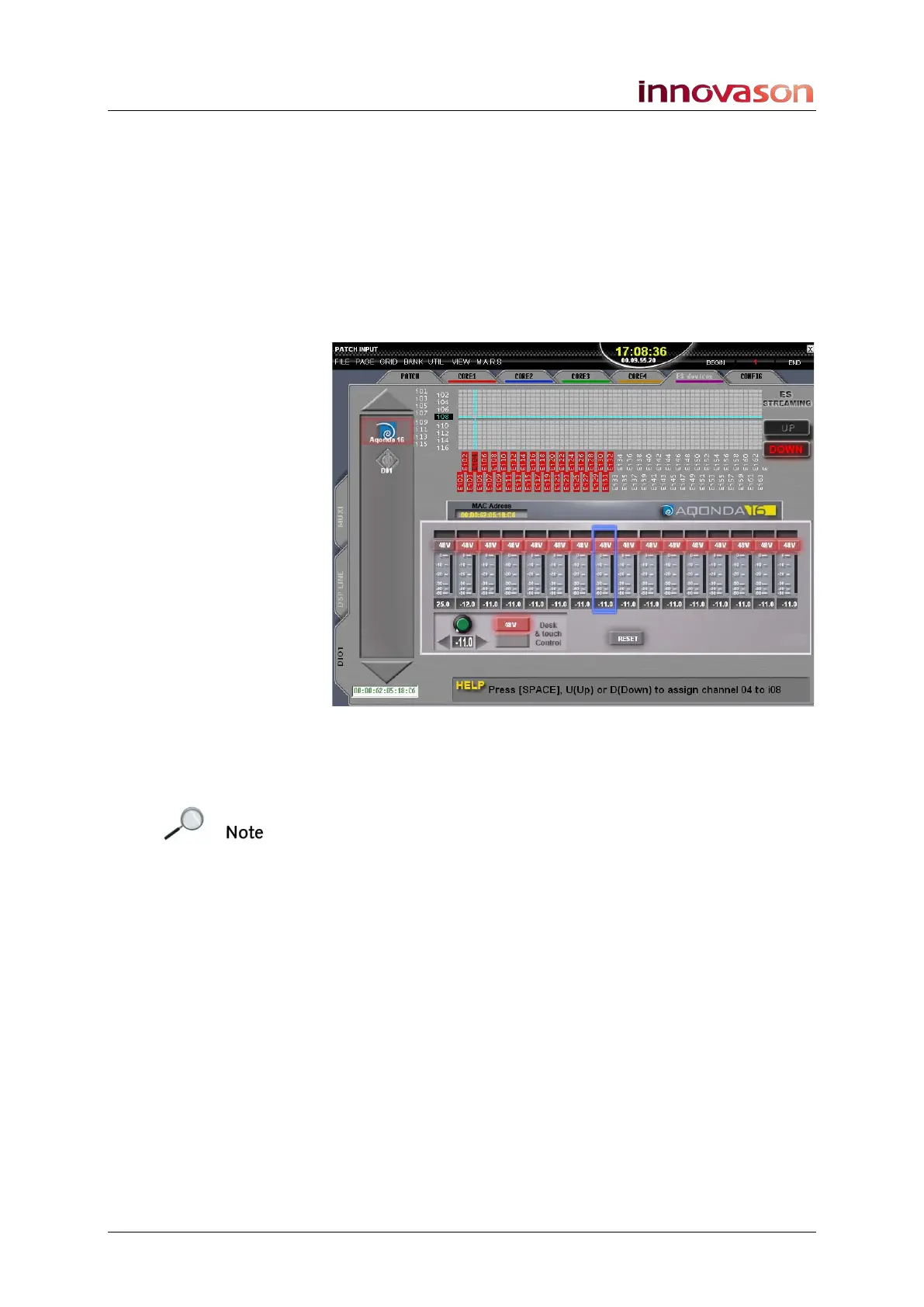
1. Select the PATCH INPUT display.
2. And select the DIO1 and ES devices tabs.
3. On the left of the display, click on the logo of the device
you wish to copy, and drag it onto the replacement unit’s
logo. Then release.
Note that the two devices must be of the same type; you cannot
copy settings from an Aqonda 16 to a DMI-8!
4. A confirmation dialogue appears.
5. Click OK to confirm the copy.
The parameters are copied.



 To Next Page