Chapter 6: Console Configuration
Ethersound Networks
Eclipse User Guide 2.0 283/ 526
Deleting an ES Device
To delete a device:
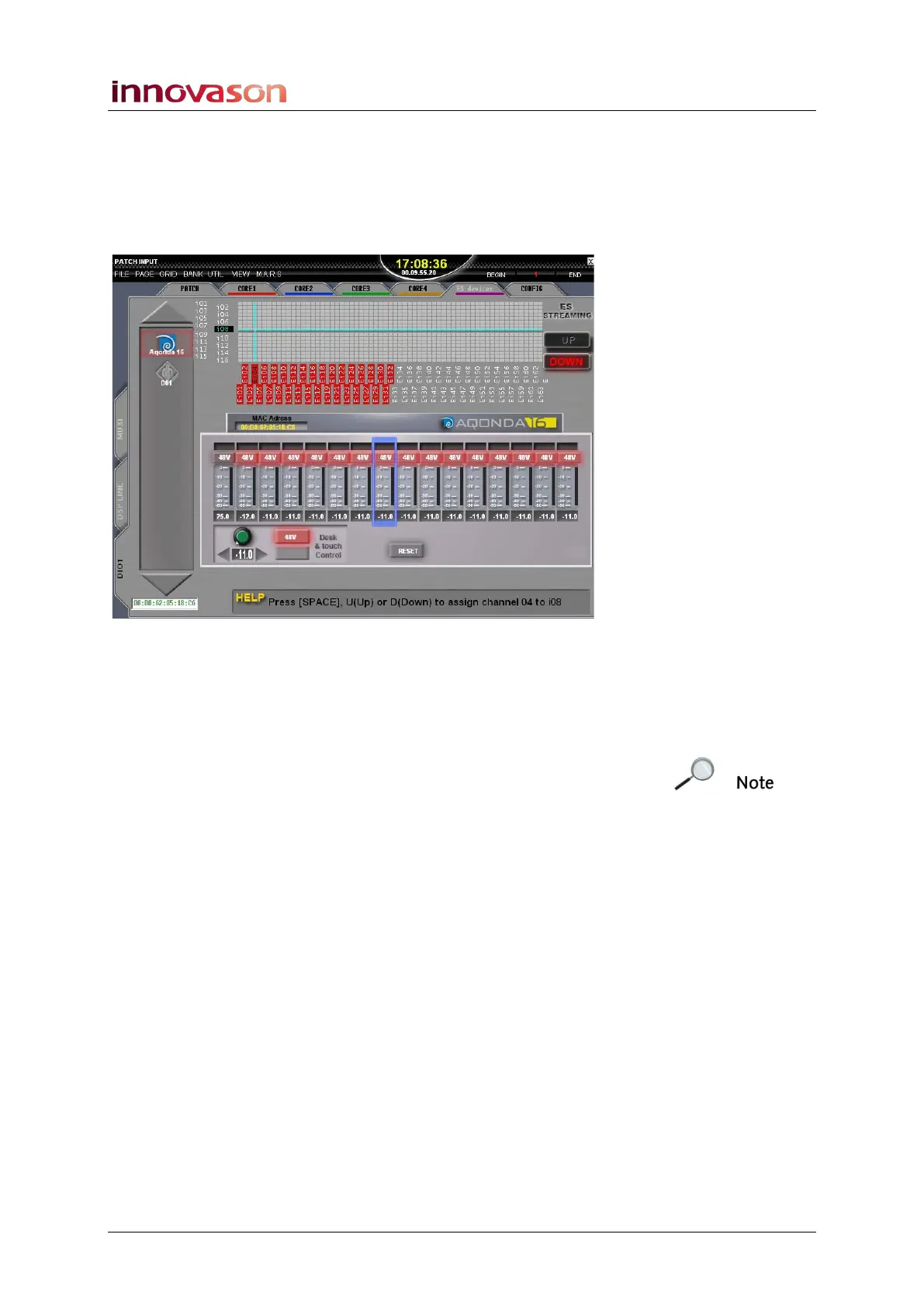
1. Select the PATCH INPUT display.
2. And select the DIO1 and ES devices tabs.
3. Select the device logo from the list on the left of the
display.
4. Then press [DEL] on the keyboard.
5. Press OK to confirm the delete.
Note that you cannot delete a device which is online. You must
disconnect the device from the Ethersound network and then
perform the delete operation.



 To Next Page