Chapter 6: Console Configuration
The Muxipaire Stagebox
286/ 526 2.0 Eclipse User Guide
MUXI Configuration
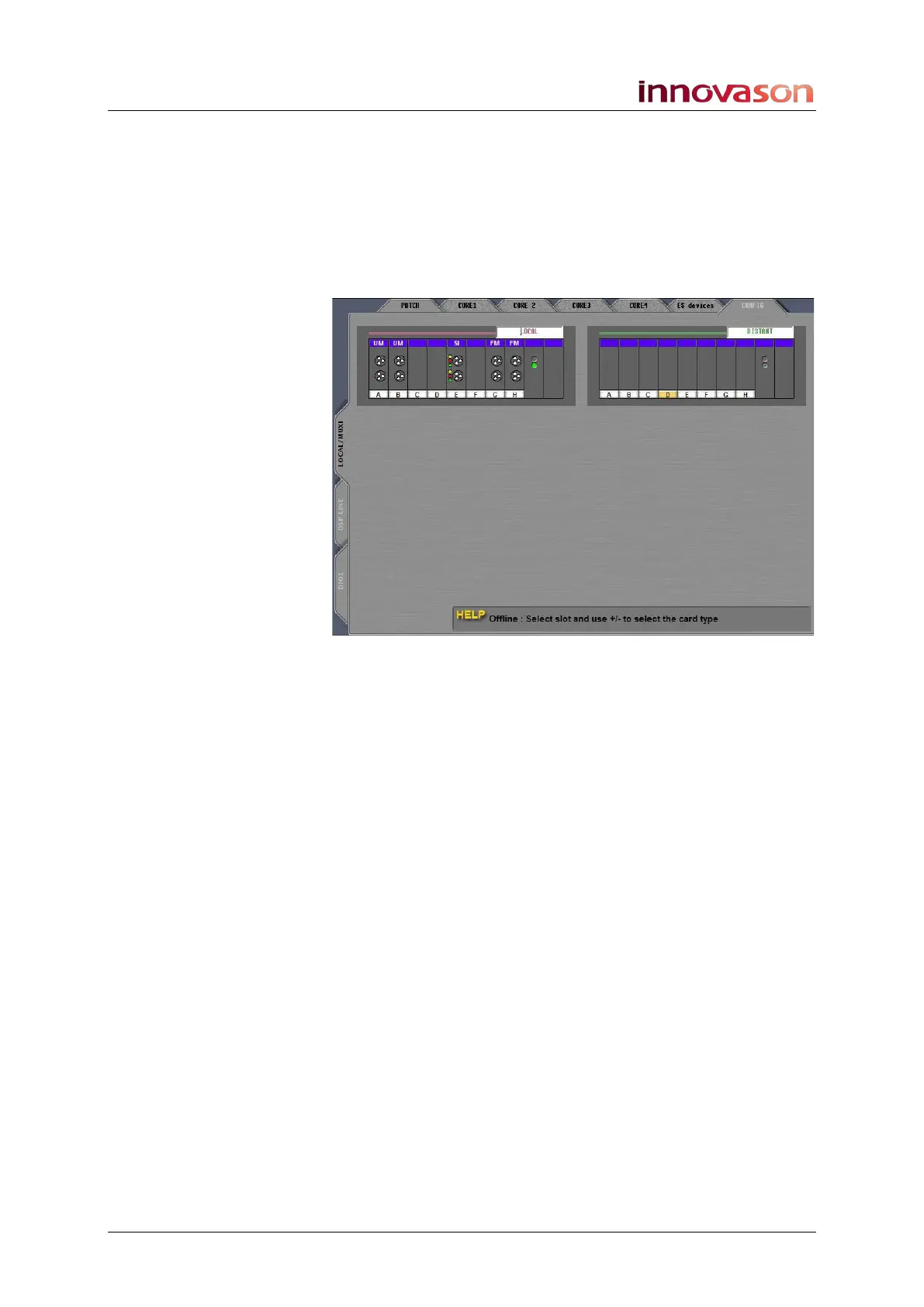
To view the I/O card configuration within the Muxipaire
interfaces:
1. Select the LOCAL / MUXI or DSP LINE tab on either the
PATCH INPUT or PATCH OUTPUT displays.
2. Then click on the CONFIG tab:
If the console (and Stagebox) are powered and connected, then
the Nova software automatically detects the card configuration:
• Local – these are the I/O cards fitted at the rear of the
console.
• Distant – these are I/O cards fitted within a remote
Stagebox.
If you are working offline, you can prepare a Muxipaire card
configuration in the same way as for a DioCore. See Page 270.
Please see the “Eclipse Technical Manual” for further details on
the StageBox option.



 To Next Page