Chapter 6: Console Configuration
Internal Effects (the FM-8VB Card)
Eclipse User Guide 2.0 305/ 526
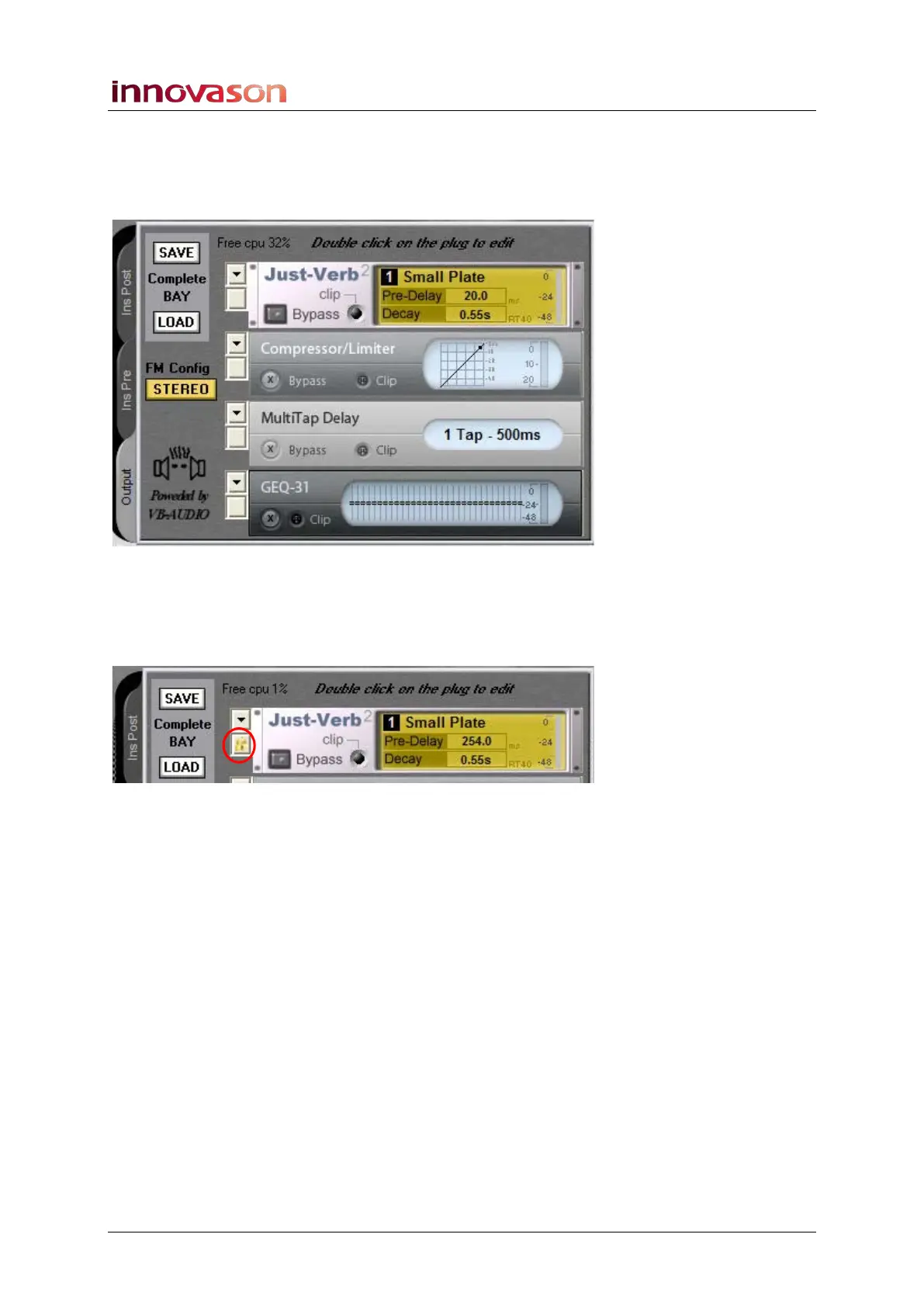
The Effects Rack display
To the left of the main effects racks are a number of other
useful options available across all effects bays:
Locking a Rack
1. Each effects rack can be locked by clicking on the
button below the down arrow:
When locked the effects module will NOT be reset by any Page
changes. This allows you to use the effect like an outboard
device so that it remains in manual control at all times.
2. Click on the padlock icon to remove the lock.
Note that each effects module within the bay can be locked or
unlocked individually.



 To Next Page