Chapter 6: Console Configuration
Inserts
310/ 526 2.0 Eclipse User Guide
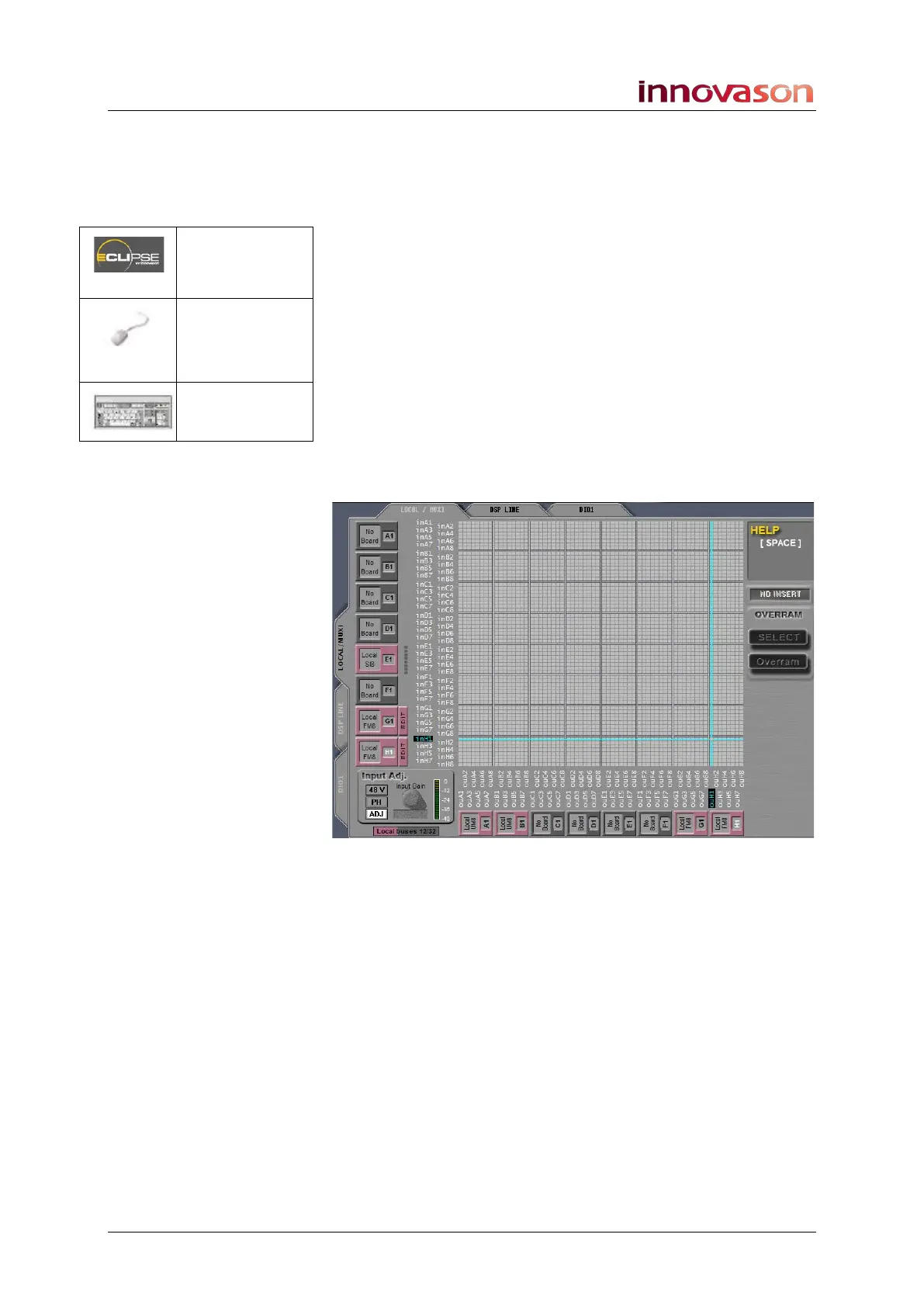
Configuring an Insert Device
First we need to define the input and output pair to/from the
external device or internal effects bay (FM8-VB card) as an
insert send and return. This is done from the PATCH DIRECT
grid.
1. Open the PATCH DIRECT grid.
2. Select the LOCAL / MUXI tab to view the eight
Muxipaire interface card slots (at the rear of the
console).
In our example, the last two slots are fitted with Local FM8
(FM-8VB) cards.
3. Position the cursor at the input and output crosspoint
which you wish to define as the insert send and return –
for example, at the first input and output of the second
Local FM-8 card:
D I/O
(UTILITIES)
“GRID ->
Patch Direct
I/O”
[F10]



 To Next Page