Chapter 6: Console Configuration
Inserts
Eclipse User Guide 2.0 311/ 526
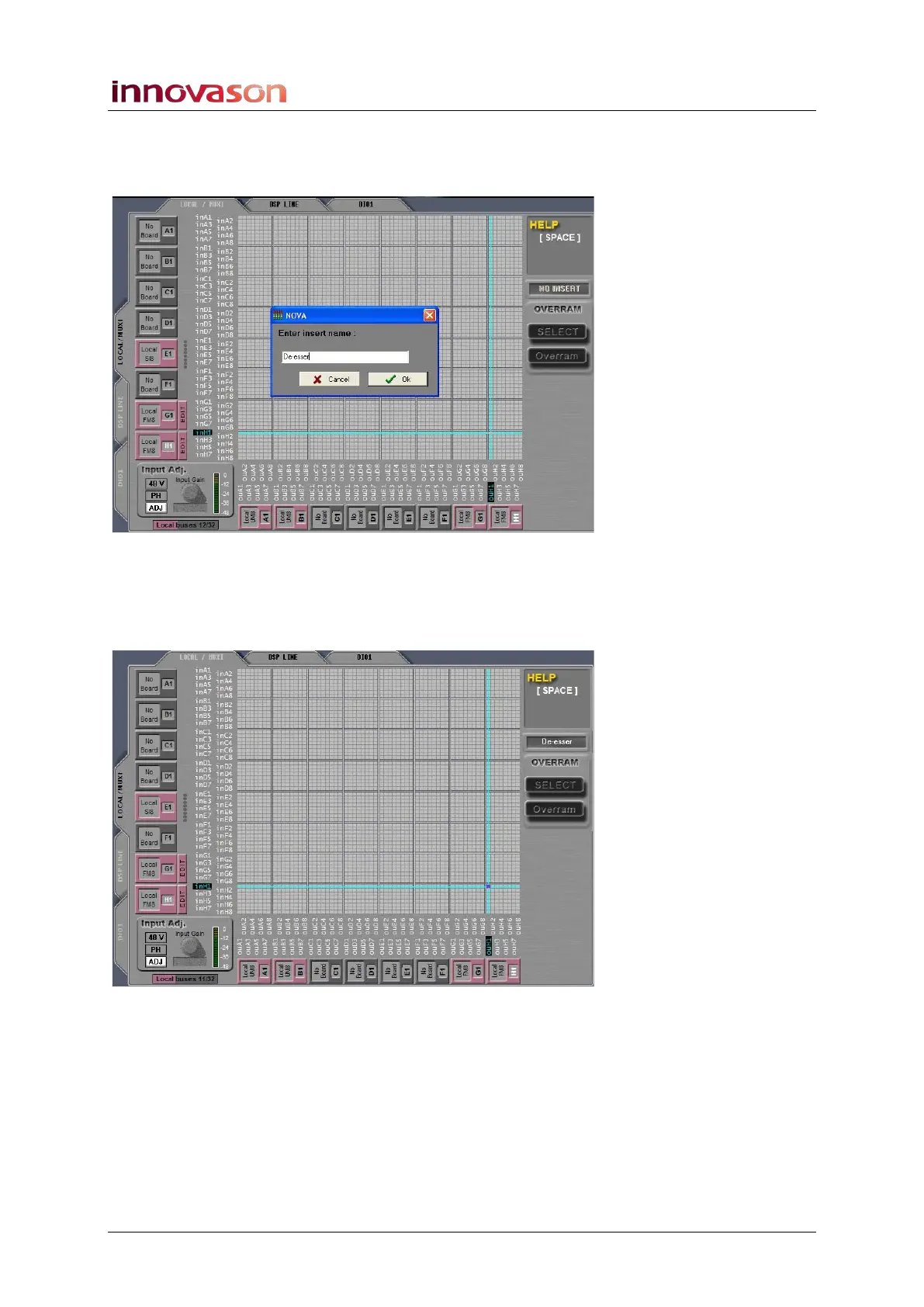
4. Then press [i] on the console keyboard to define the
insert.
A window appears asking for a name:
5. Enter a name – for example, De-esser – and select OK
or press [Enter].
The selected crosspoint turns blue to indicate that the insert has
been defined:
You have now defined an insert point named De-esser where
the insert send is output ouH1 and the insert return is input
inH1.



 To Next Page