Chapter 6: Console Configuration
Fast Configuration
320/ 526 2.0 Eclipse User Guide
Configuring Initial Parameters
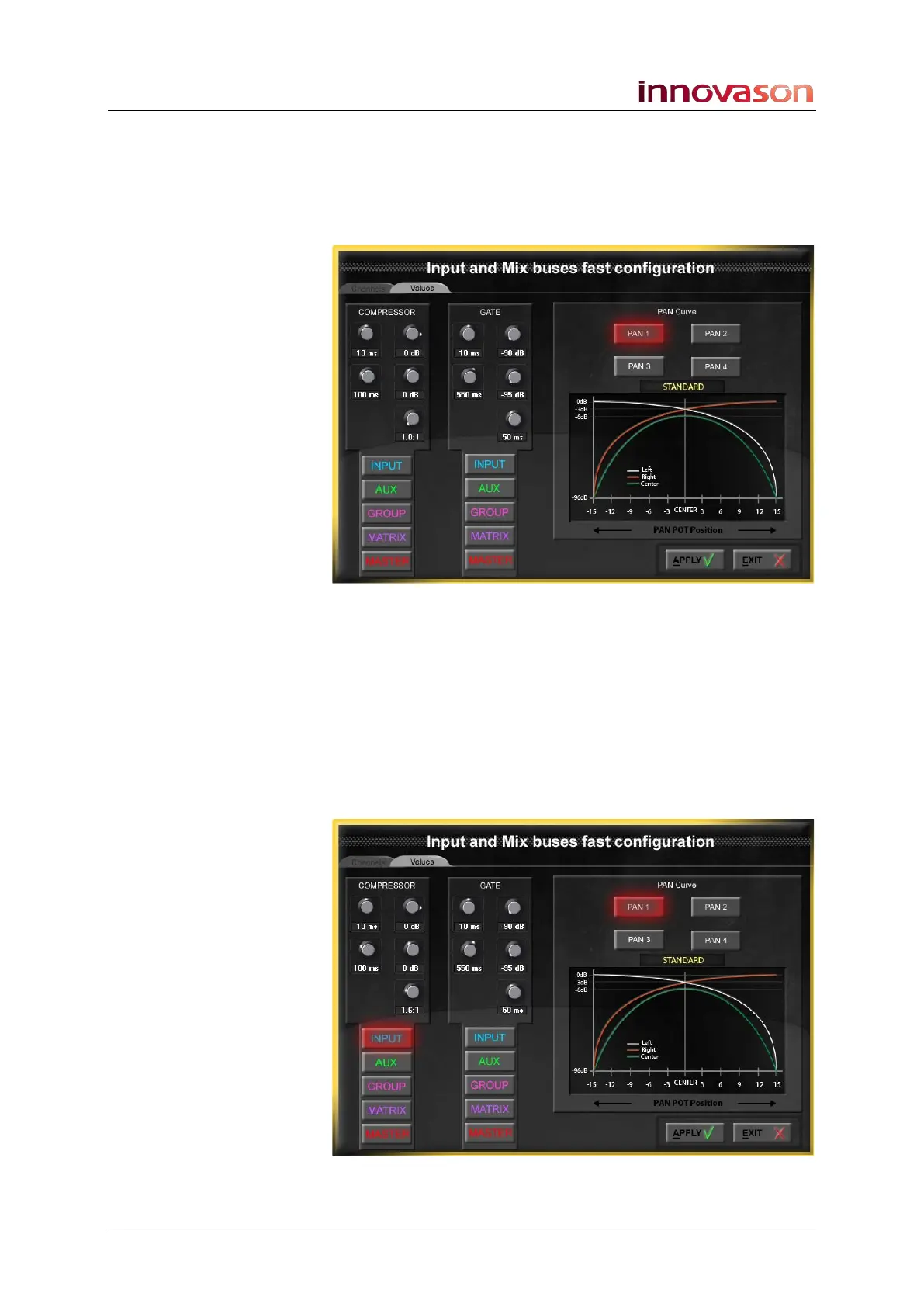
The Init Param tab allows you to configure specific parameter
values for the Compressor and Gate, and select a Pan curve.
1. Select the Init Param tab:
2. Adjust the values by left or right-clicking on the relevant
parameter control.
You can adjust settings for the Compressor, Gate and select a
Pan Curve using the Pan 1 to Pan 4 buttons.
3. Then select the channel types you wish to initialise from
the INPUT, AUX, GROUP, MATRIX or MASTER
buttons.
In our example, we have set some default parameter values for
the Compressor, which will be applied to all input channels:



 To Next Page