Chapter 6: Console Configuration
User Defined Panel
Eclipse User Guide 2.0 327/ 526
Patch +/-
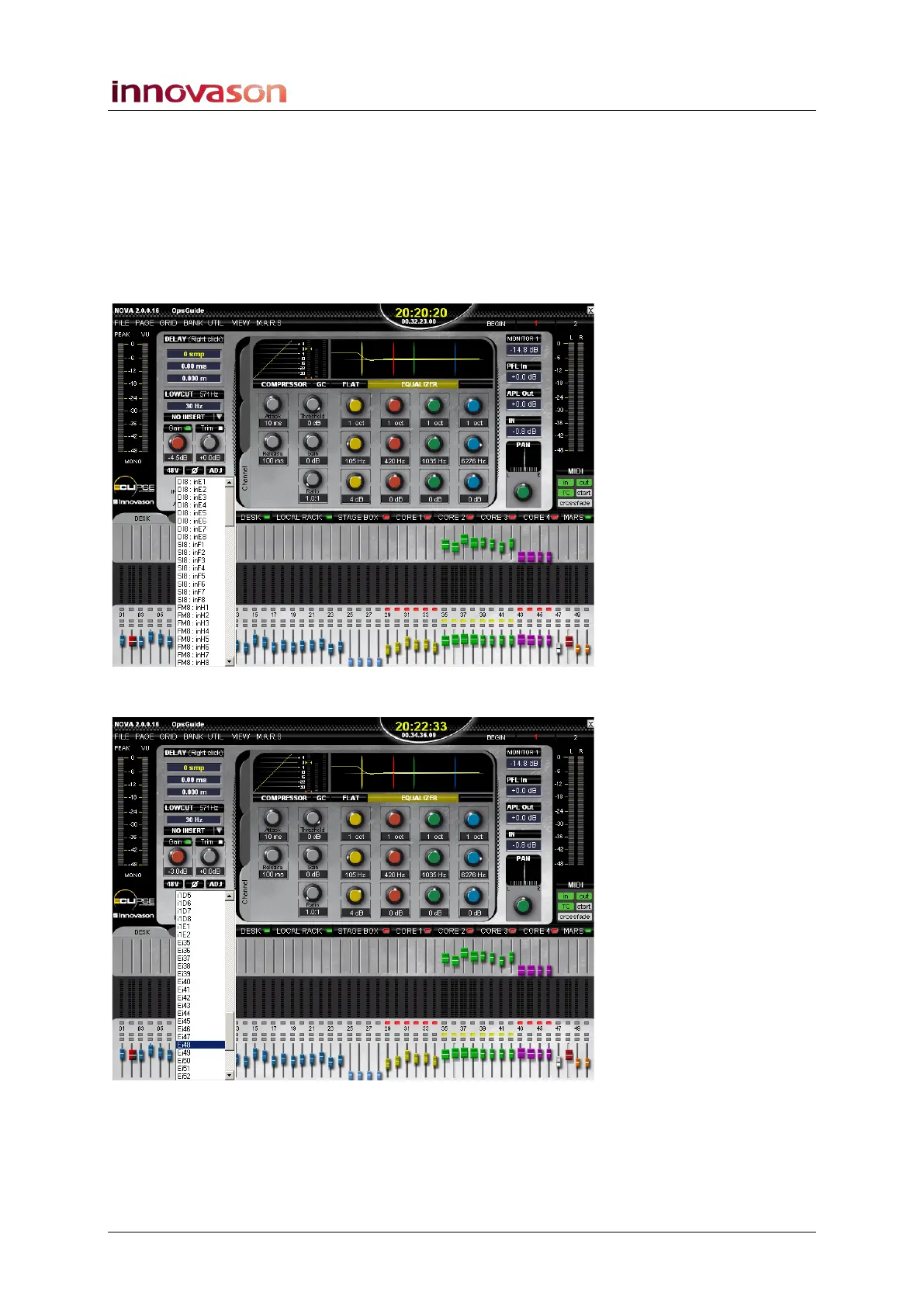
Can be used to patch sources from the Main Mix display:
1. Press SEL on any input Fader strip or Smart Panel
controller.
2. Press down on the Patch +/- rotary control.
A list of available sources appears on the Main Mix display:
3. Turn the Patch +/- control to select an input:
4. Press down to assign the source.
Or CANCEL to quit without changing the current patching.



 To Next Page