Chapter 6: Console Configuration
User Defined Panel
328/ 526 2.0 Eclipse User Guide
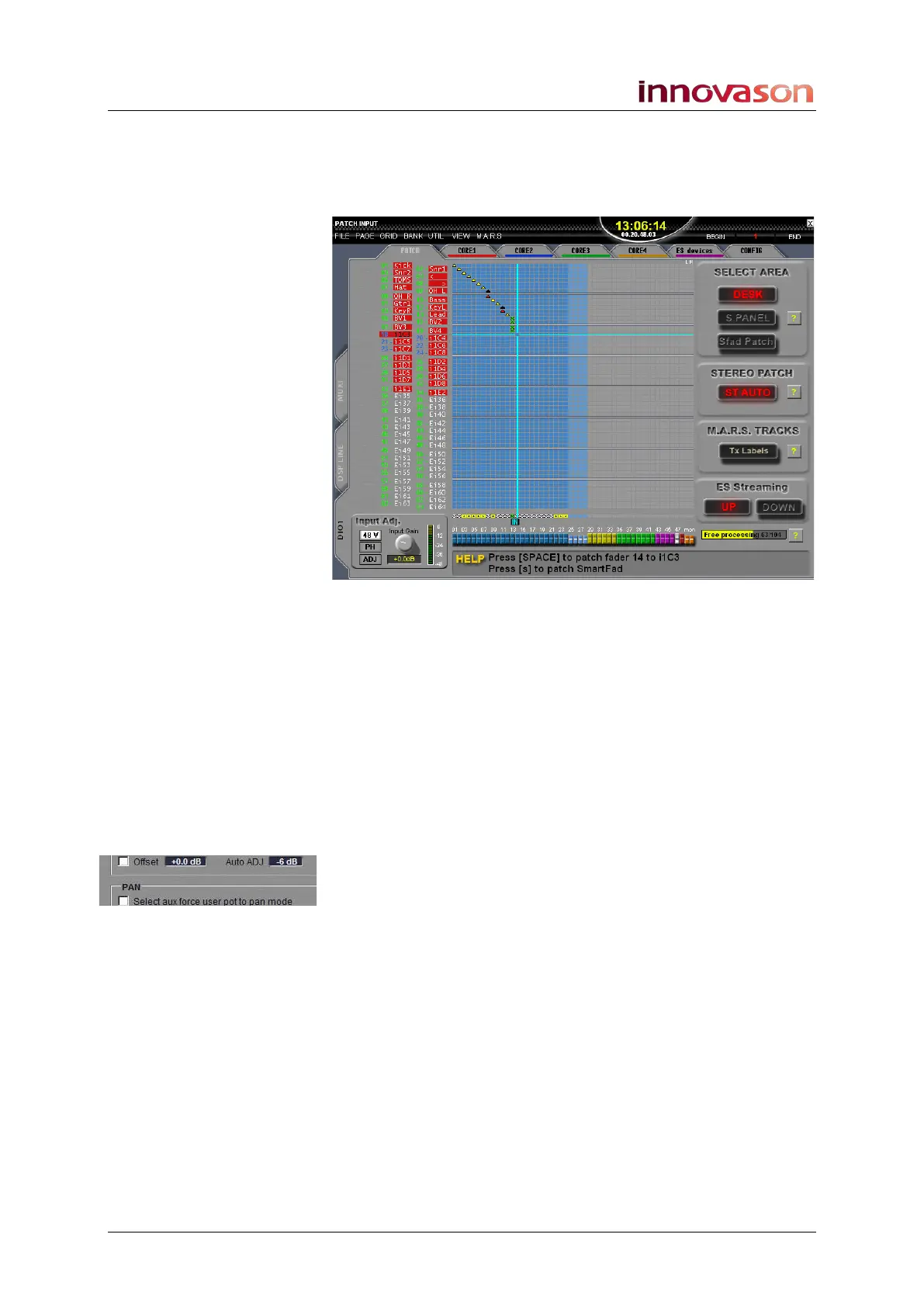
Line Shift/Row Shift
These two functions work together within any grid display – for
example, PATCH INPUT, LINK IO, etc.
1. Turn the Row Shift control to move across the x-axis.
2. Turn the Line Shift control to move up and down the y-
axis.
3. Press down on either control to action the crosspoint.
Auto Adjust
Sets the global Auto Adjust gain, and turns Auto Adjust on or off
for the selected channel.
1. Turn the rotary control to set the Auto ADJ gain.
This is the global level adjustment which be applied to all input
channels with ADJ enabled, see Page 136. This is the same as
using the Auto ADJ option on the General Preferences
window, see Page 428.
2. Press SEL on any input Fader strip or Smart Panel
controller (mono or stereo).
3. And press down on the rotary control to enable or
disable Auto Adjust for the selected channel.



 To Next Page