Chapter 5: Console Operation
Input Channels: Automatic Level Adjust
136/ 526 2.0 Eclipse User Guide
Automatic Level Adjust
This function is only available from the Main Mix display and is
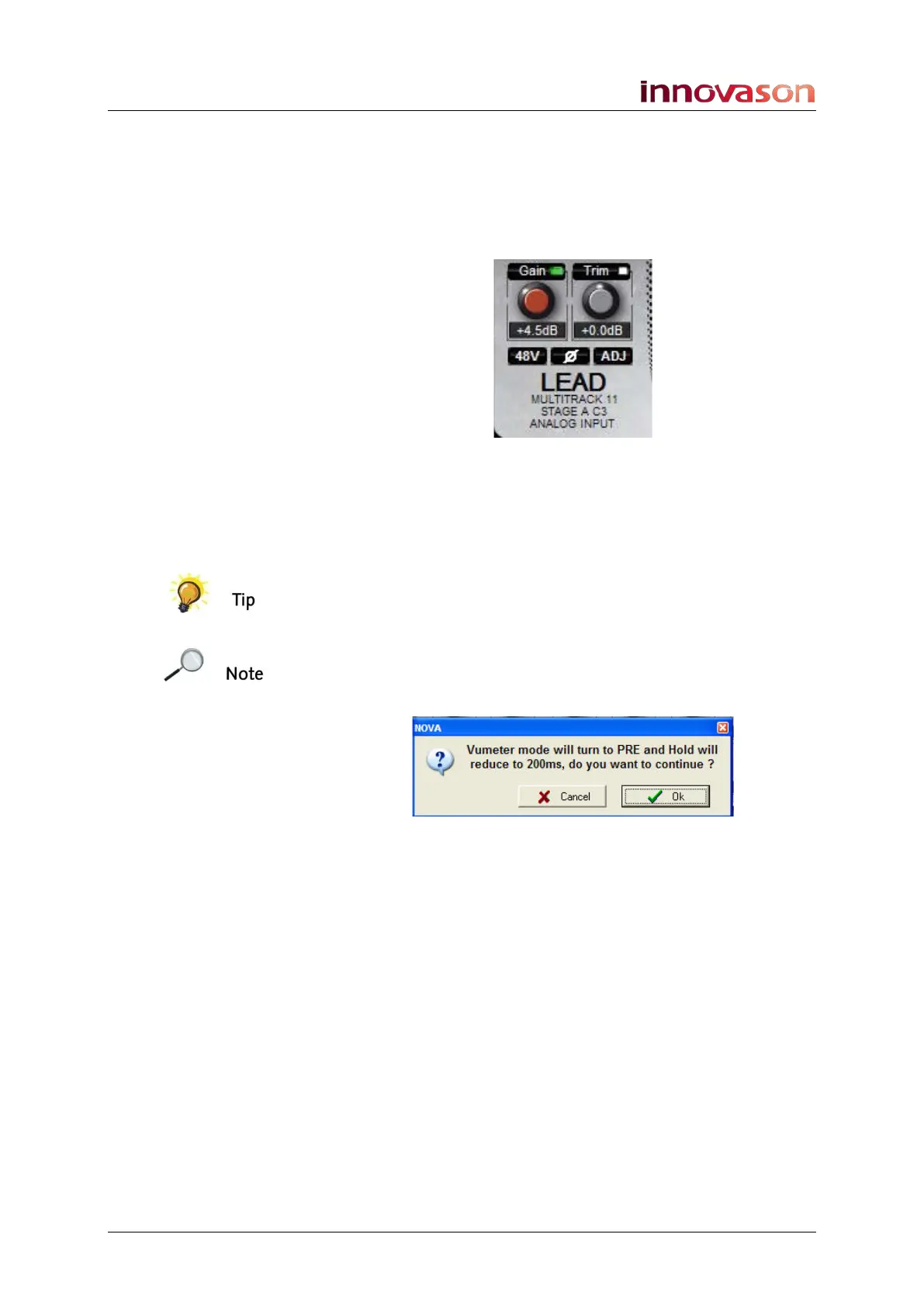
controlled by the on-screen ADJ button. You might use this
function to deal quickly with a situation where all your
microphone sources are suddenly very hot.
1. Click on ADJ to apply an automatic level adjustment to
all input channels across the console.
The level applied is preset within the General Preferences
window, see Page 428. The level can only ever decrease input
gain; there is no option for a + adjustment.
A rotary control on the User Defined panel can be assigned to
the Auto Adjust level, see Page 322.
Note that you can only use the ADJ mode if the console’s VU
meters are pre-processing with a maximum hold time of 200ms.
Therefore, when you activate this function, you will be
presented with the following dialogue box:



 To Next Page