Chapter 5: Console Operation
Input Channels: Input Metering
Eclipse User Guide 2.0 135/ 526
Input Metering
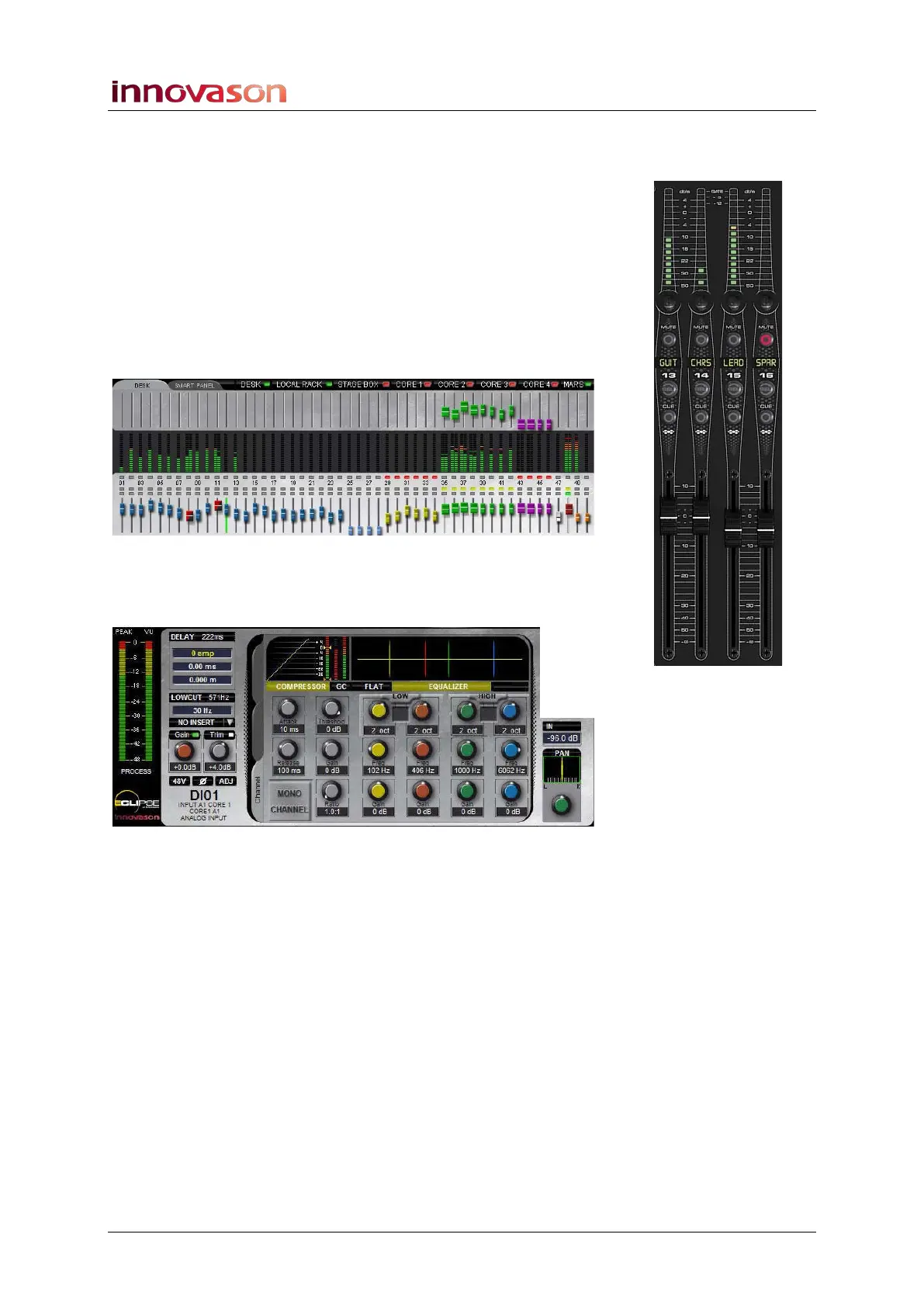
While adjusting gain, it is useful to look at the input channel
metering. There are three meters you can use:
• Fader/Smart Panel VU Meter – on input channels this
meter is always pre-fader and can be switched pre or
post processing from the General Preferences, see
Page 428. This meter also shows any Gate activity.
• Main Mix display DESK/SMART PANEL overview –
these VU meters are identical to those on the console
surface but do not show Gate activity:
• Main Mix display PEAK and VU Metering – these two
meters always meter the selected input pre processing
with VU (average) and PEAK characteristics:



 To Next Page