Chapter 5: Console Operation
Input Channels: INPUT
134/ 526 2.0 Eclipse User Guide
Digital Input Control (all inputs)
All inputs (Mic/Line, Line, AES or Ethersound) have a digital
gain trim after any A-D or SRC conversion.
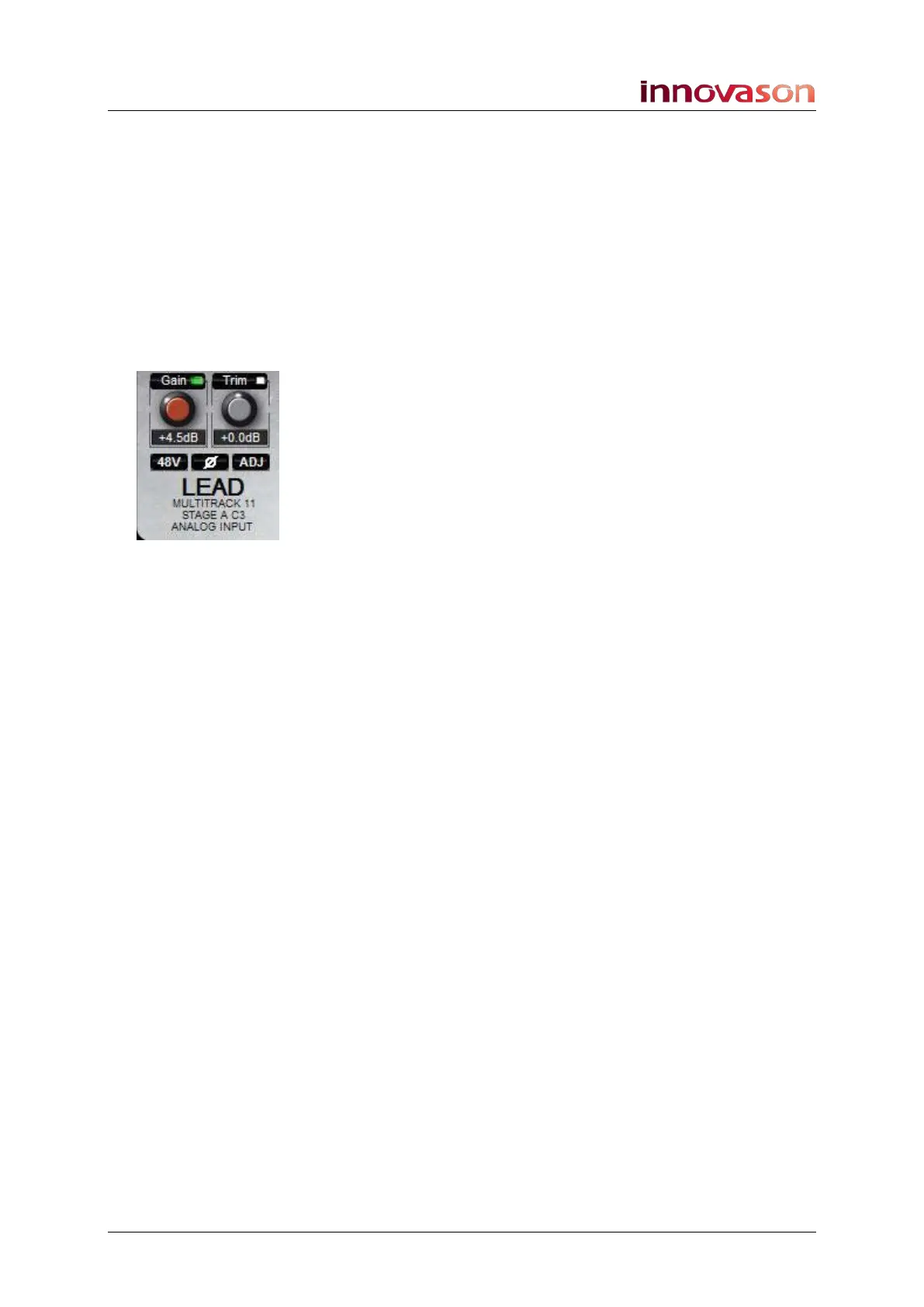
1. Press down on the Gain control until the Trim LED is lit.
2. Turn the Gain control to set the digital Trim level.
Gain may be set from -16dB to +16dB in 1.0 dB steps. The
default Trim level is 0dB.
3. Press the Ø button to reverse the phase of the input.
The Main Mix display shows the status of the settings.
Note that the green LED beside Gain or Trim on the Main Mix
display indicates the action of the front panel Gain control.
Analogue Gain and digital Trim levels may also be adjusted
from the console’s Fader strips, see Page 58 for details.
If you want to adjust a source not assigned to a fader (e.g. a
Talkback mic), use the PATCH DIRECT grid, see Page 256.



 To Next Page