Chapter 5: Console Operation
Input Channels: INPUT
Eclipse User Guide 2.0 133/ 526
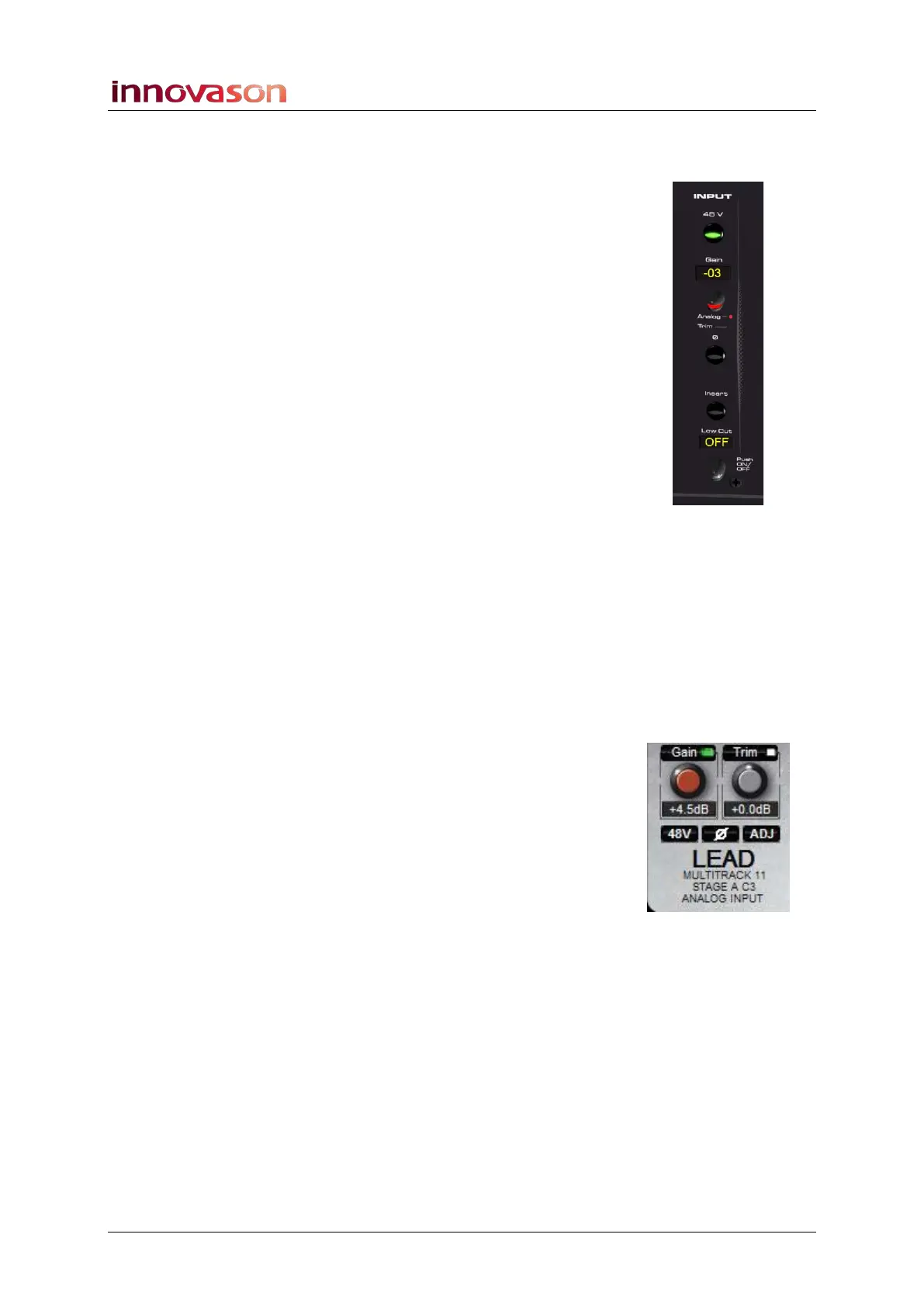
INPUT
The INPUT section controls analogue and digital input settings.
You will be presented with slightly different controls depending
on where your input is connected:
• Inputs connected to a SI-8D3 Mic/line card feature full
analogue control (mic preamp Gain and 48V) plus digital
Trim and phase reverse. For these inputs you should set
the analogue gain for the best A-D conversion, and then
use the digital Trim to set your personal operational
level.
• Other inputs (DSP Line inputs, DI-8S or DI-8Src AES
inputs and Ethersound inputs) have digital Trim and
phase reverse only.
Note that you can set a display offset for microphone input gain
from the General Preferences, see Page 428.
Analogue Input Control (SI-8D3 inputs only)
To remotely control the microphone preamplifier within the
analogue domain prior to the A-D conversion:
1. Press down on the Gain rotary control until the Analog
LED is lit.
2. Turn the Gain control to set the mic gain.
Gain may be set from -27dB to +66dB in 1.5dB steps. The
default Gain for all preamps is 0dB.
3. Press the 48V button to select 48V phantom power.
The Main Mix display shows the status.
The phantom power supply voltage is 48V, and its current is
limited to 6mA.
You can also enter settings from here – for example, click on
the GAIN control to adjust input gain in 1.5dB steps.



 To Next Page