Chapter 6: Console Configuration
User Defined Panel
Eclipse User Guide 2.0 329/ 526
MIDI: MPC and CHAN
These two functions work together and allow you to select and
send a MIDI program change to a MIDI channel. The MIDI data
is transmitted to the MIDI Out at the rear of the Eclipse frame.
Note that MIDI out must be enabled on the Main Mix display
before MIDI signals are transmitted, see Page 381.
1. Turn the MPC (MIDI Program Change) control to select
a program number.
The selected number appears in the Label display above the
control.
2. Turn the CHAN (MIDI Channel Select) control to select
the MIDI channel.
The selected number appears in the Label display above the
control.
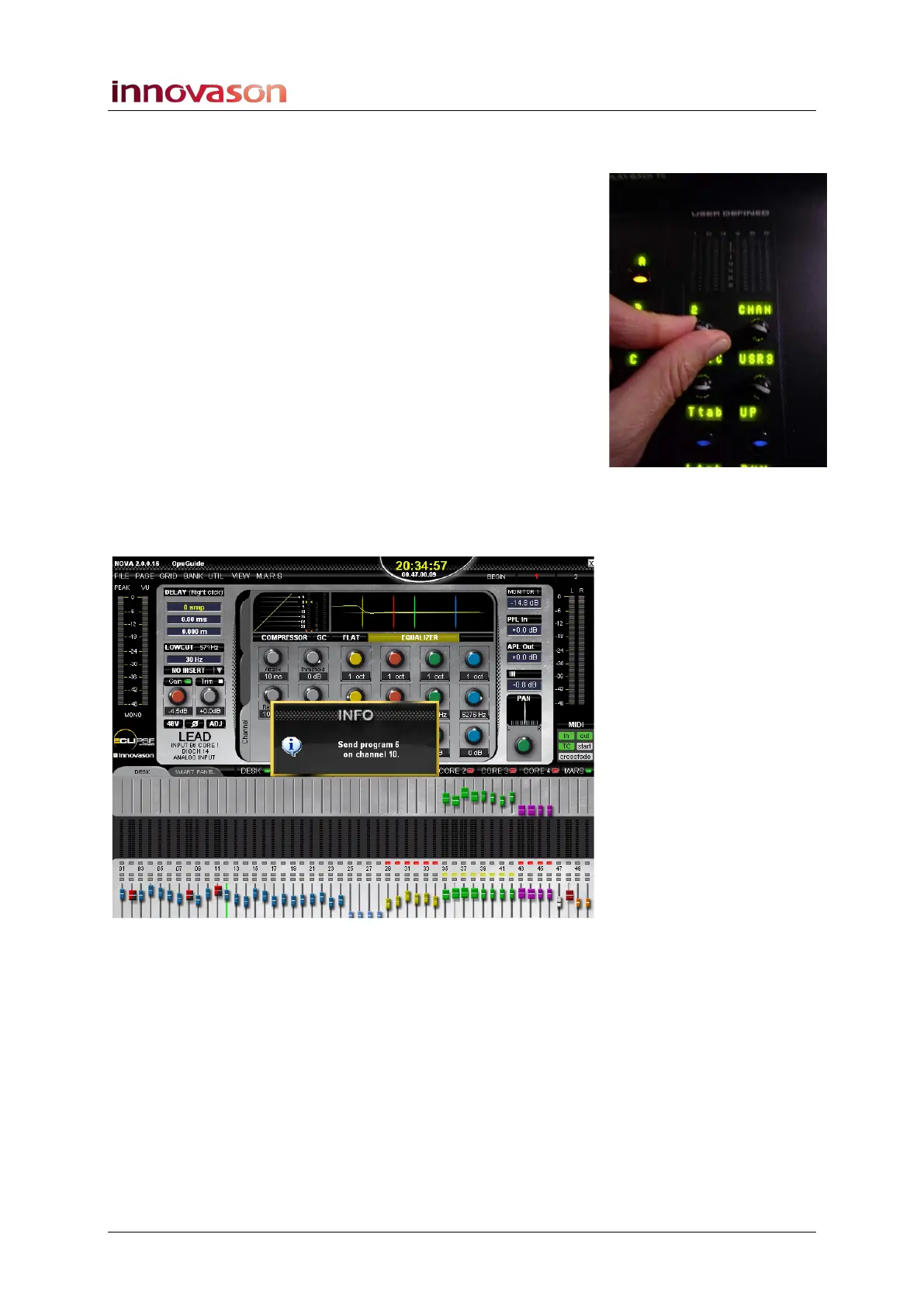
3. Press down on the MPC control to send the data.
An INFO window appears momentarily confirming the
operation:



 To Next Page