Chapter 6: Console Configuration
User Defined Panel
330/ 526 2.0 Eclipse User Guide
Xfade: TIME
This rotary control can be used to adjust the crossfade time.
The operation is similar to using a crossfade fader, see Page
378.
1. Turn the rotary control to adjust the crossfade speed
factor.
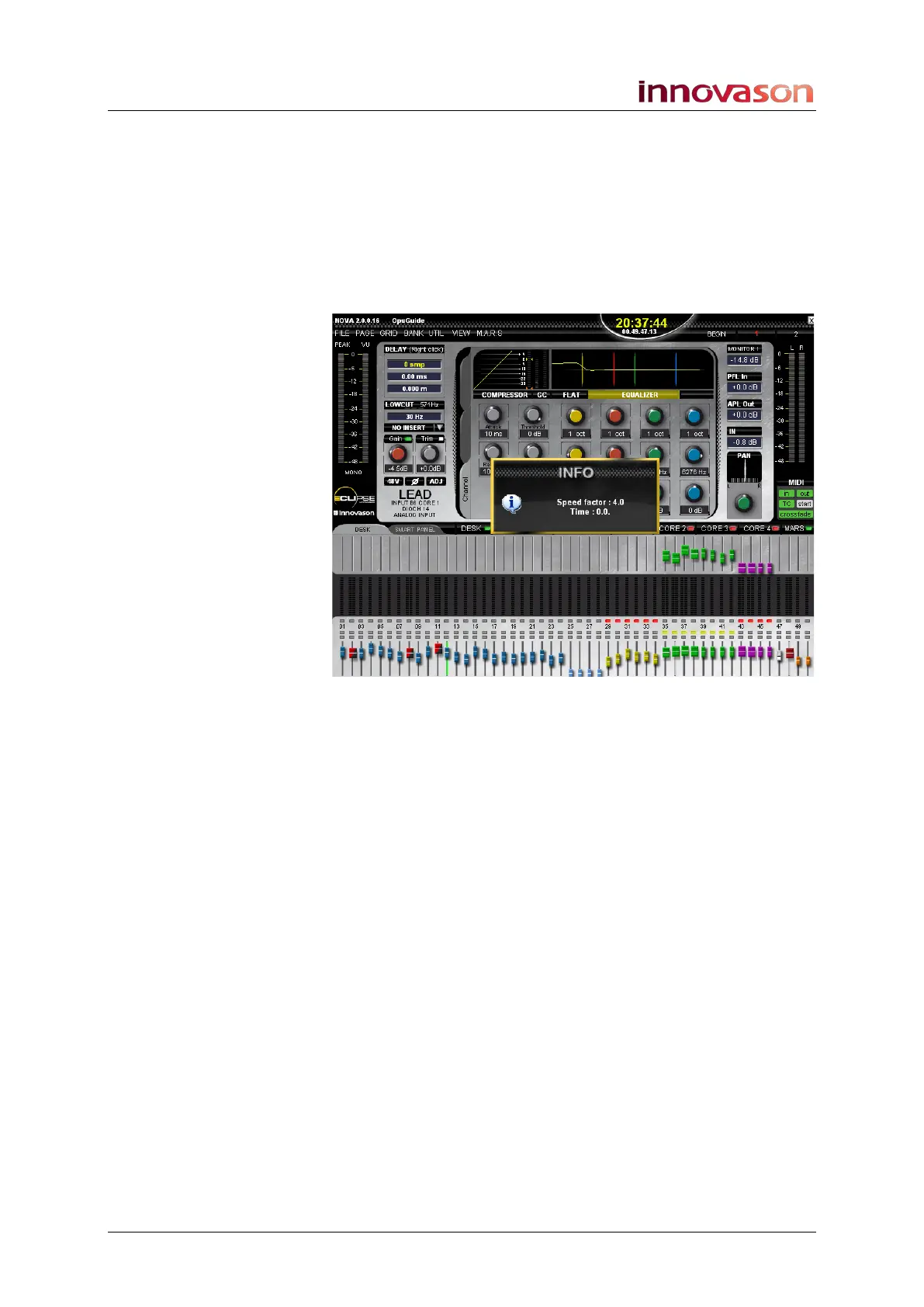
An INFO pop-up appears confirming the current parameters:
2. Press down on the control to turn crossfading on or off.
An INFO pop-up appears confirming the status.
LiteLight
Adjusts the brightness of the Littlelites.
1. Turn the rotary control to adjust the brightness.
Desk LED
Adjusts the brightness of the VU meters, switch LEDs or ID
indicators on the Fader strips and Smart Panel controllers.
1. Press down on the rotary control to change between the
three modes.
The Label above the control updates to show:
• VUM = VU meters
• LED = switch LEDs
• ID = ID colours
2. Turn the rotary control to adjust the brightness.



 To Next Page