Chapter 6: Console Configuration
User Defined Panel
340/ 526 2.0 Eclipse User Guide
To delete a Keys Config
To delete a Keys Config file:
1. Select the KEYS CONFIG DELETE button.
A file selection window appears on the Nova screen.
2. Select the file you wish to delete.
3. Confirm by pressing OK or clicking on Open.
Note that the file is deleted immediately; there is no additional
level of confirmation.
To export a Keys Config
Each Keys Config file can be saved to (or loaded from) a USB
stick so that configurations may be transferred between
consoles.
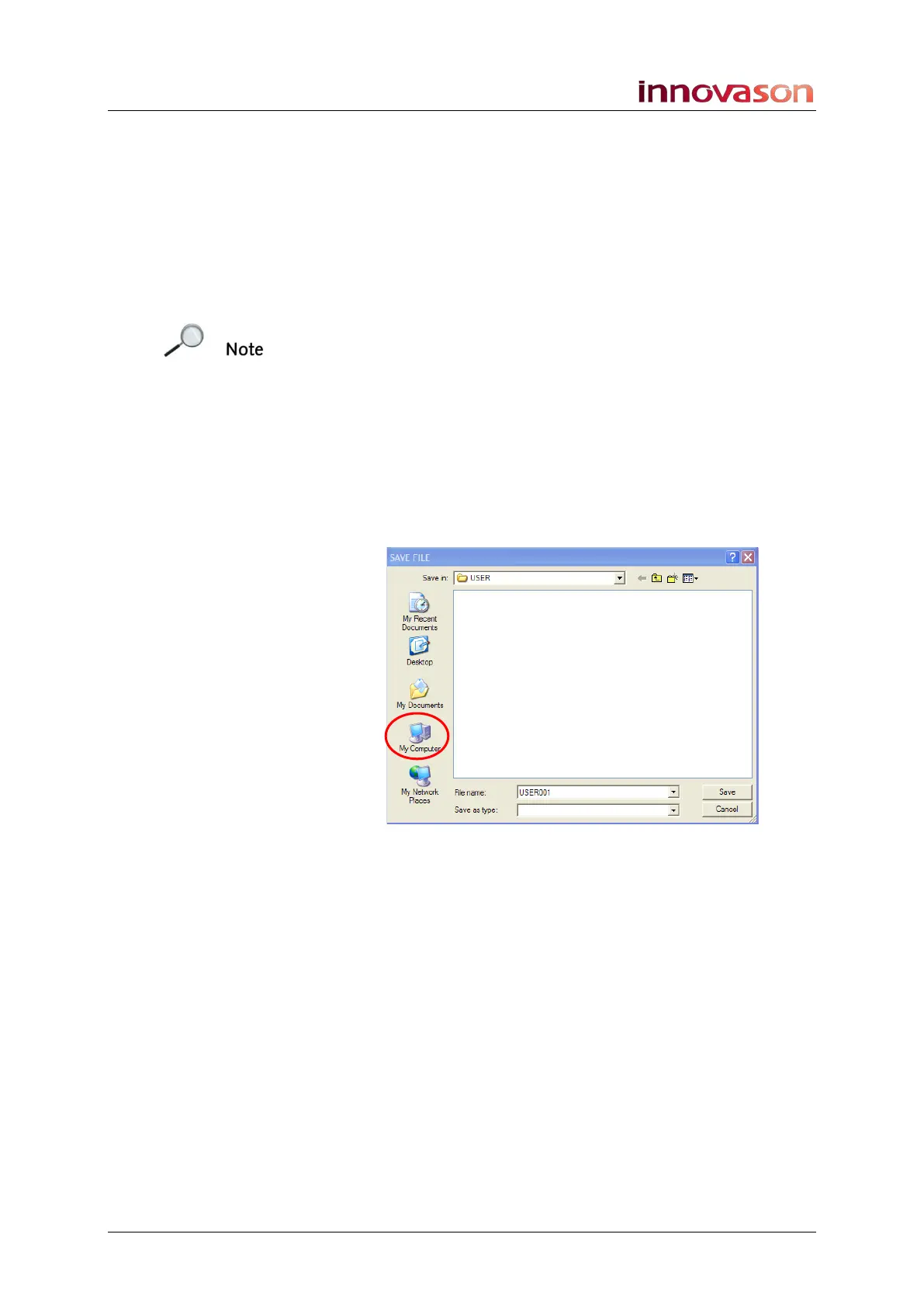
Repeat the steps for saving (or loading) a Keys Config file, but
in the file selection window, use the My Computer option to
access your USB drive:



 To Next Page