Chapter 6: Console Configuration
User Defined Panel
Eclipse User Guide 2.0 339/ 526
2. Then select the KEYS CONFIG SAVE button.
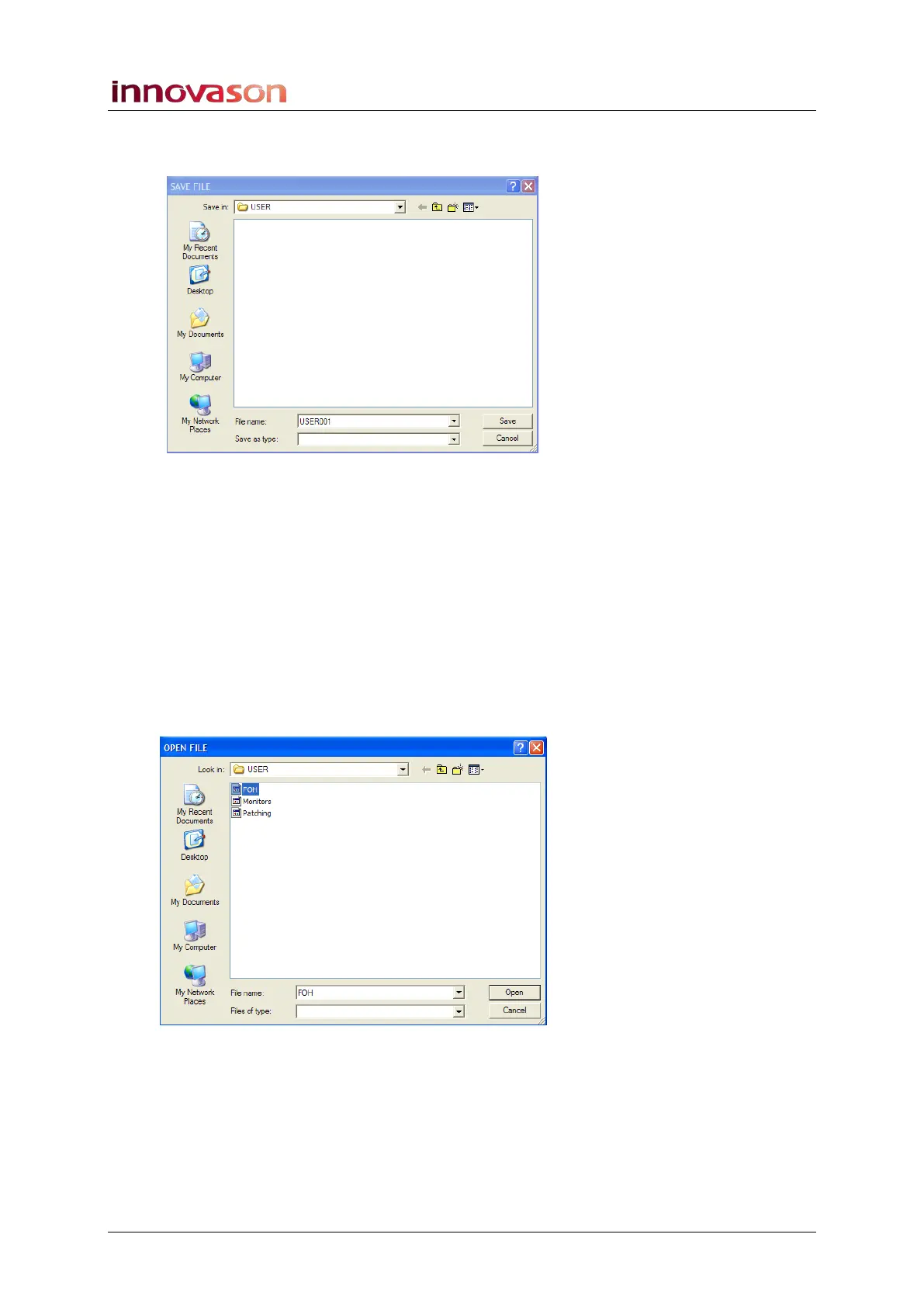
A window requesting a filename appears on the Nova screen:
3. Type in a name on the console keyboard – e.g.
Patching.
4. Confirm by pressing OK or clicking on Save.
Nova now saves all the User Defined panel assignments into a
Keys Config file.
To load a Keys Config
To load a different configuration:
1. Select the KEYS CONFIG LOAD button.
A file selection window appears on the Nova screen:
2. Select the configuration you wish to load.
3. Confirm by pressing OK or clicking on Open.
The assignments are loaded to the User Defined panel.



 To Next Page