Chapter 7: Reset and Automation
File Management
Eclipse User Guide 2.0 349/ 526
Saving a Default File
This function lets you save a default configuration which will be
offered each time the user creates a new File using the “File ->
New” command. This allows you to prepare a template which
can be used whenever the user starts a new show.
1. Configure the console with the default Page settings you
wish to store. The template may contain multiple Pages
if you wish.
2. Select “File -> Save As”.
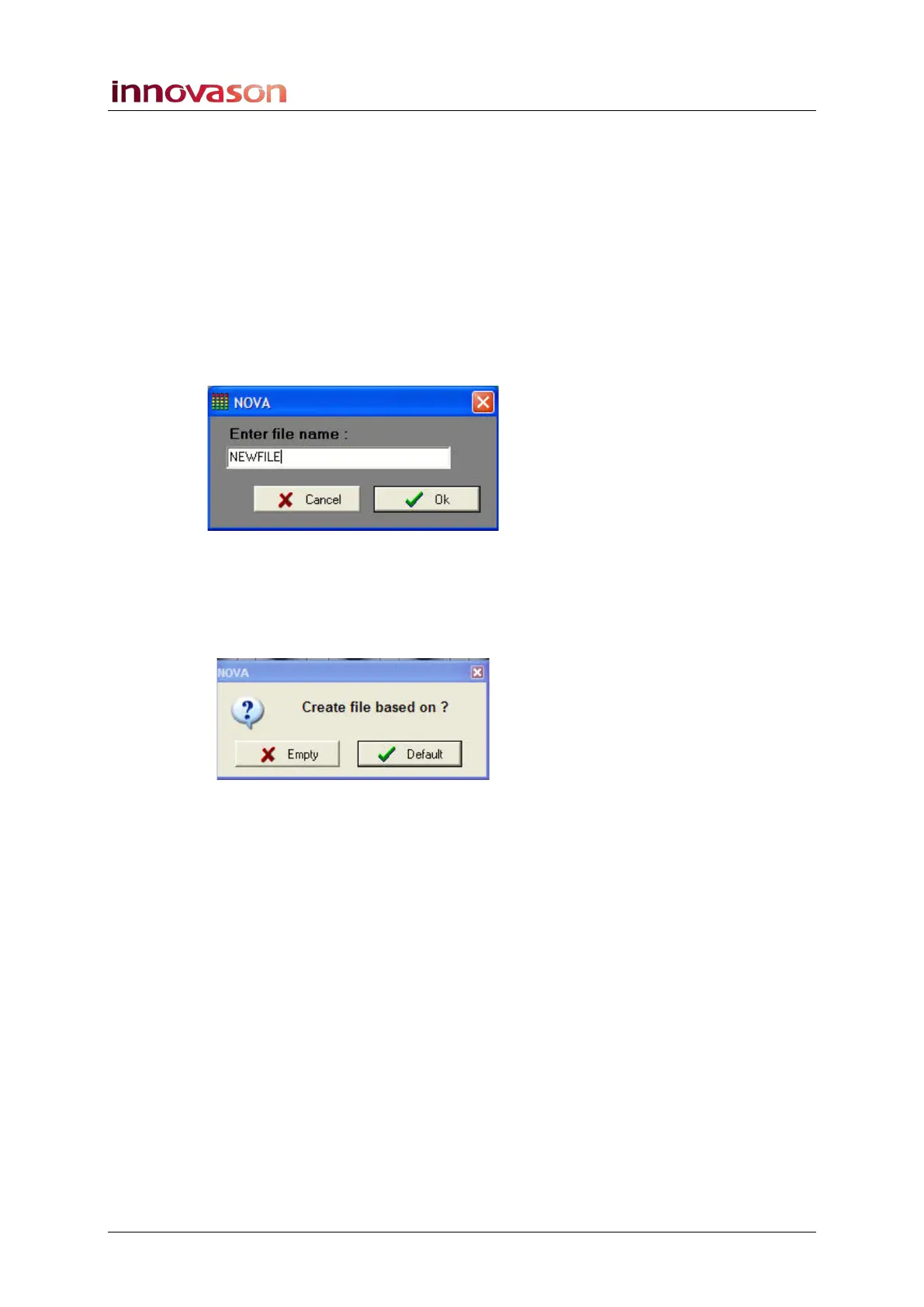
3. Enter the following file name:
4. Press OK.
All Pages in RAM are stored in a File named “NEWFILE”.
From here on, whenever you select “File -> New”, you will be
asked if you wish to use the Default file:
• Click on Default (or press OK) to create a new file
based on the template (NEWFILE).
• Click on Empty to create a new empty File with a single
empty Page – blank Page, no Labels, patches, settings,
etc.



 To Next Page