Chapter 7: Reset and Automation
Page Management
Eclipse User Guide 2.0 359/ 526
Saving a Page
As you work, you may wish to save a single Page to hard disk,
rather than saving all Pages using Save File.
The Save Page function saves the current Page in RAM into
the active File on disk.
Note that if a Page of the same name is already stored in the
File, then it will be replaced when you save. For example, using
Save Page in the example below saves Song2 into the File
named FOHSetup. If a Page named Song2 already existed in
this File then it is overwritten:
You can use either of the following to save the current Page:
• “Page -> Save” – saves the Page under its existing
name.
• “Page -> Save As” – saves the Page with a new name.
Page -> Save
To save the Page:
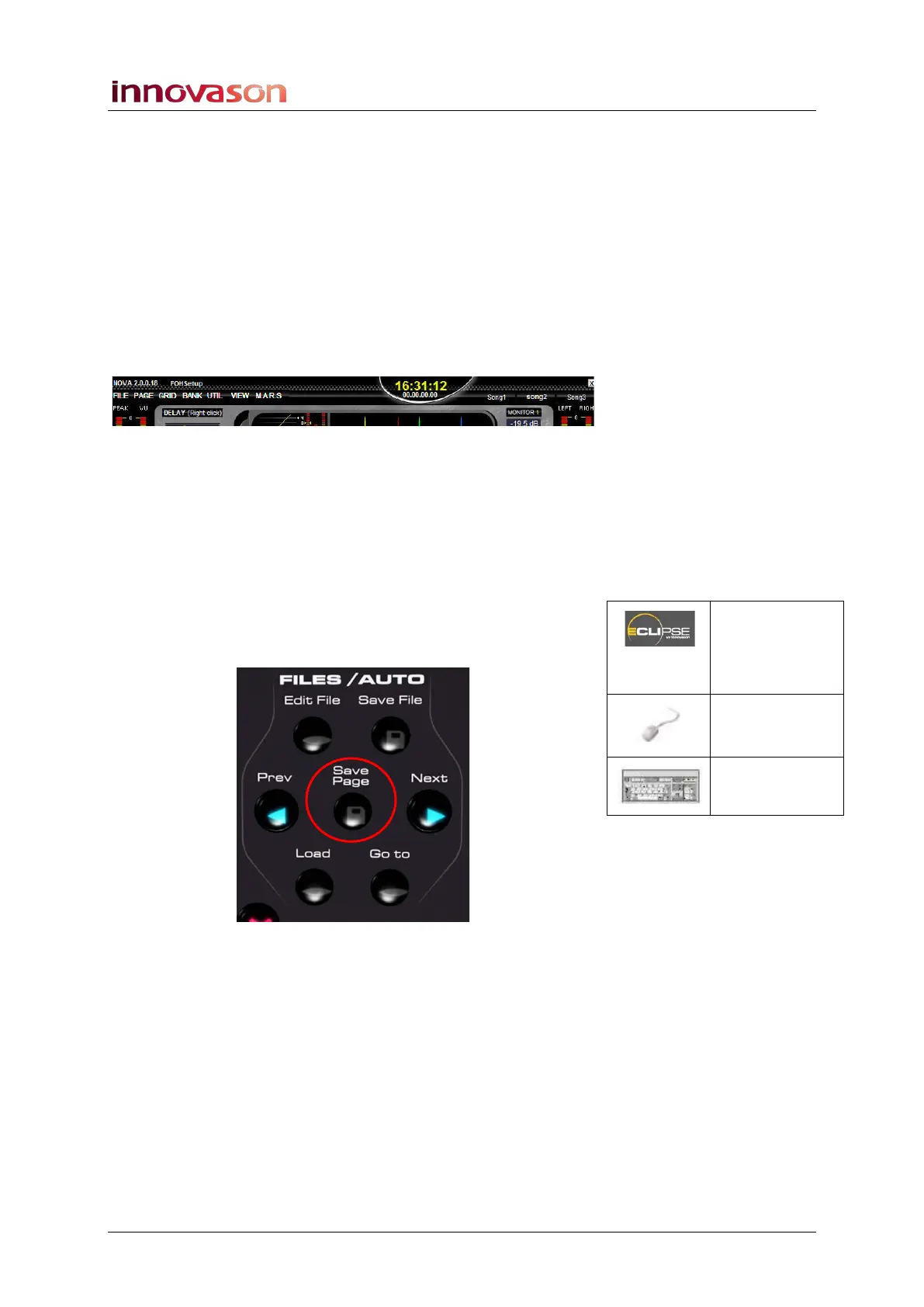
1. Press the Save Page button on the FILES/AUTO panel:
The button lights (red) as data is writing to the hard disk.
The current Page in RAM has now been saved into the active
File.
Save Page
(FILES /
AUTO)
“PAGE ->
Save”
[ALT] + [W]



 To Next Page