Chapter 7: Reset and Automation
The Play List (Automation)
Eclipse User Guide 2.0 373/ 526
Setting the MTC Mode
The console can work in one of two MTC modes:
• PLAY - In this mode the MTC activates Page changes
according to the MTC events defined within the Play
List. Use this mode during the show to synchronise
Page changes to MTC.
• RECORD – Use this mode during rehearsals to enter
MTC values to the Play List on the fly. When active, the
REC LED is red and the MTC box turns red.
Programming Page Changes
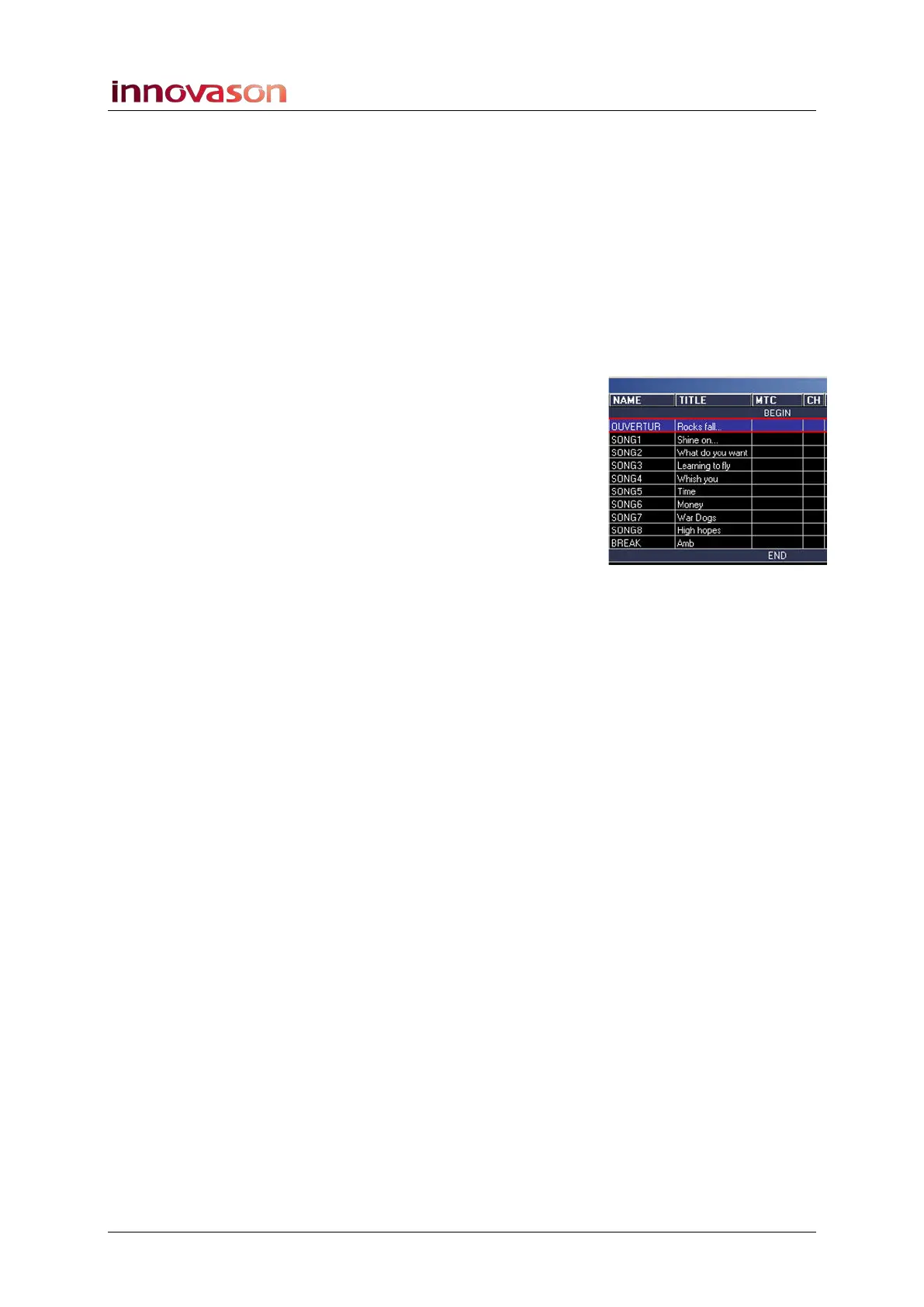
Having configured the MIDI timecode, you can now program the
Page changes using the column headed MTC within the Play
List. You can enter a timecode manually, by typing in a value,
or on the fly, using the RECORD MTC Mode.
To enter values manually:
1. Select the first Page to be synchronised.
2. In the MTC cell, type in the MTC value required.
Timecode entries must be made in the form HH:MM:SS:FF
• HH = hours, ranging from 00 to 23
• MM = minutes, ranging from 00 to 59
• SS = seconds, ranging from 00 to 59
• FF = frames, ranging from 00 to 29
3. Confirm by pressing [ENTER].
4. Repeat for each of the Pages to be programmed.



 To Next Page